Katydid is a FreeCAD workbench written in Python. Installing it means putting its folder into FreeCAD’s Mod folder; there is nothing to compile.
Requirements
FreeCAD |
1.0 or newer (developed and tested on 1.1) |
Qt bindings |
PySide6, which FreeCAD 1.1 bundles |
Python packages |
none beyond what FreeCAD ships; numpy, also bundled, makes Monte Carlo about 50 times faster |
Operating system |
Windows, Linux or macOS (day-to-day testing is on Windows) |
| Not sure which FreeCAD you have? Open . Katydid needs version 1.0 or later. |
Find your Mod folder
Every FreeCAD user has a personal Mod folder for workbenches. The quickest way to find it is to ask FreeCAD:
-
Open .
-
Type the following and press Enter:
App.getUserAppDataDir() -
Your
Modfolder is theModsub-folder of the path it prints. Create it if it does not exist.
Typical locations:
Windows, FreeCAD 1.1 |
|
Windows, FreeCAD 1.0 |
|
Linux |
|
macOS |
|
Option A: clone with Git (recommended)
Cloning makes updates a single command.
cd "<your Mod folder>"
git clone https://github.com/Foadsf/Katydid.git
To update later:
cd "<your Mod folder>/Katydid"
git pull
Option B: download a ZIP
-
On the GitHub page, choose Code then Download ZIP.
-
Unzip it into your
Modfolder. -
Rename the folder from
Katydid-maintoKatydid.
Option C: FreeCAD’s Addon Manager
The Addon Manager can install from any Git repository you add to its list:
-
Open .
-
Under Custom repositories, add
https://github.com/Foadsf/Katydidwith branchmain. -
Open , find Katydid and install it.
The Addon Manager then also tells you when updates are available.
Check that it works
-
Restart FreeCAD.
-
Pick Katydid in the workbench drop-down (or ).
-
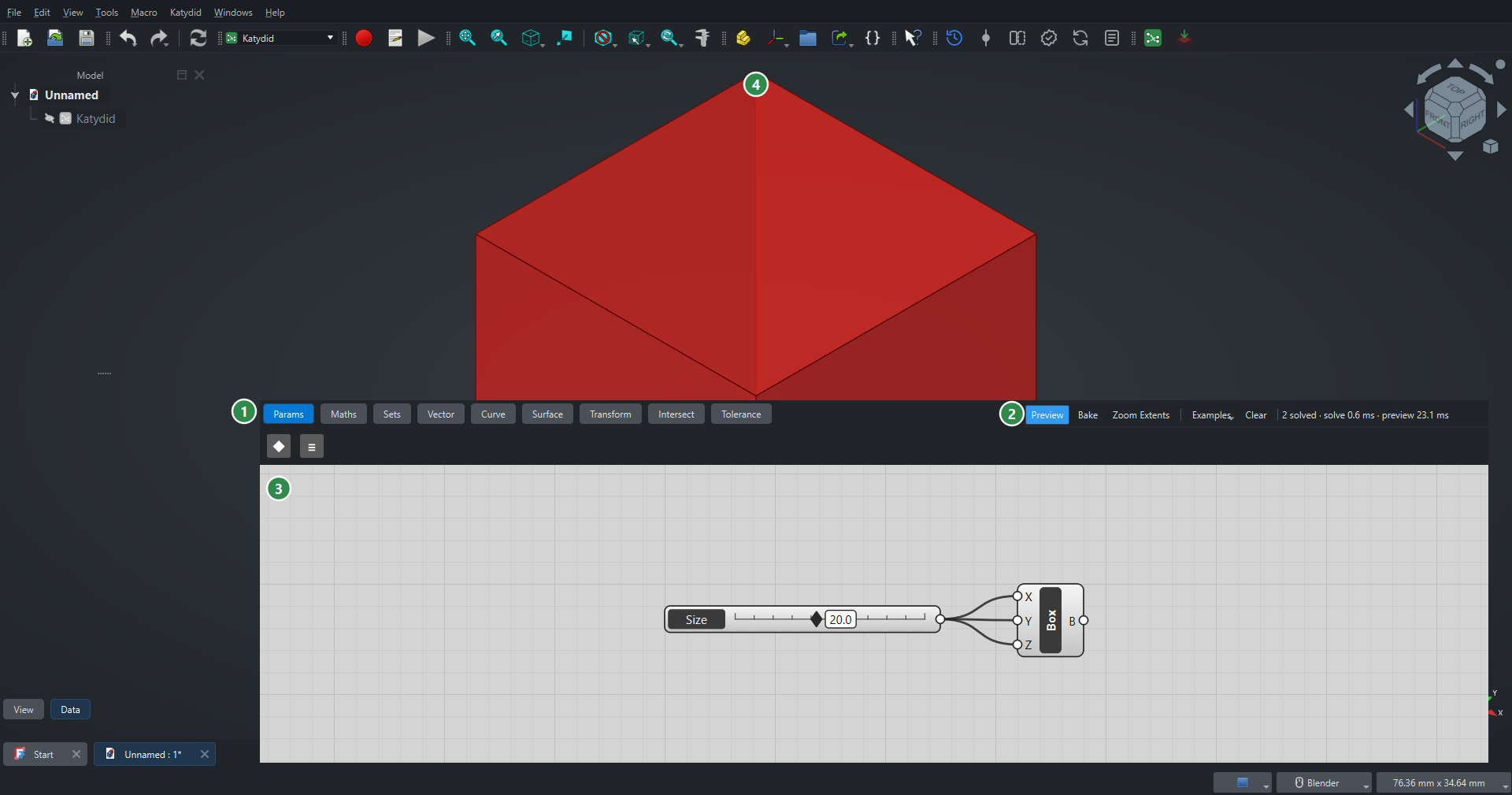
The Katydid canvas opens as a floating window, and a Katydid menu and toolbar appear.
-
Choose on the canvas toolbar. Four red boxes should appear in the 3D view.
If they do, you are ready for the quick start.
Uninstall
Close FreeCAD and delete the Katydid folder from your Mod folder. Files you saved keep their Katydid definitions; they simply are not used until Katydid is installed again.
If something goes wrong
See Troubleshooting. The most common cause is a folder nested one level too deep (Mod/Katydid/Katydid/InitGui.py): InitGui.py must sit directly in Mod/Katydid.