A Grasshopper-style visual programming canvas for FreeCAD: wire components together, drag a slider, and watch the geometry update live. With data trees, 57 components and tolerance analysis built in.
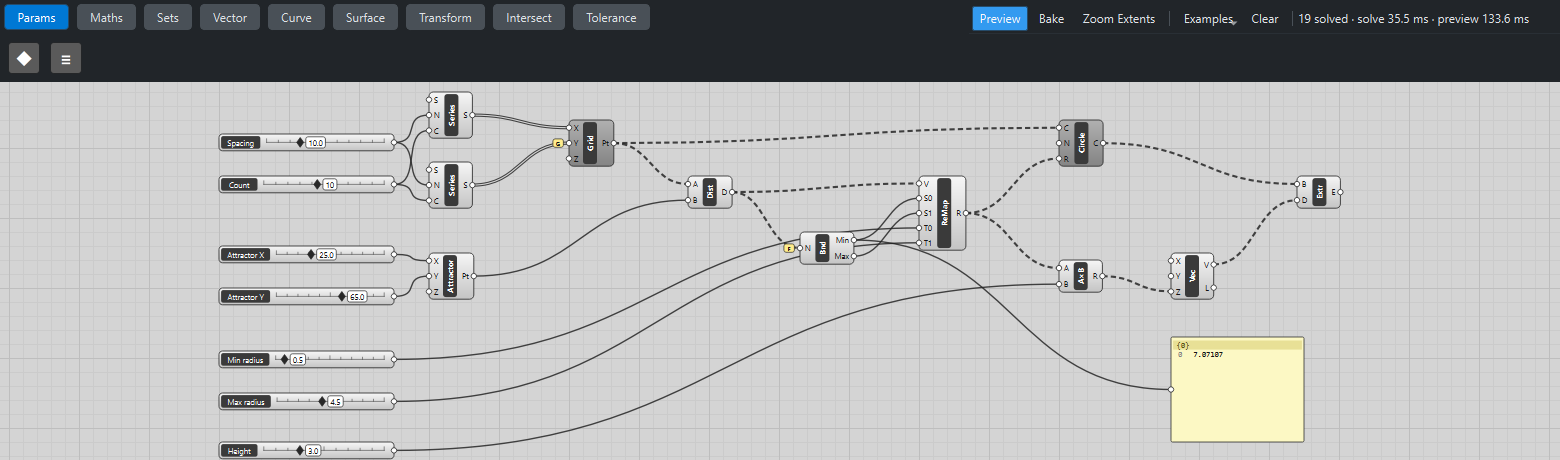
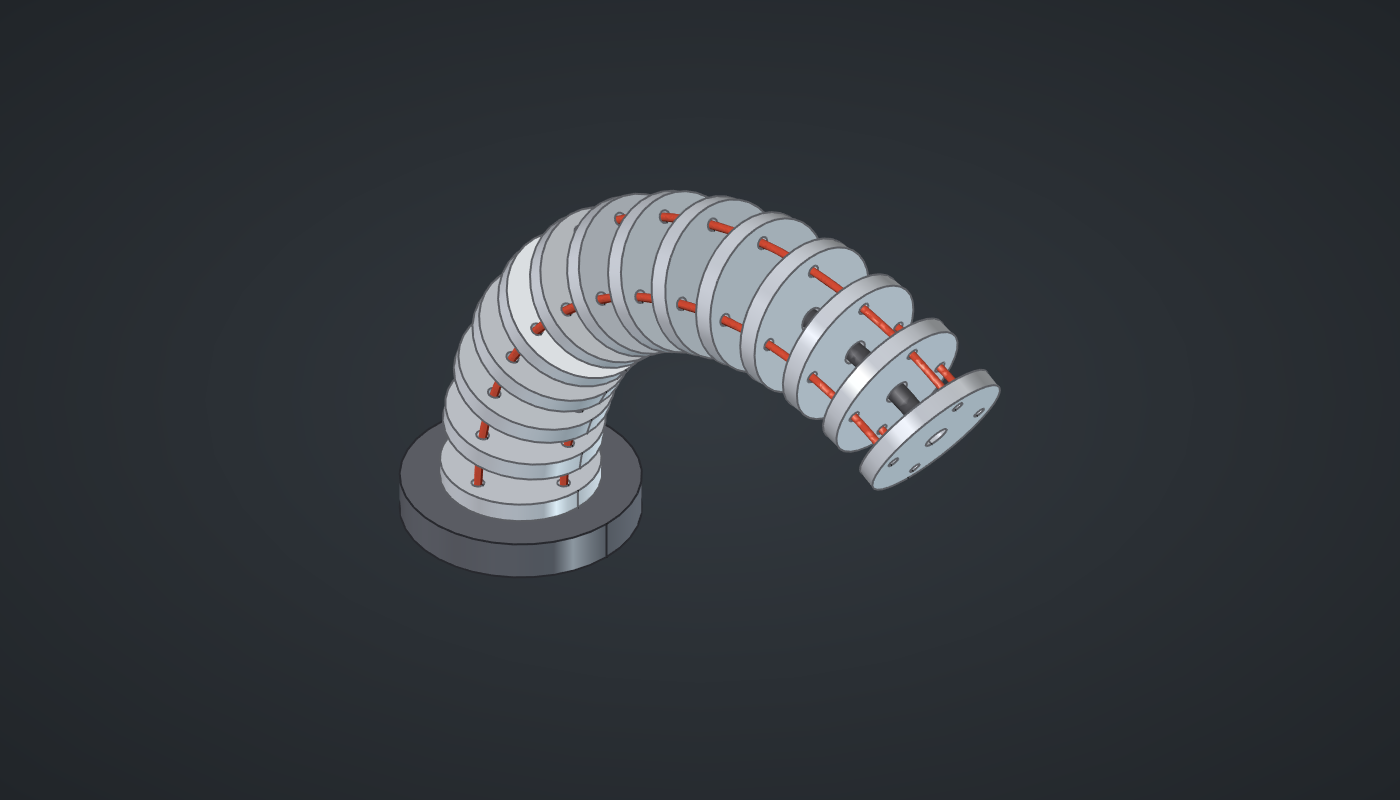
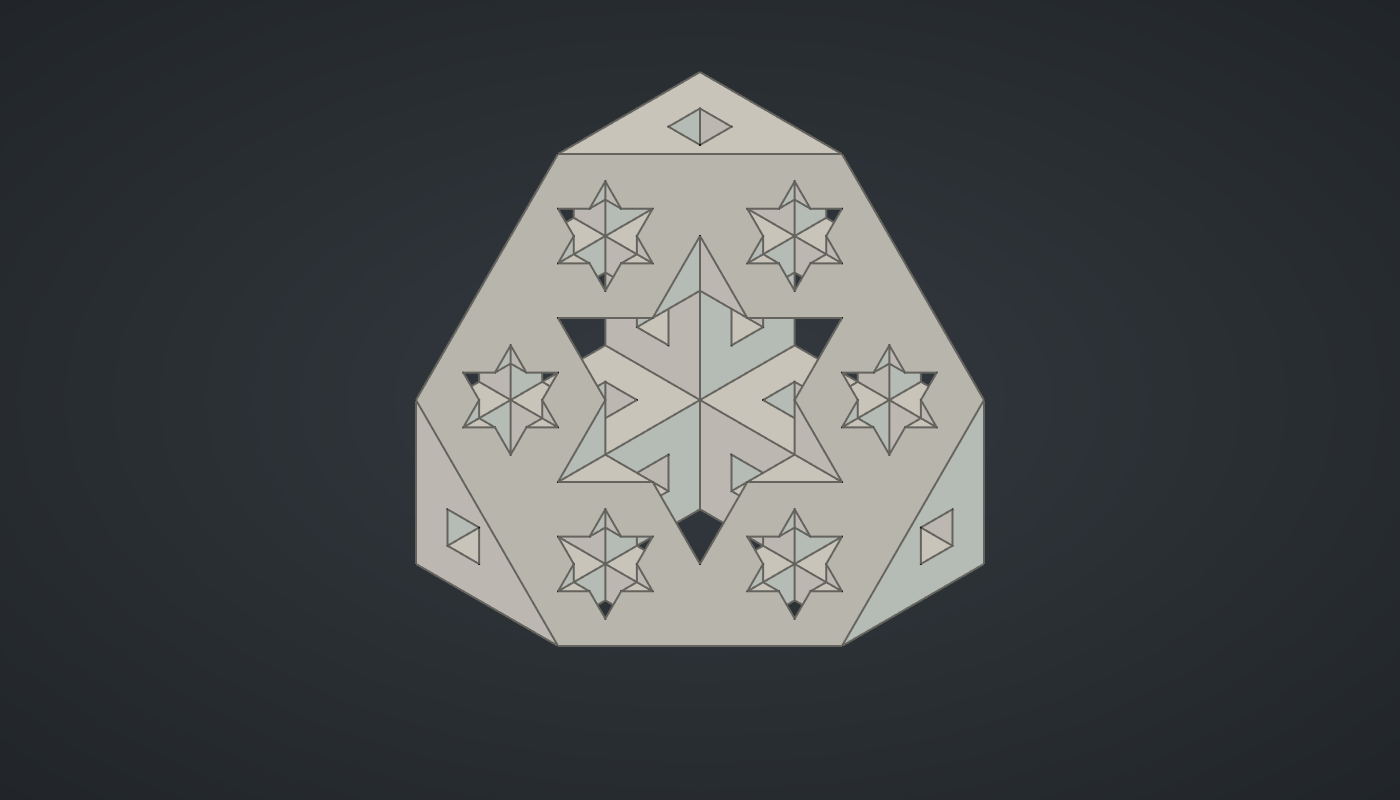
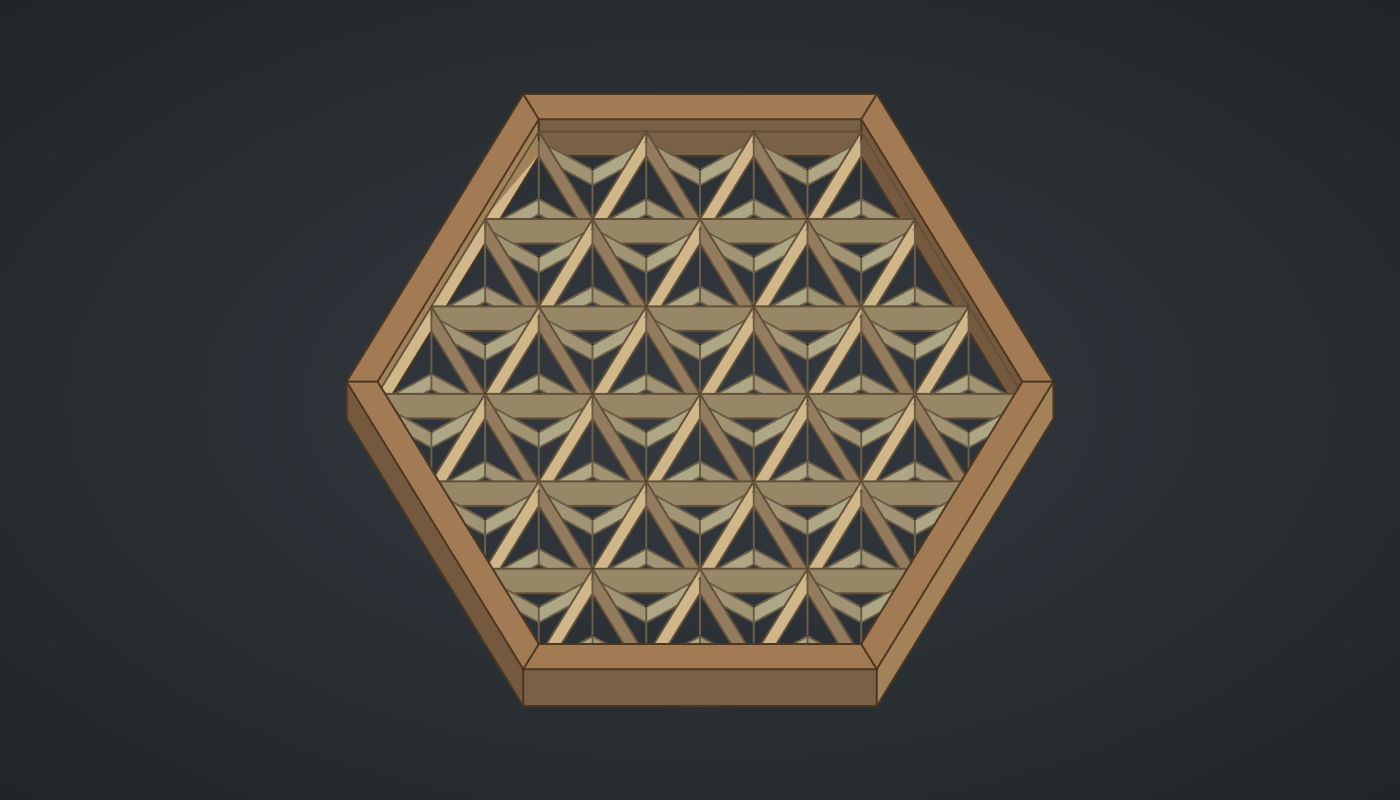
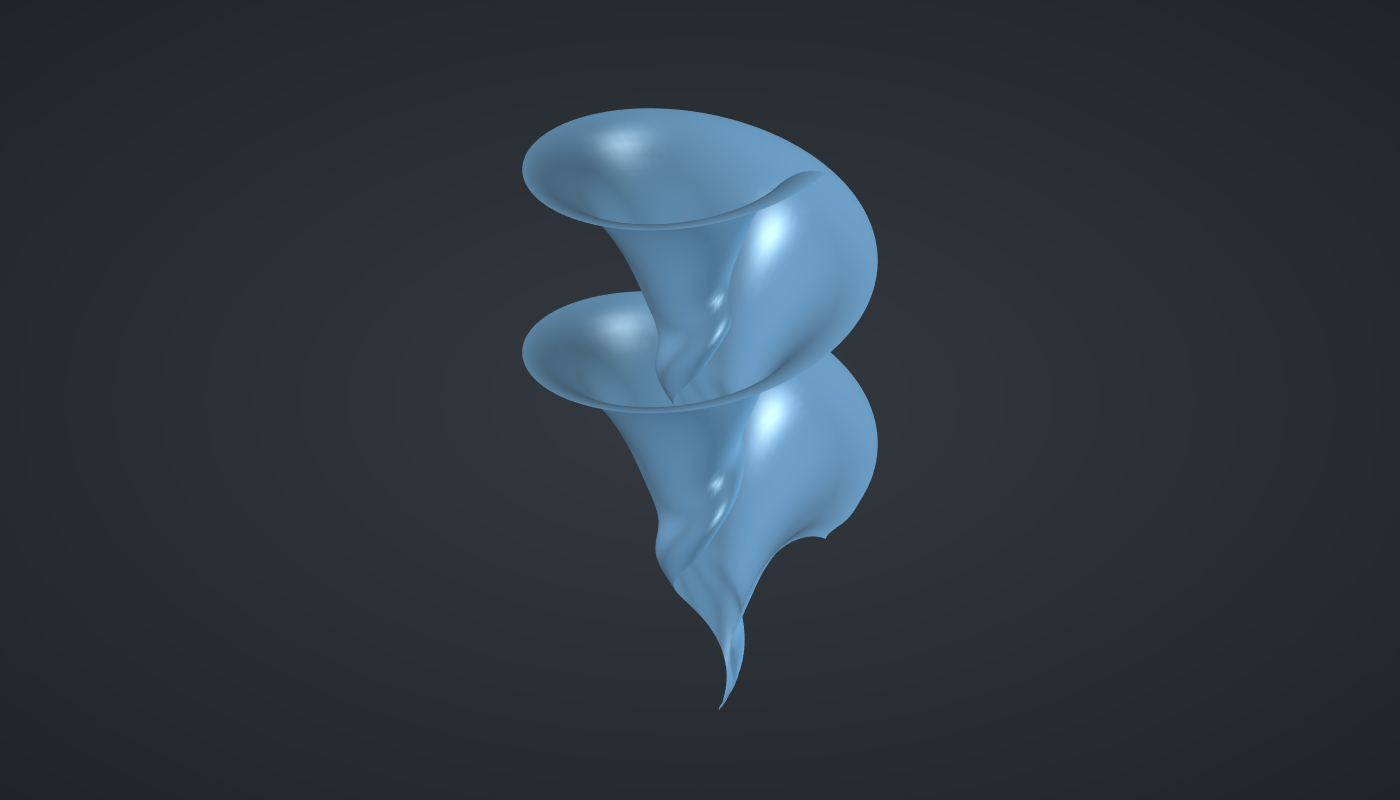
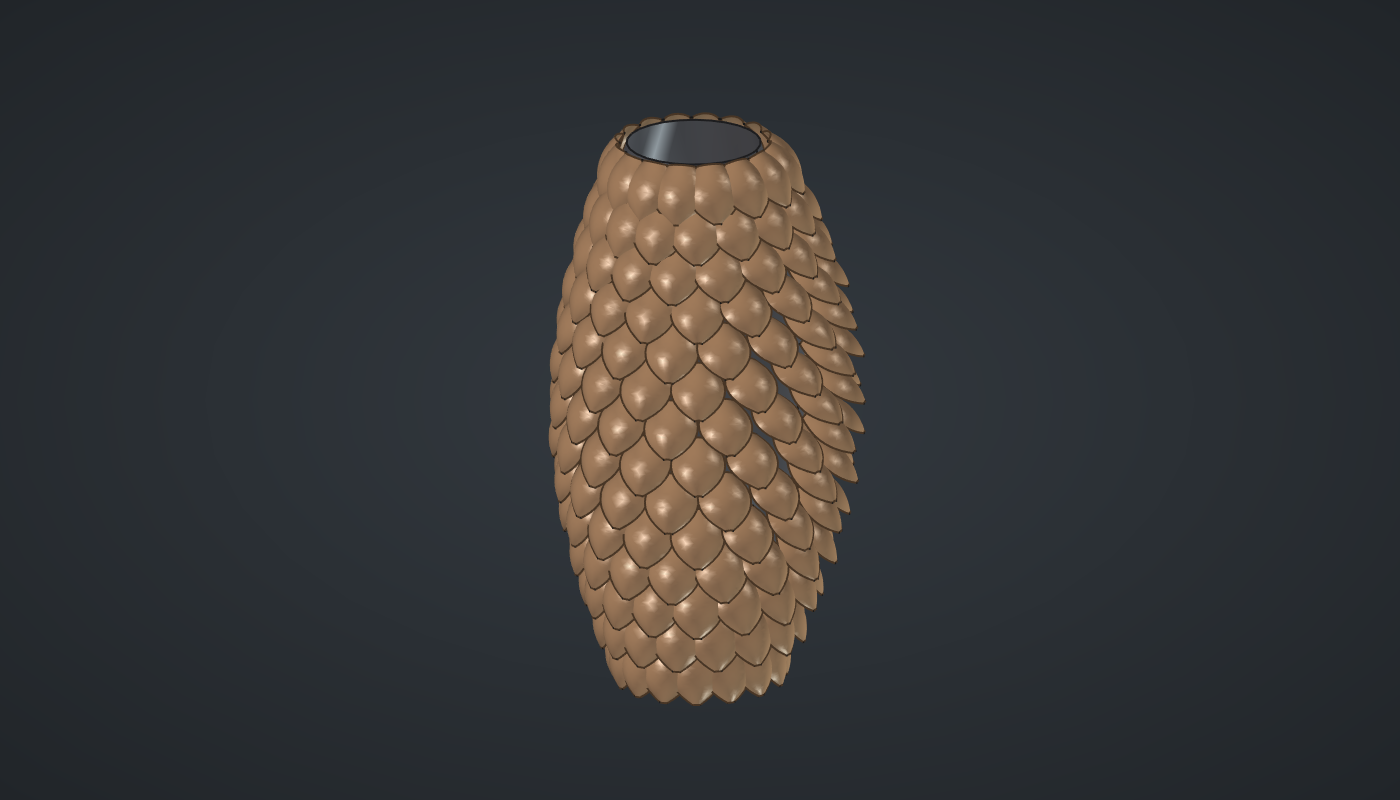
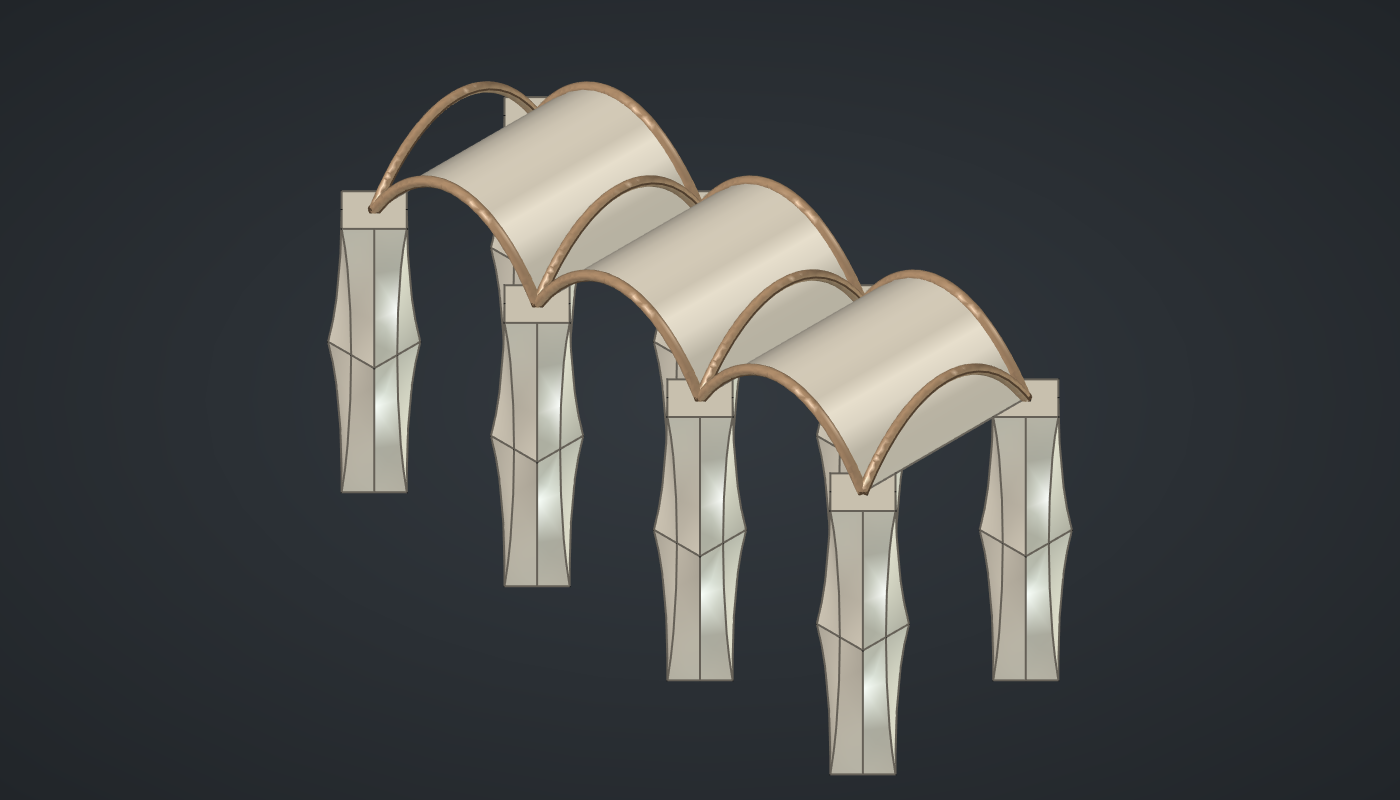
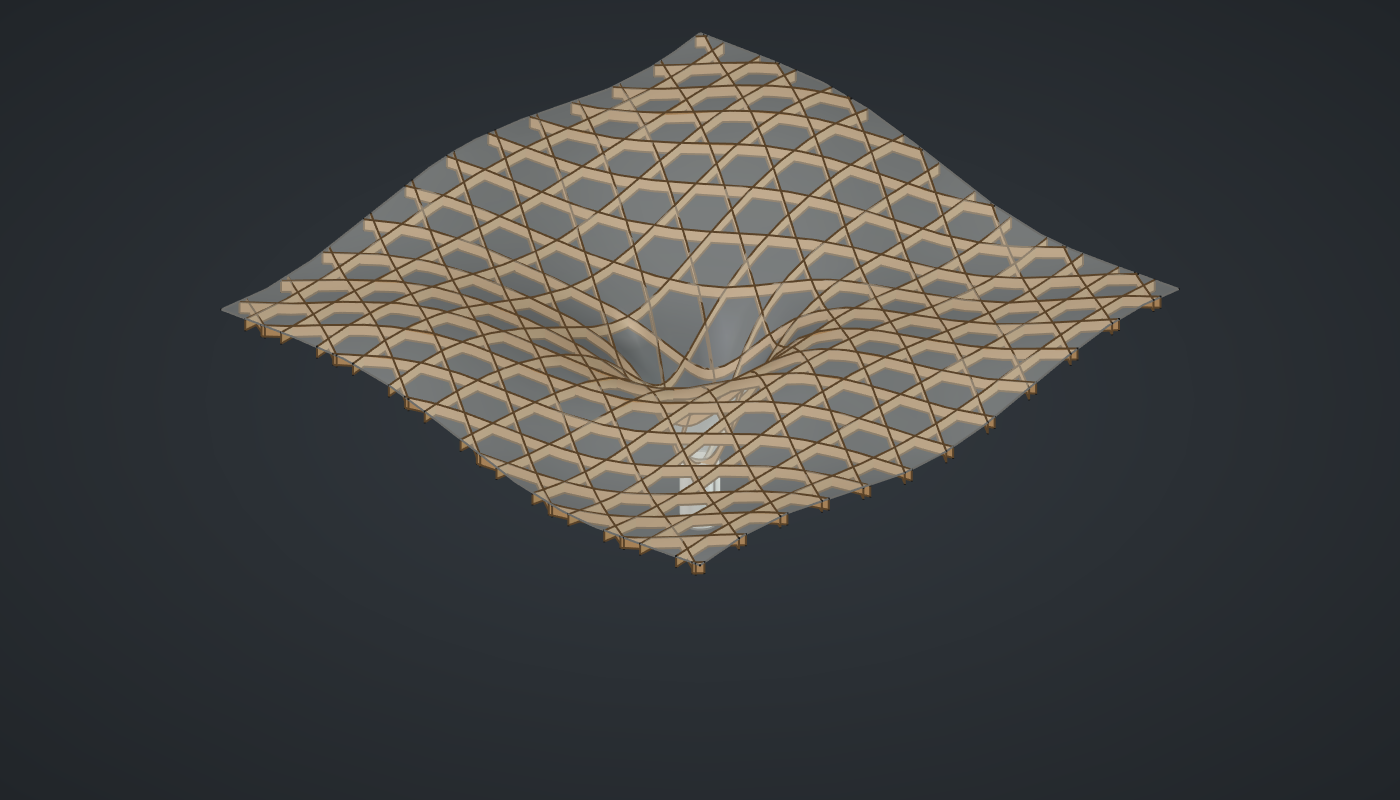
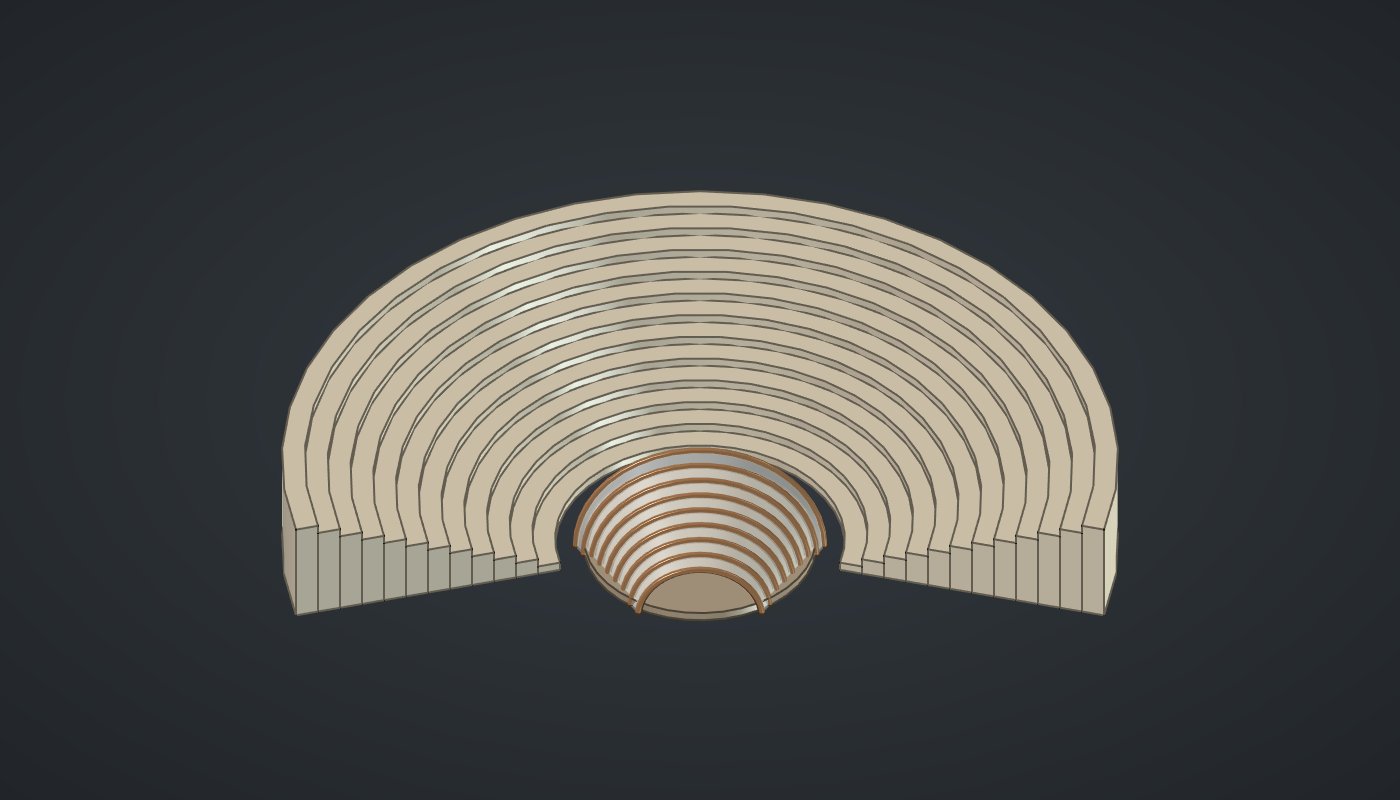
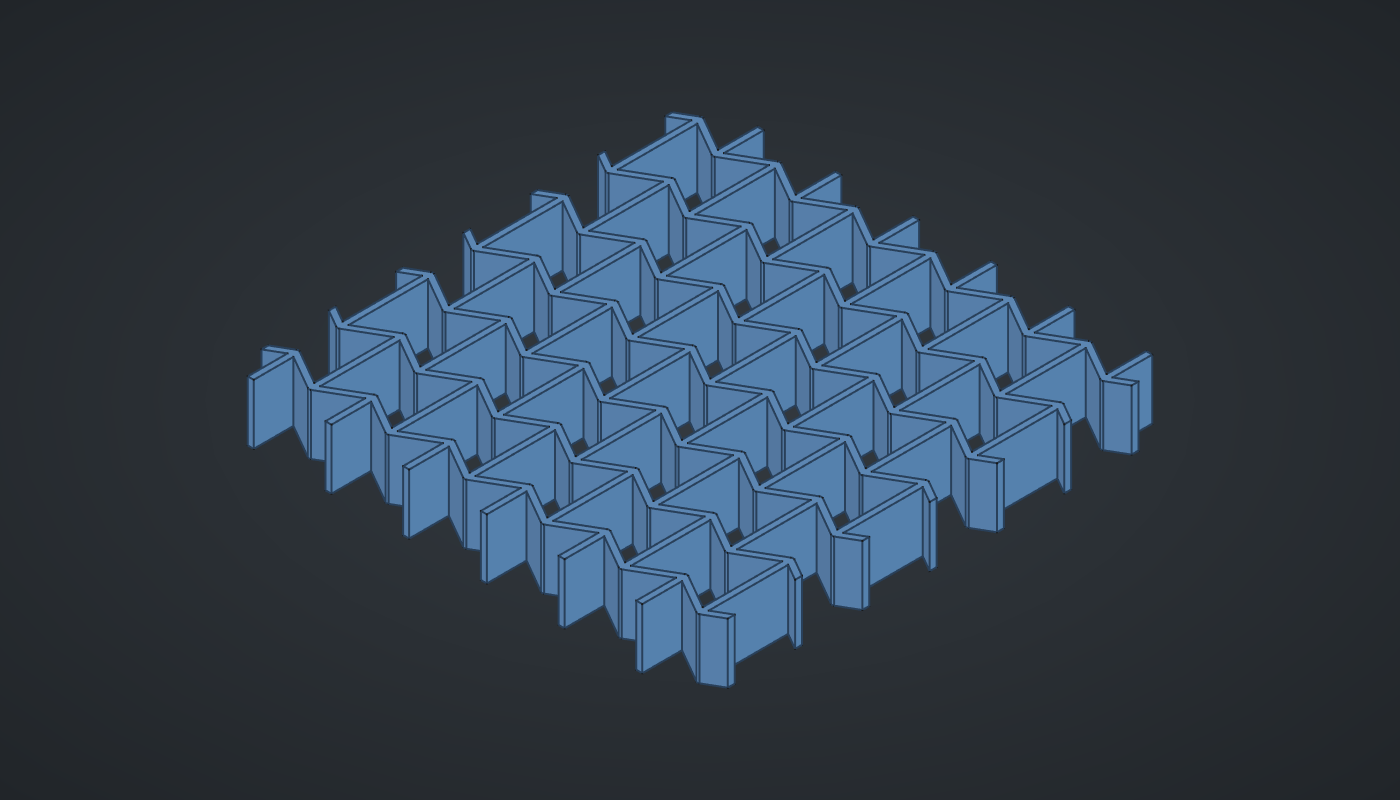
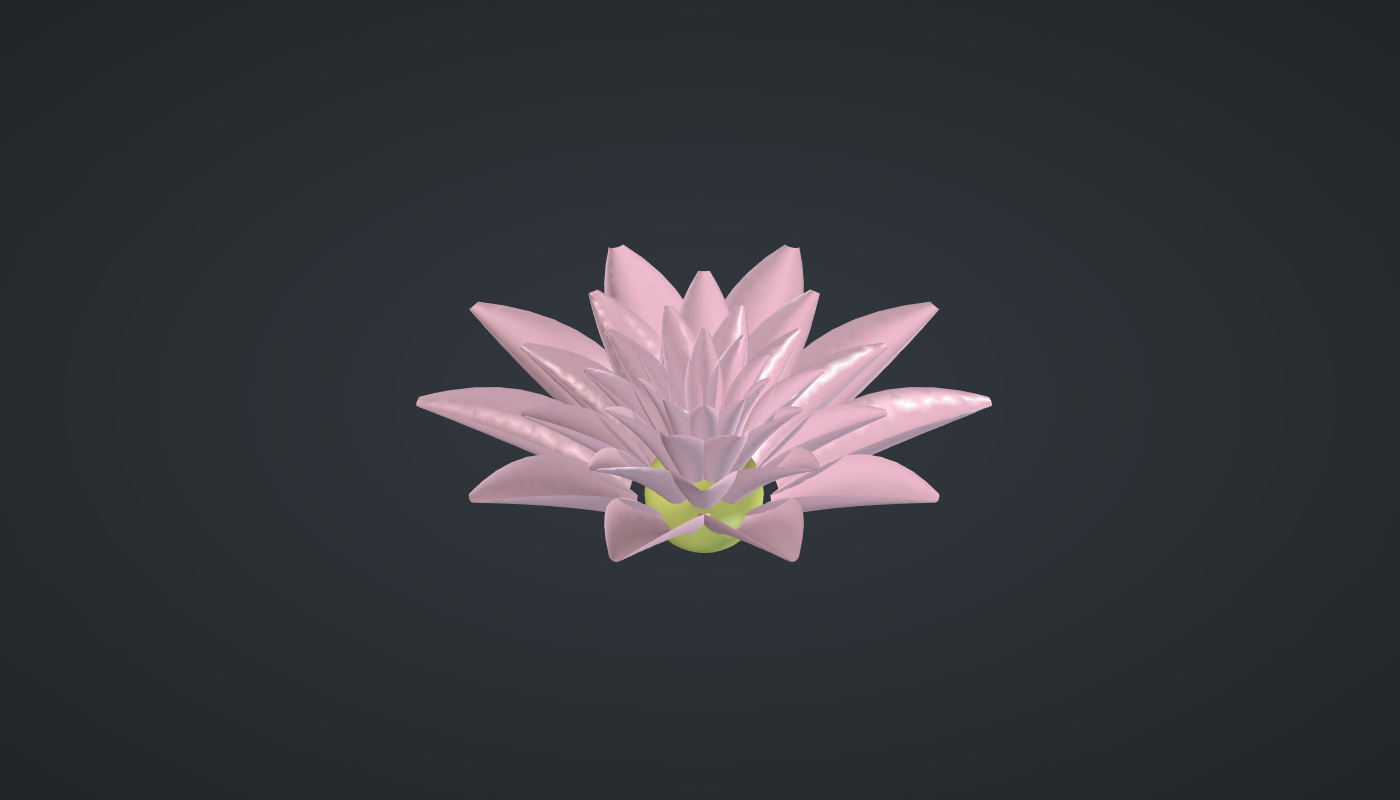
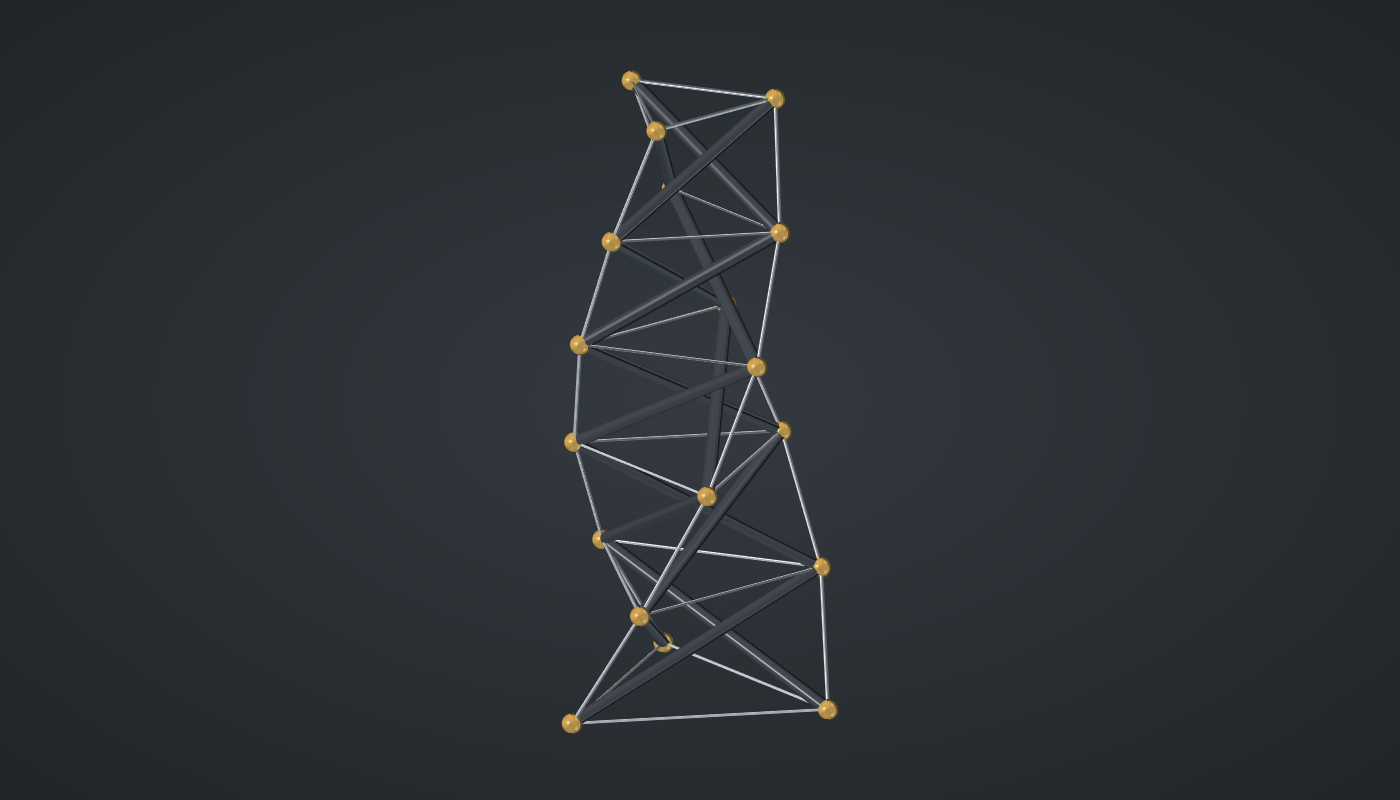
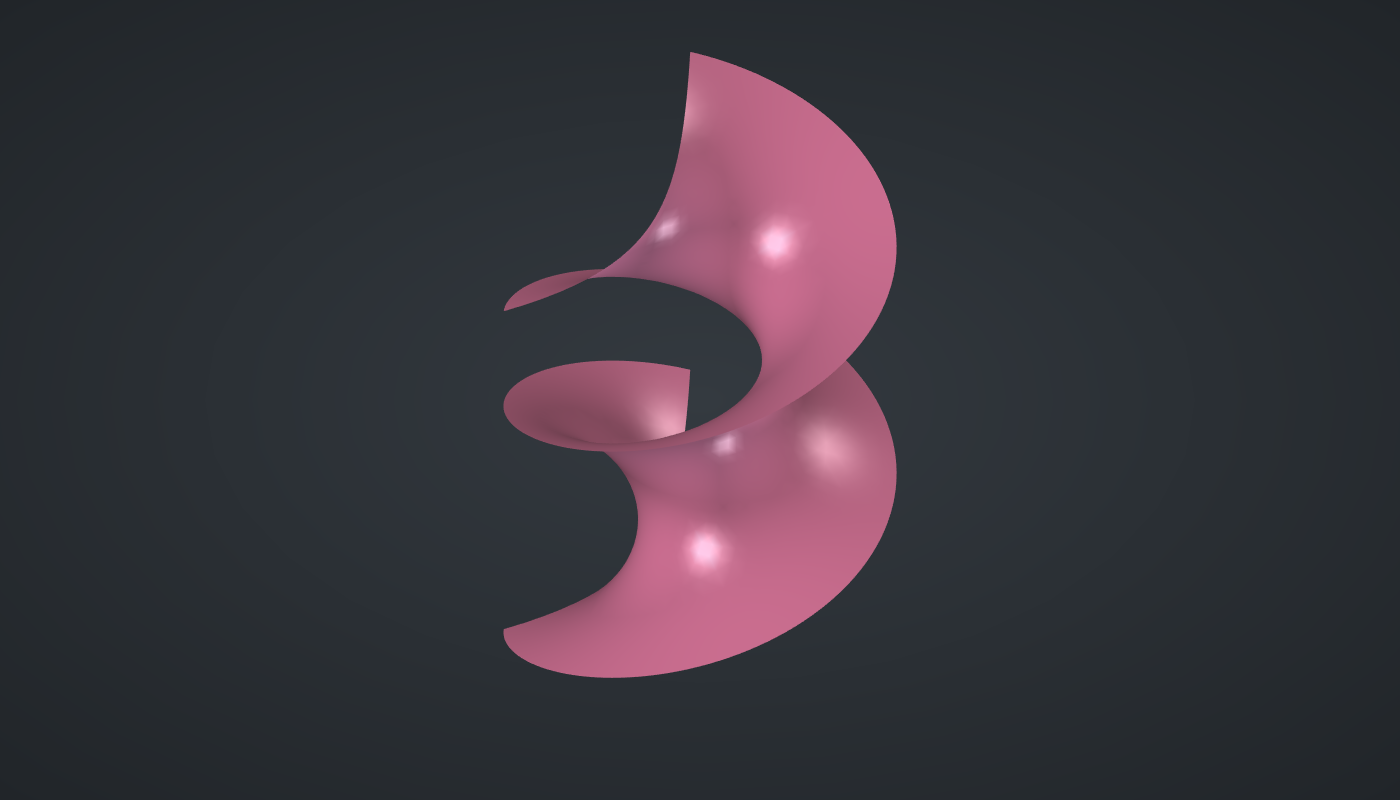
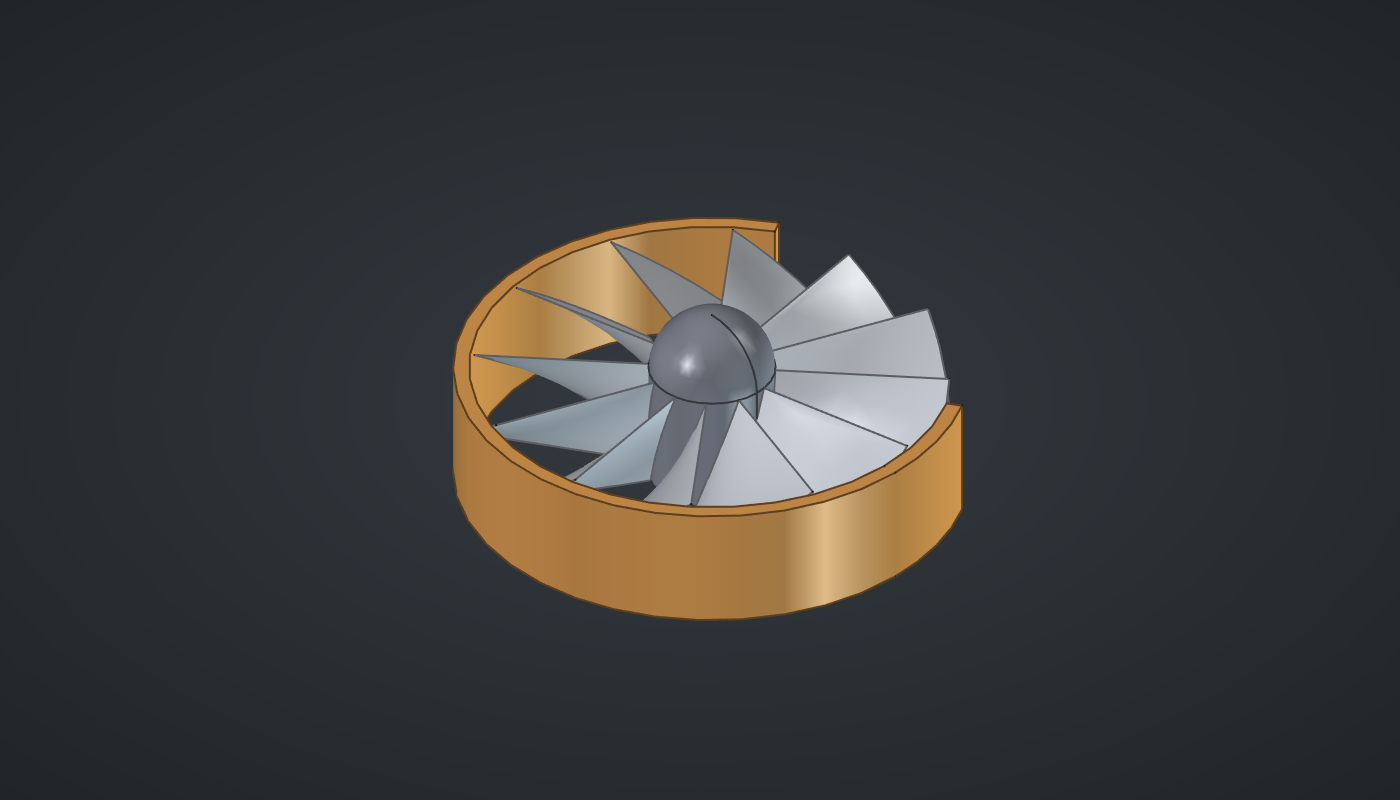
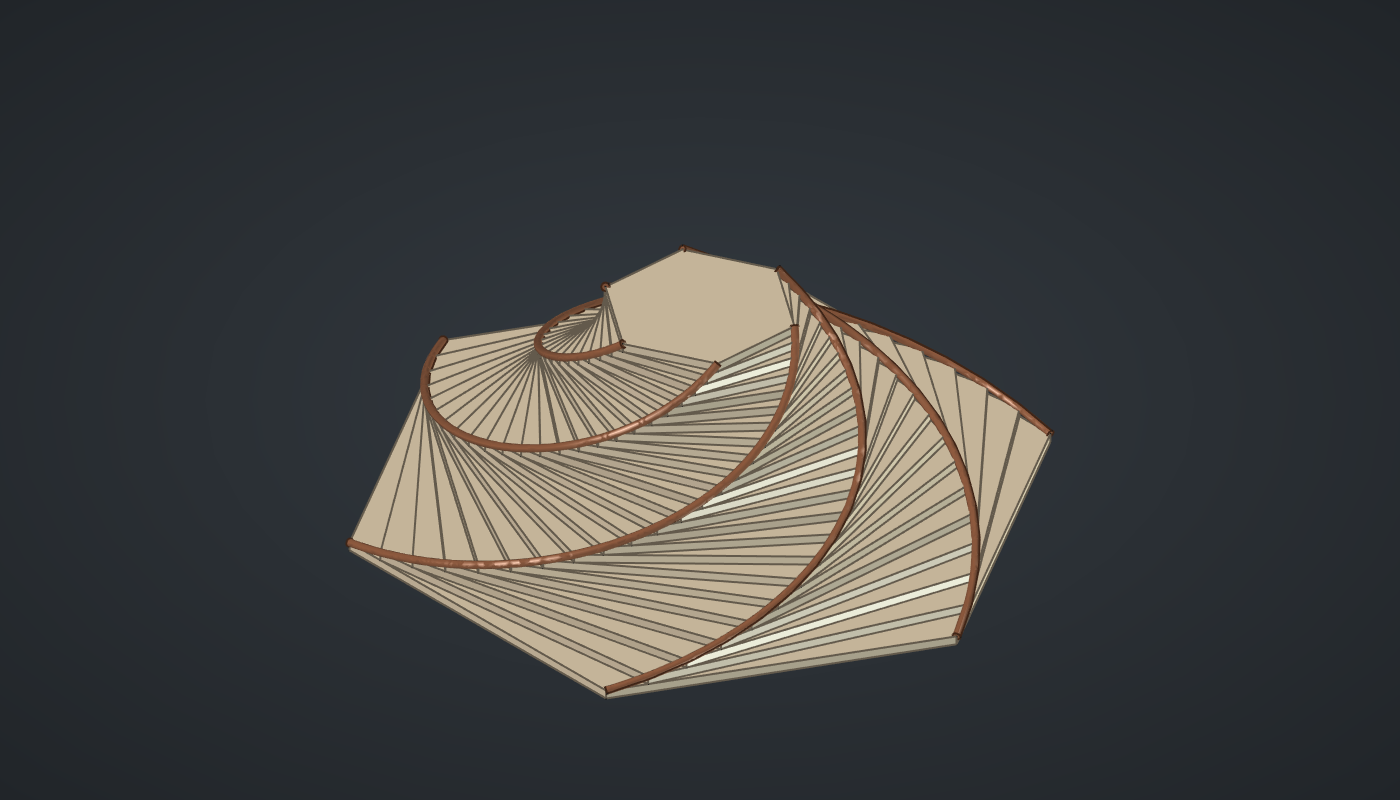
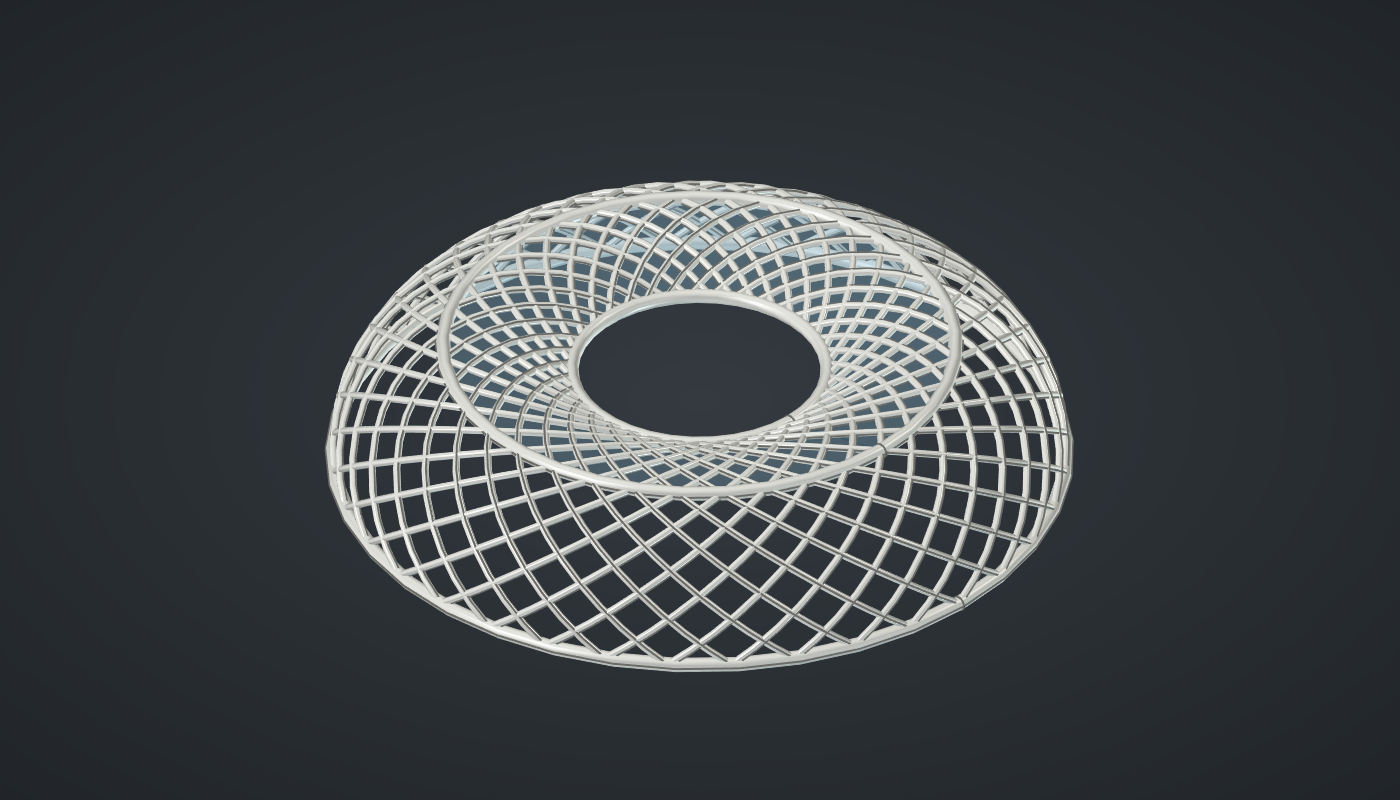
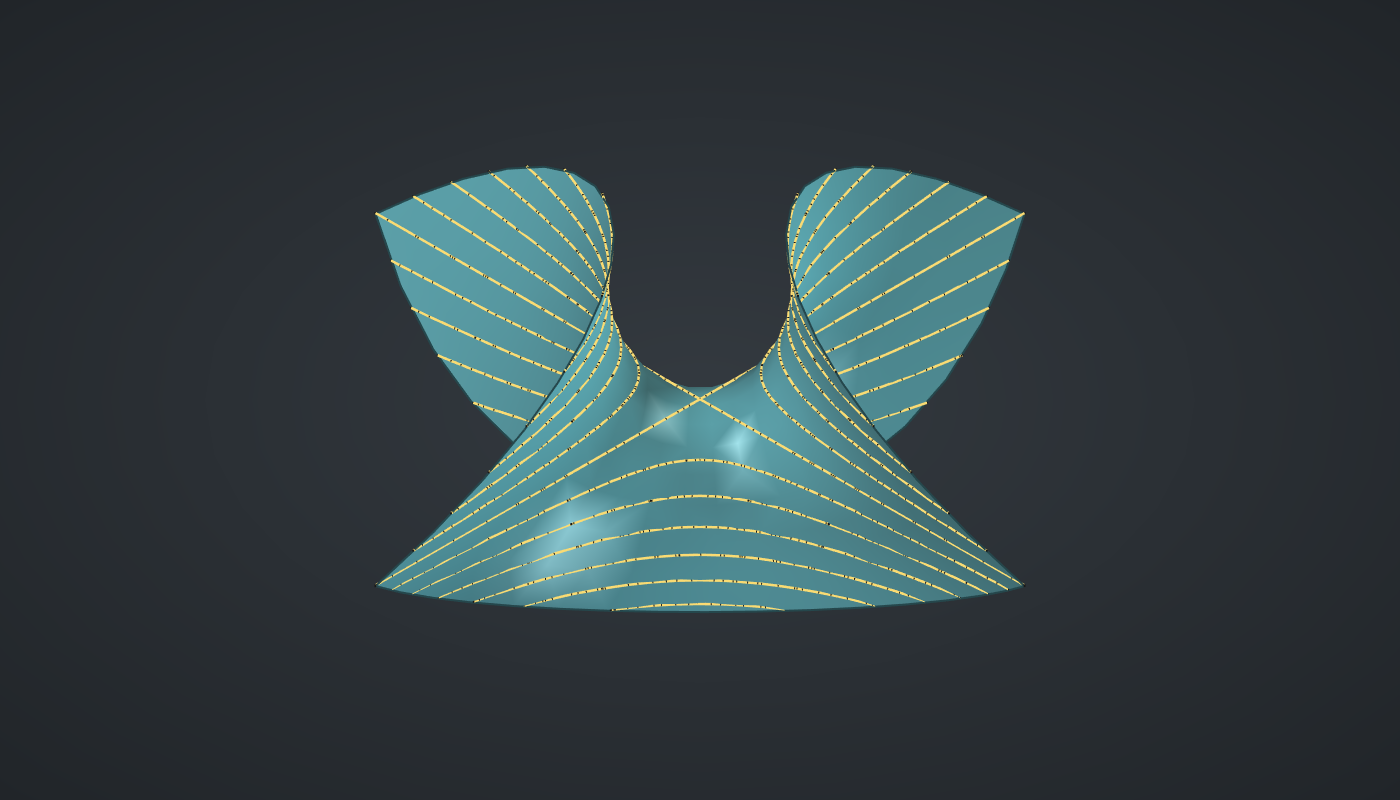
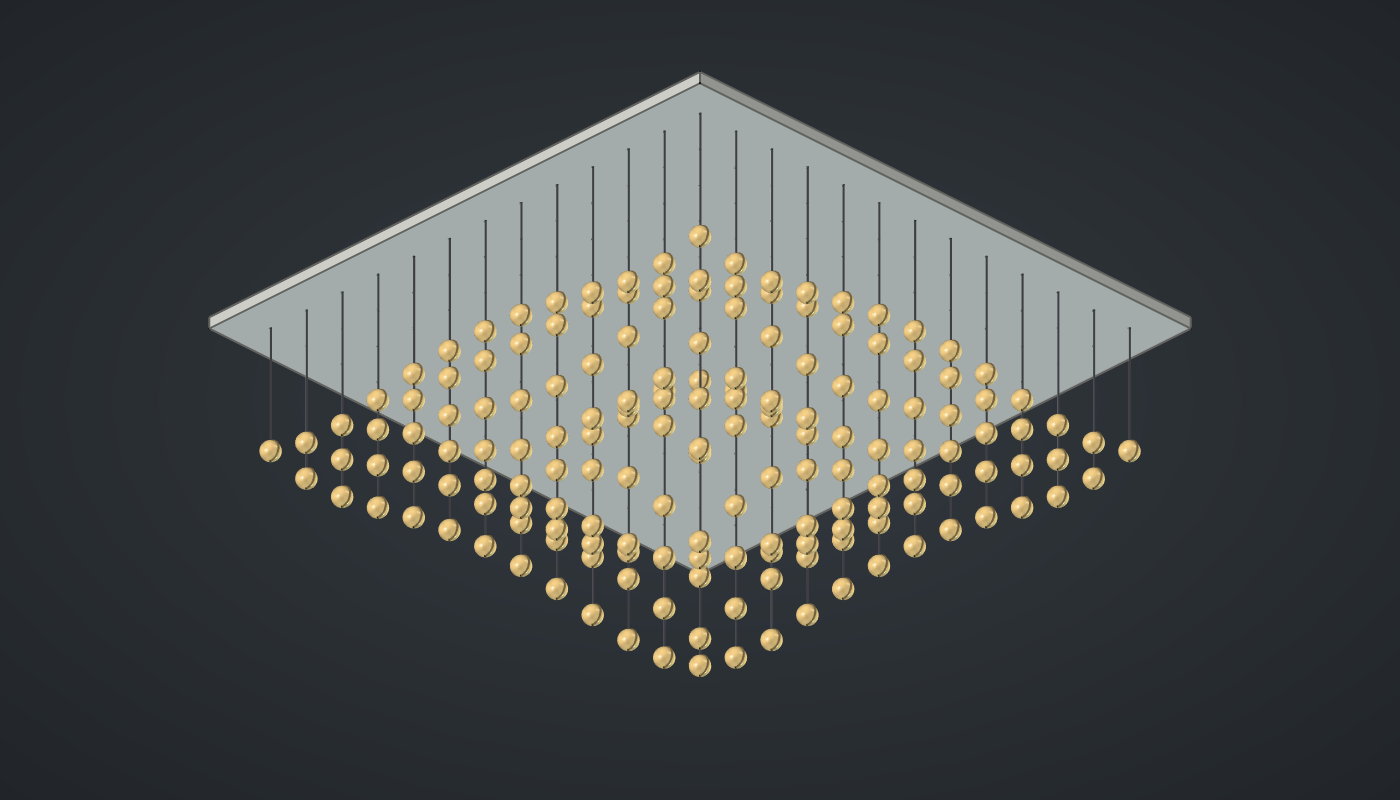
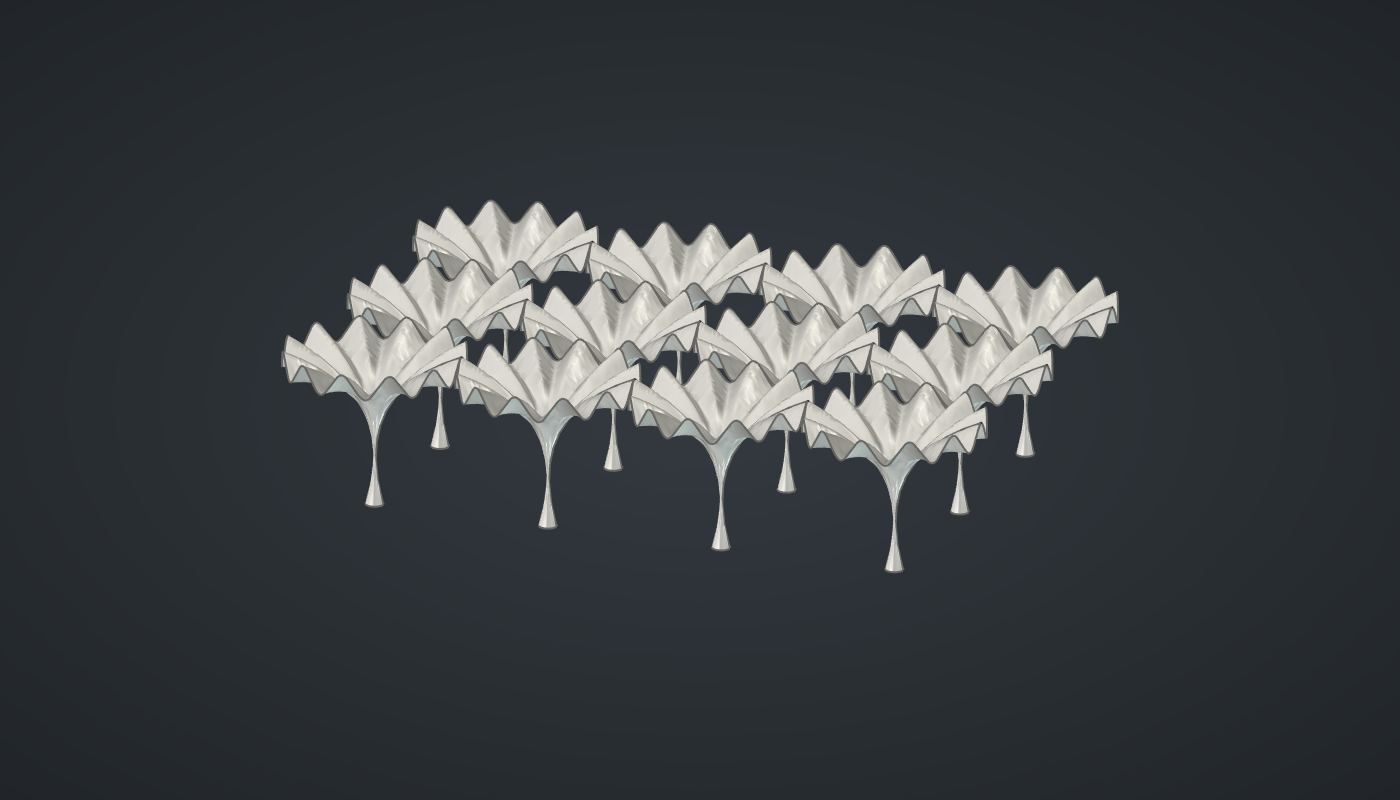
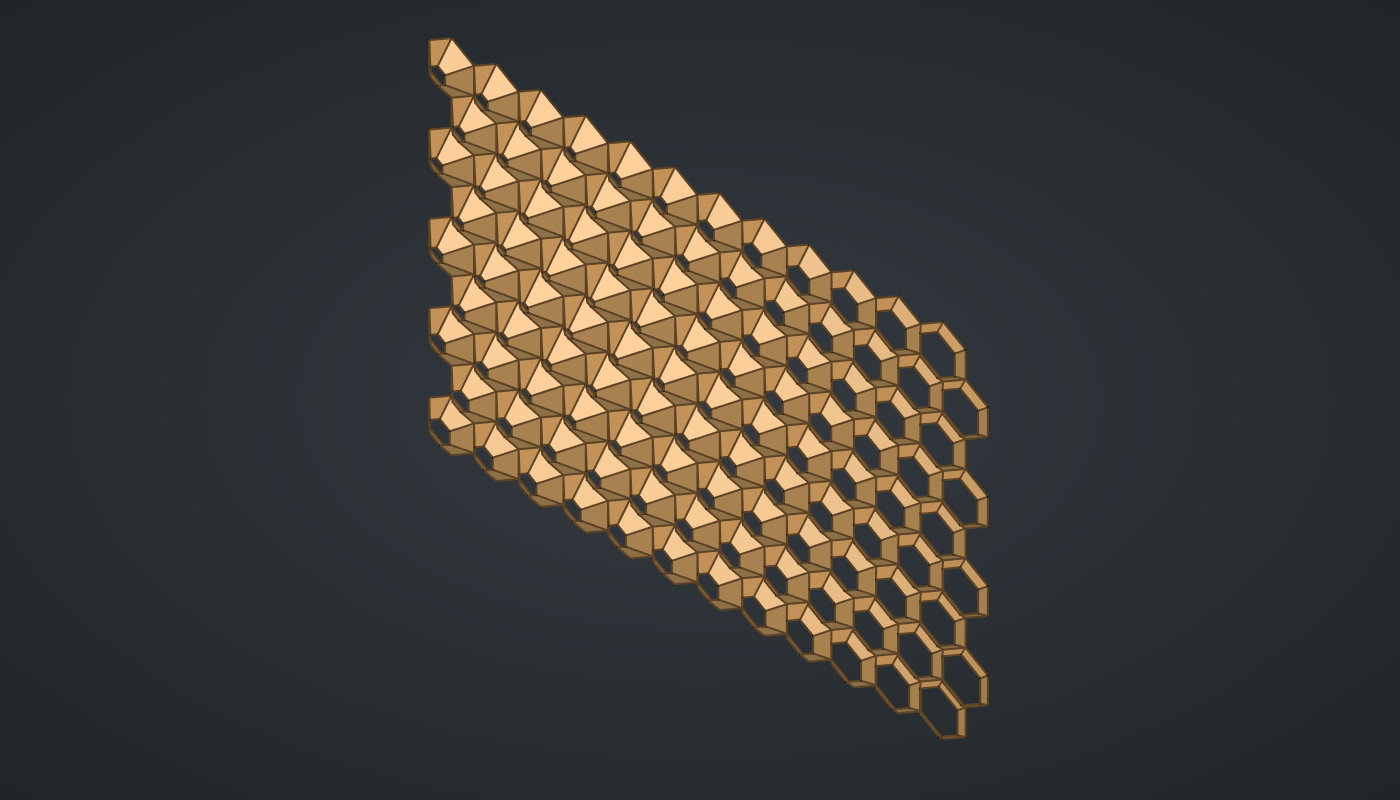
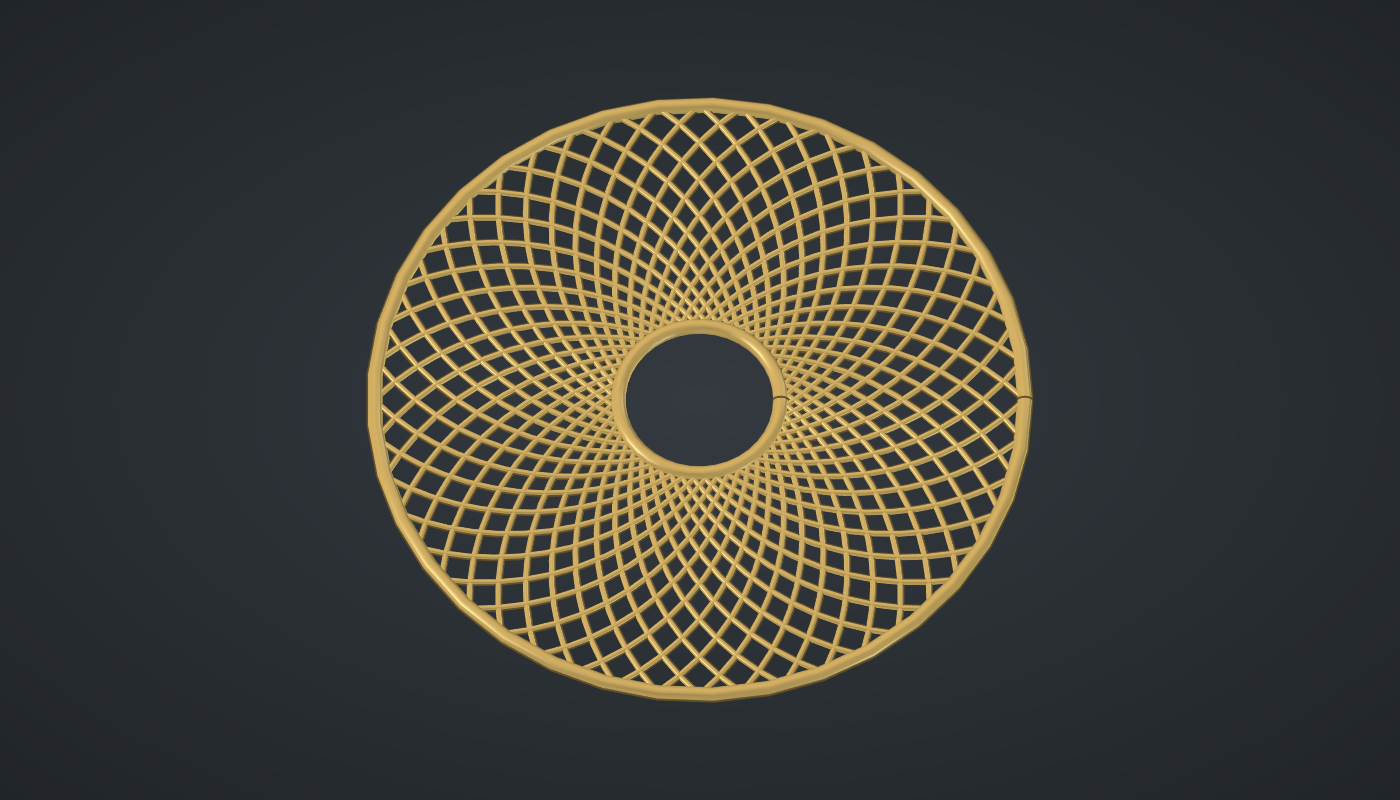
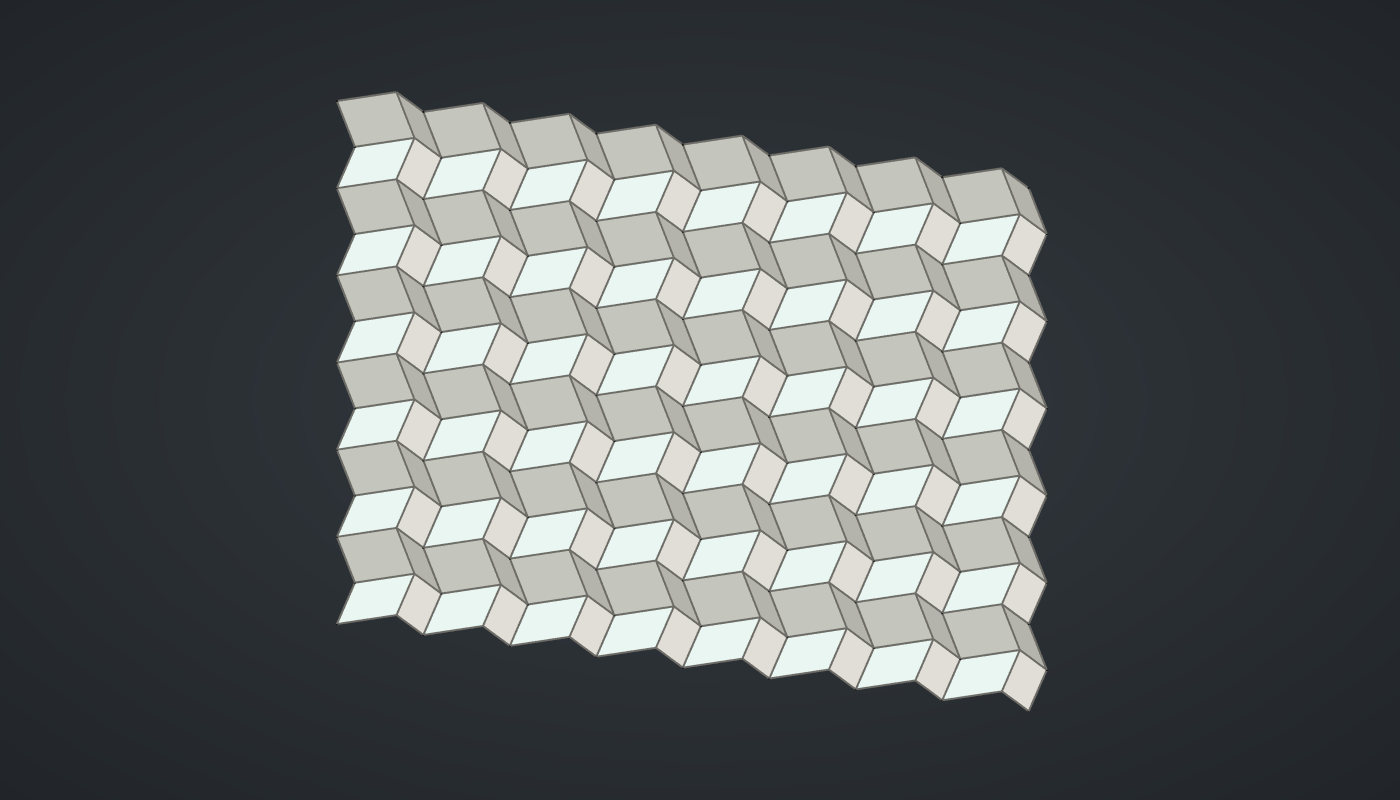
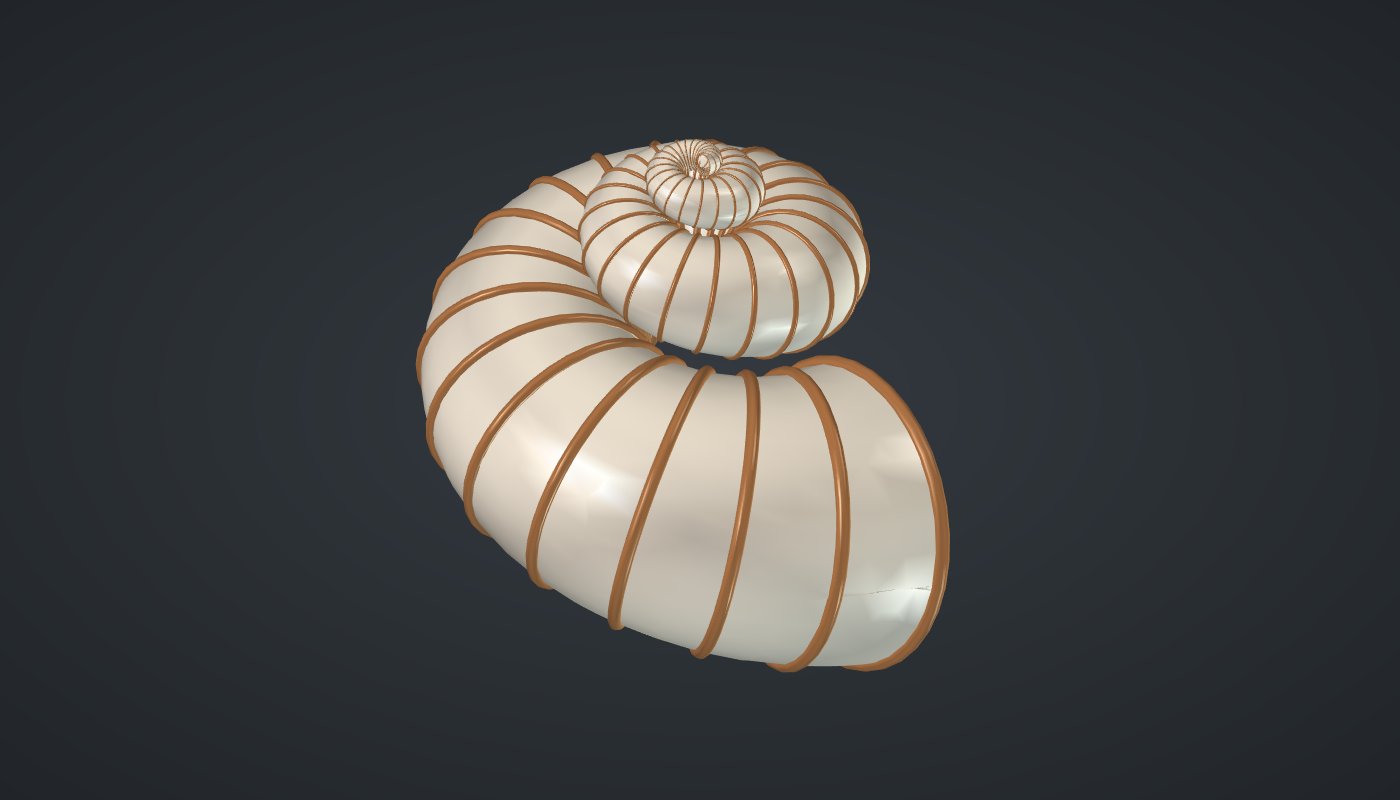
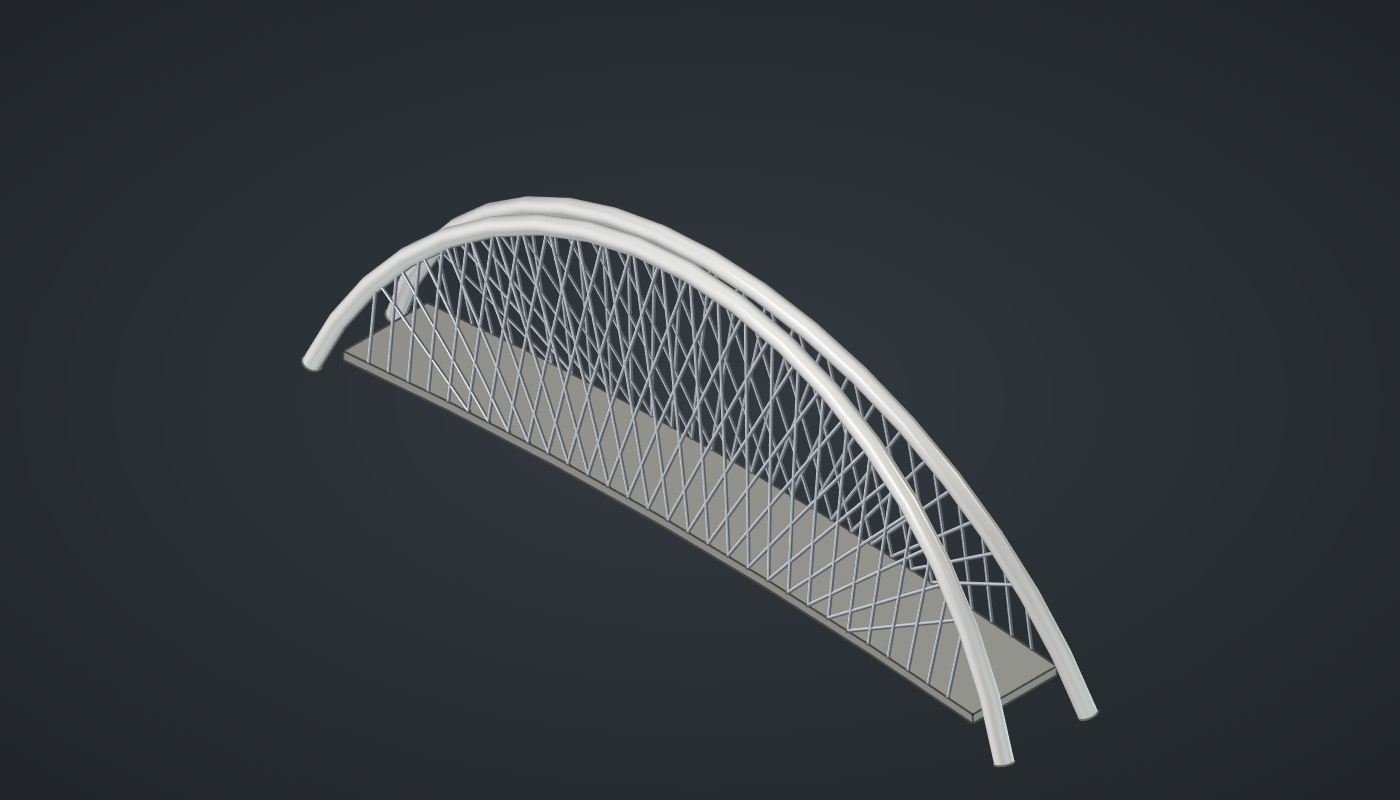
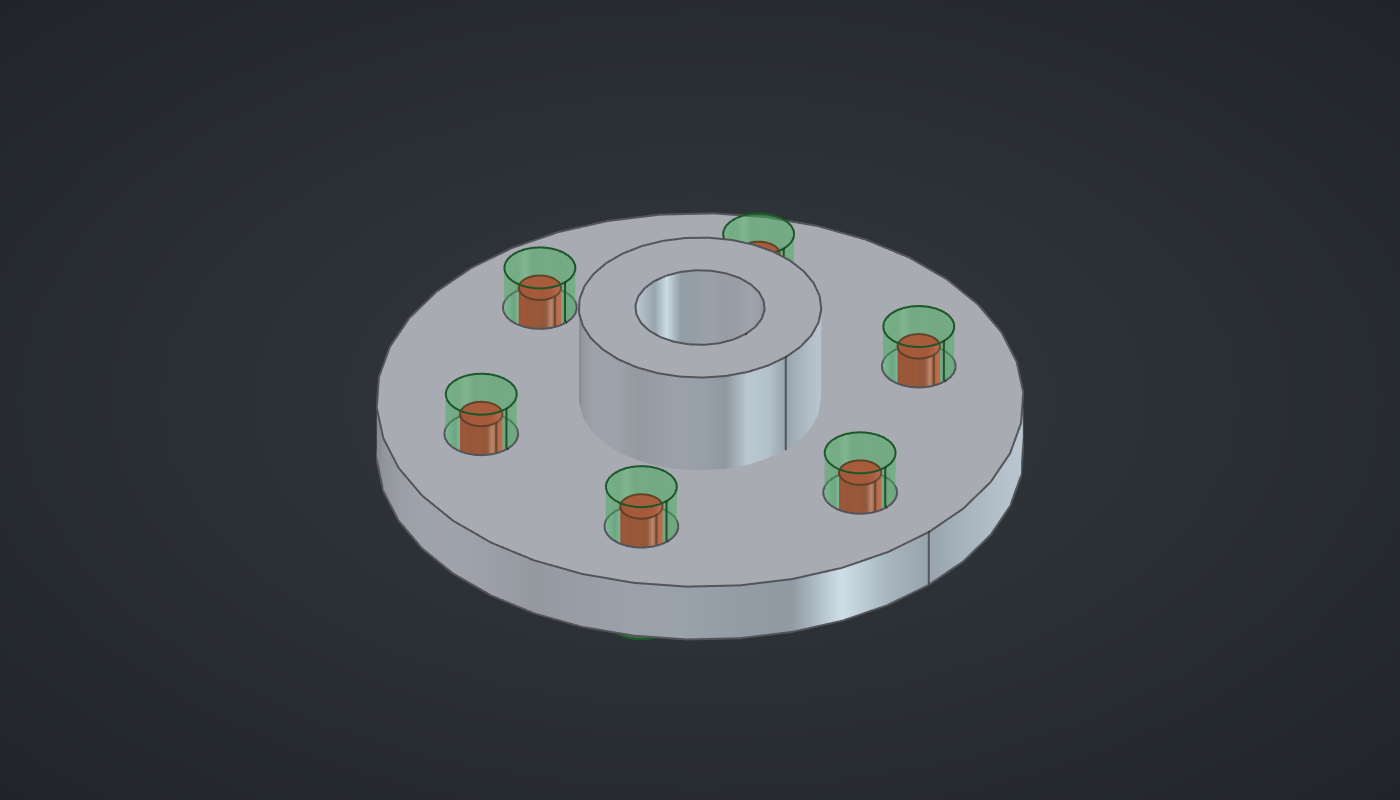
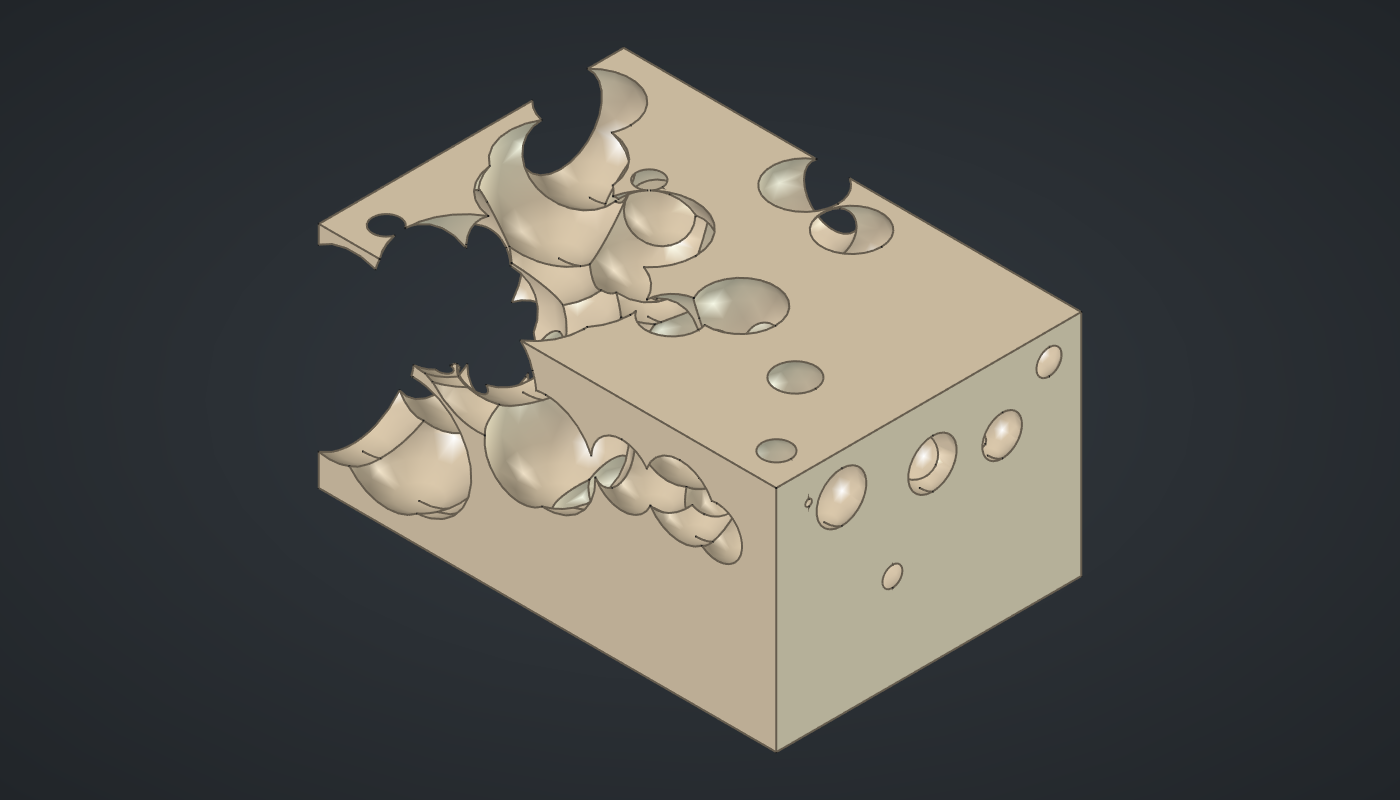
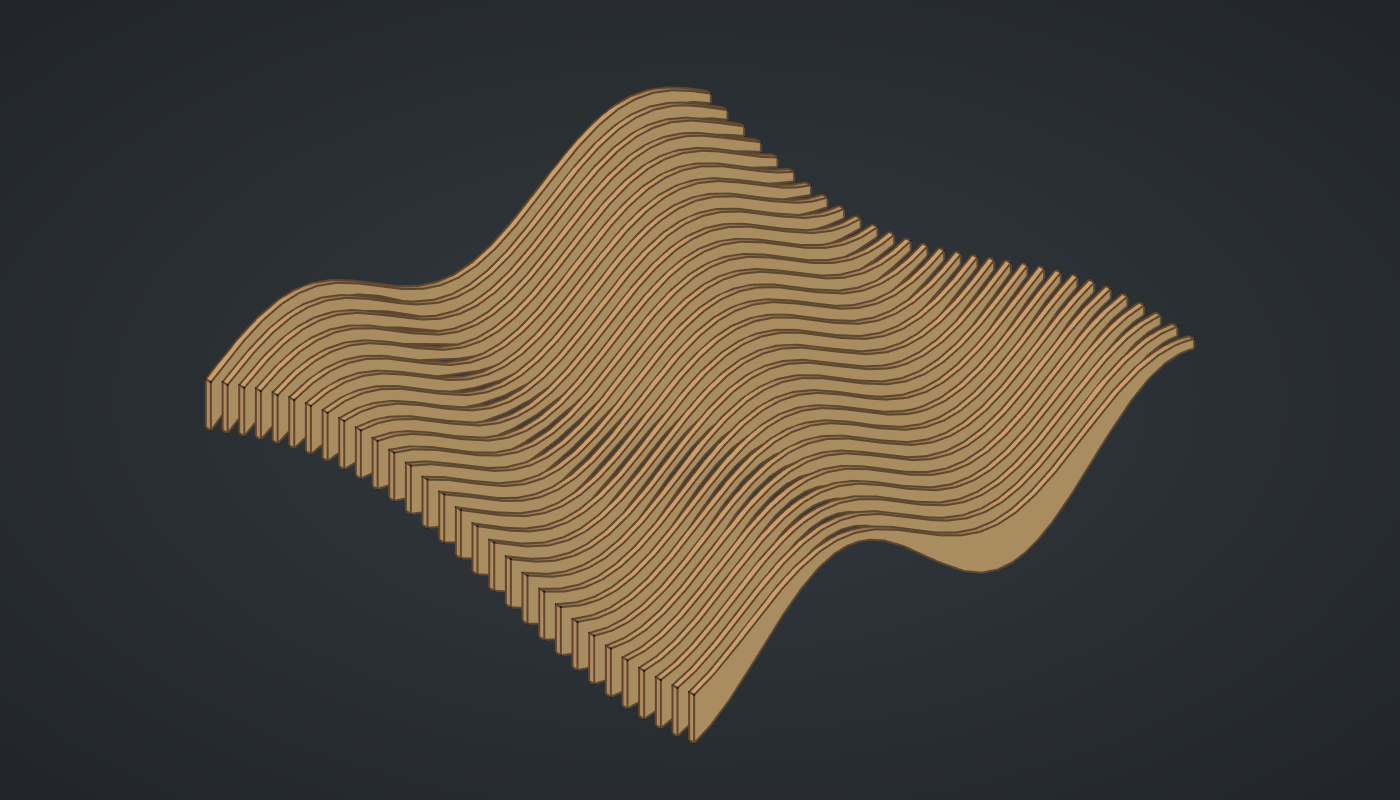
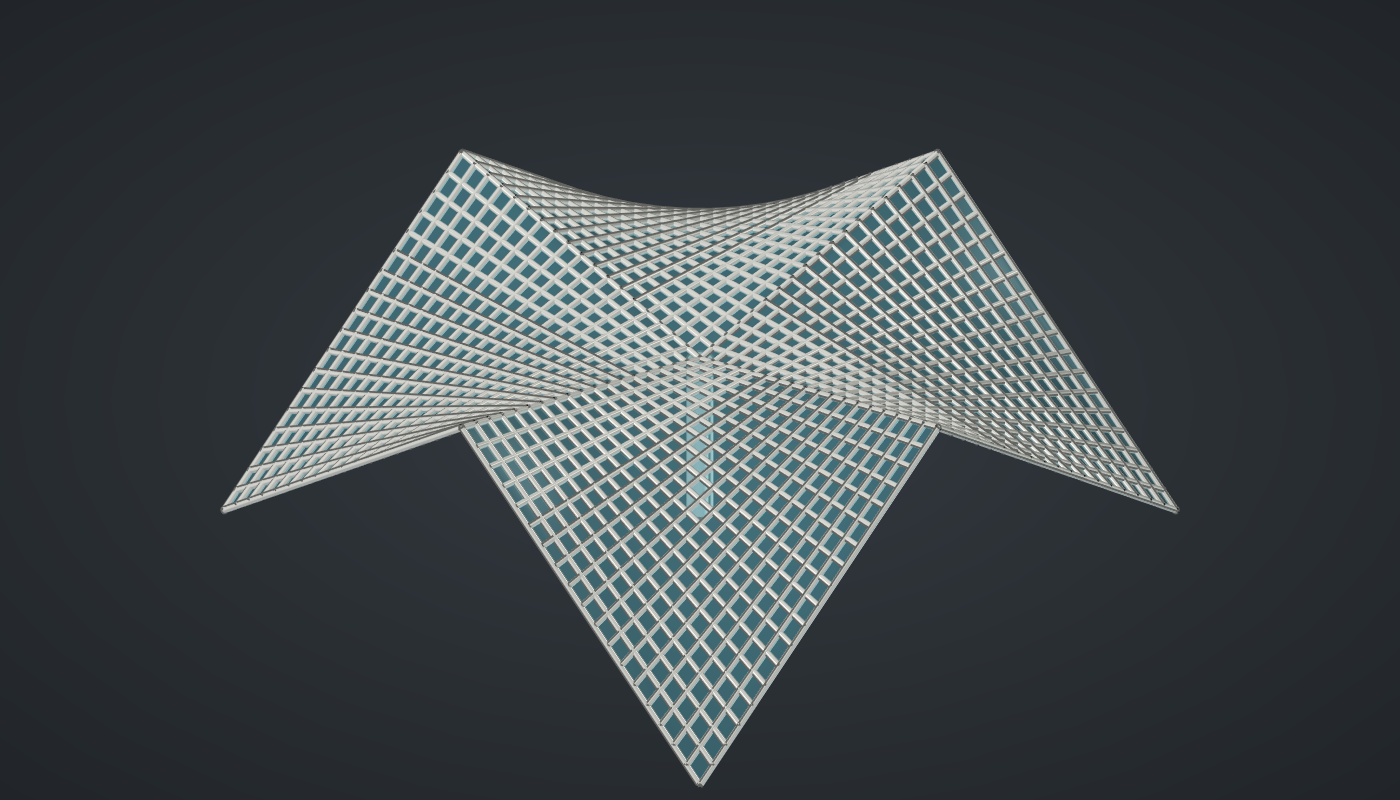
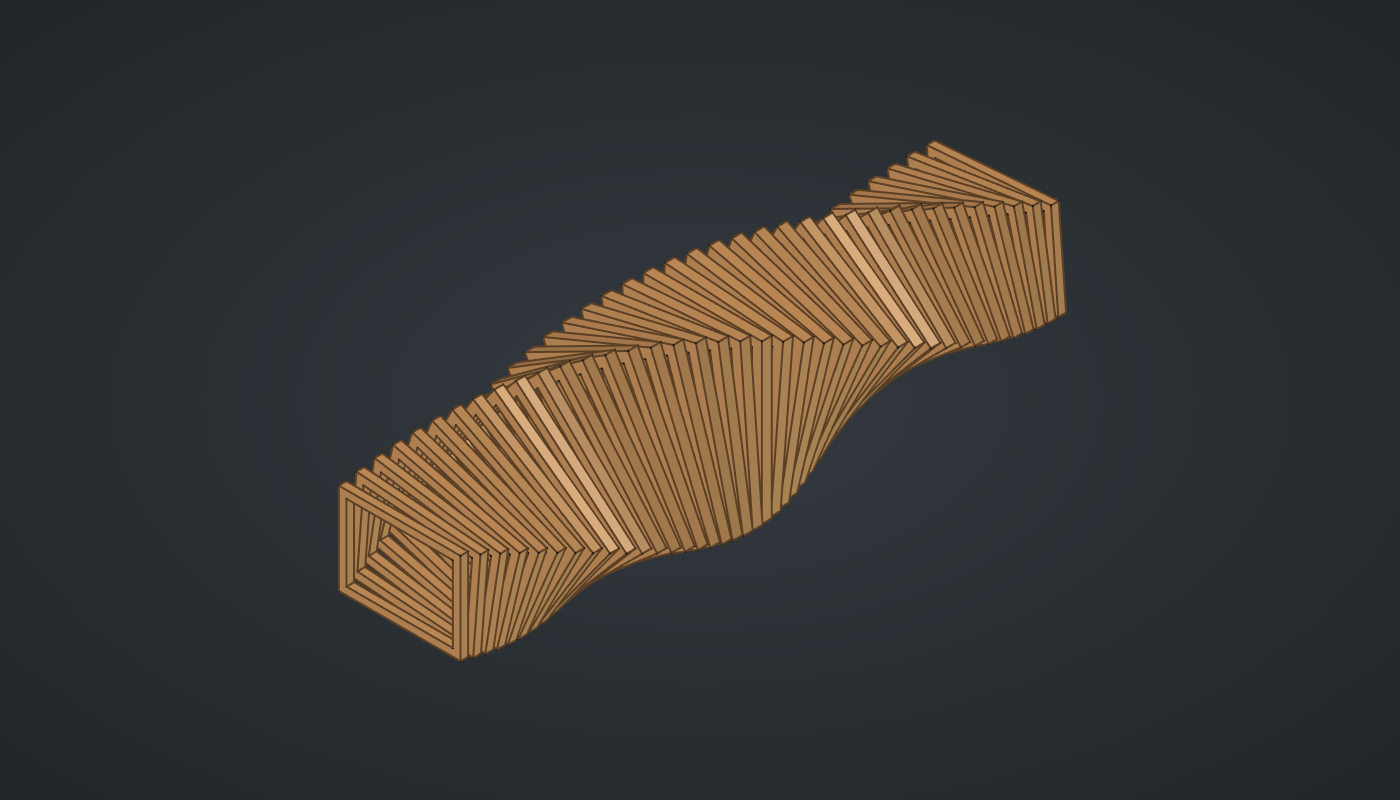
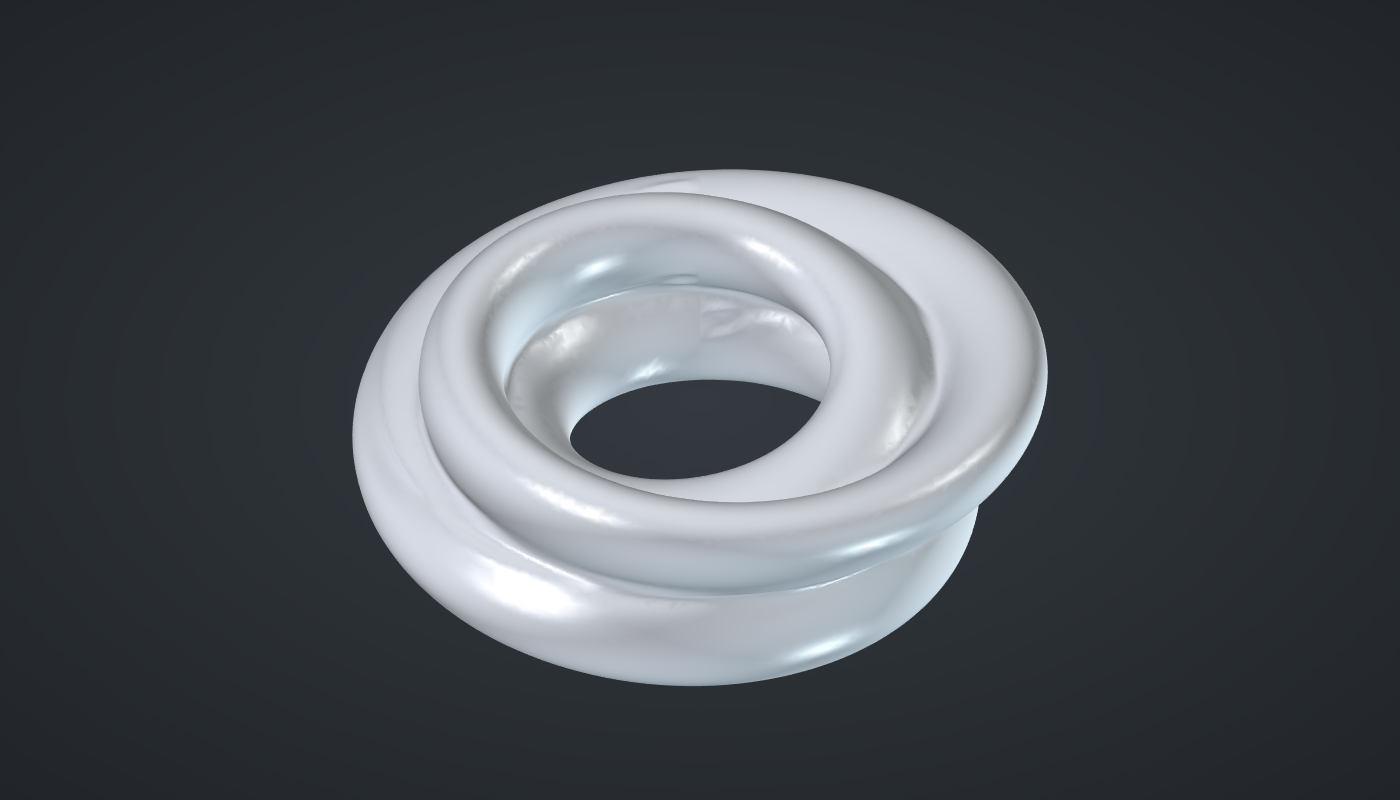
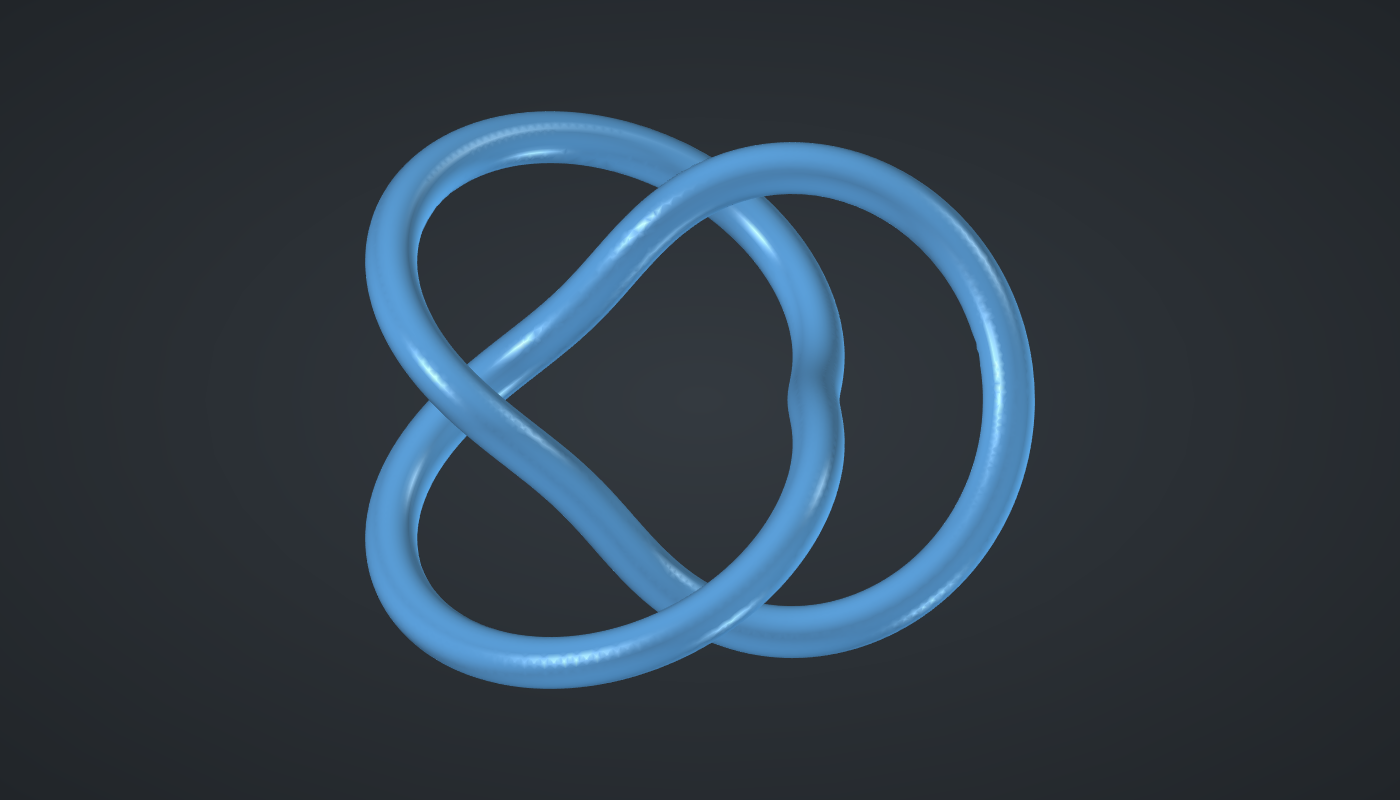
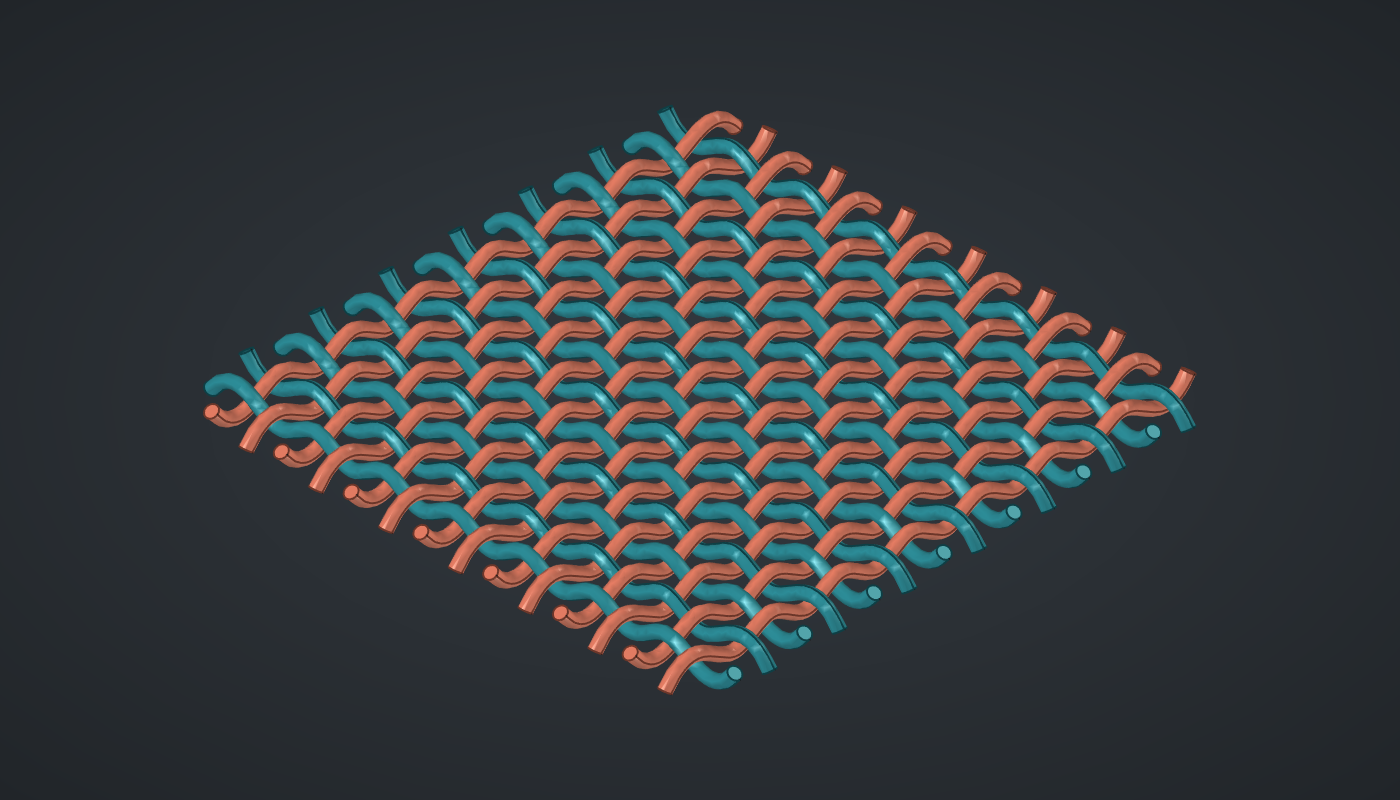
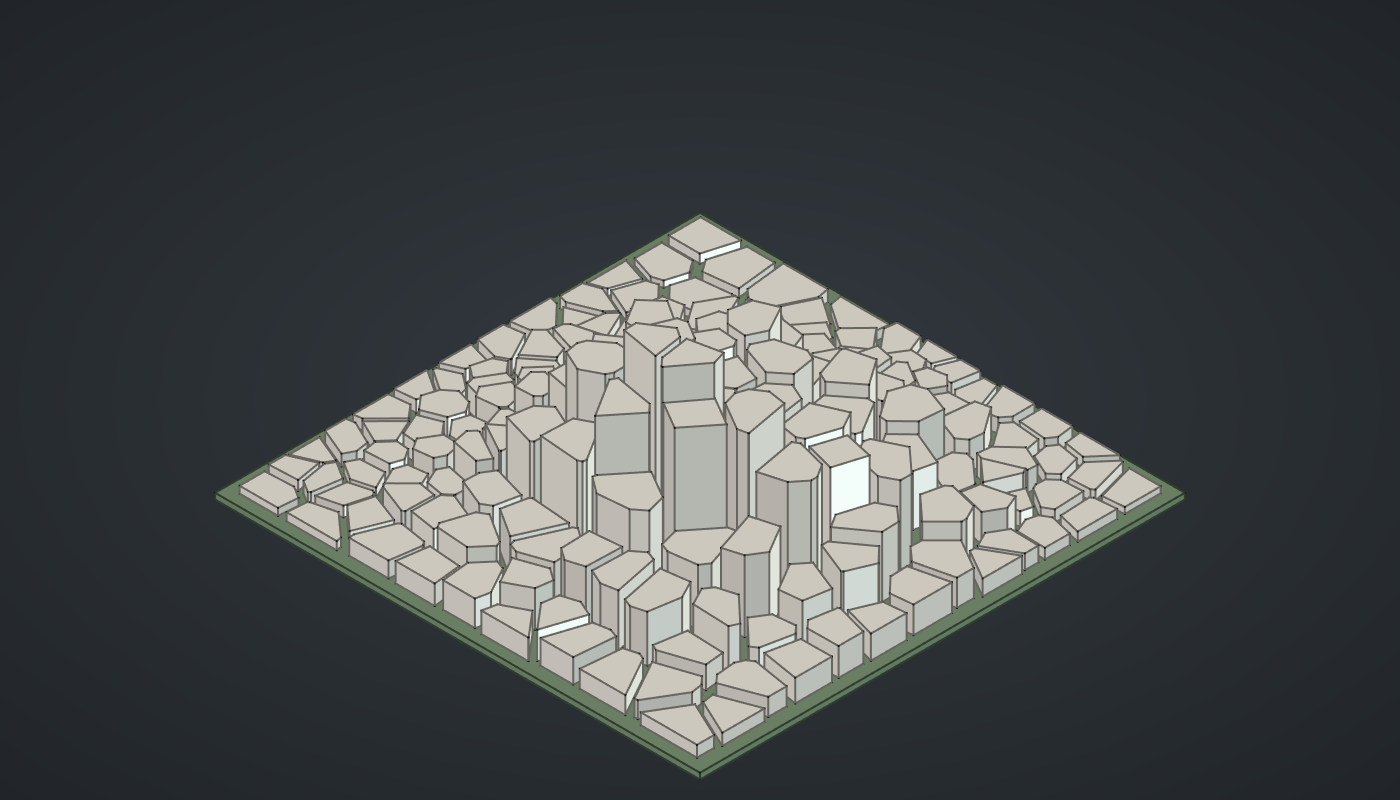
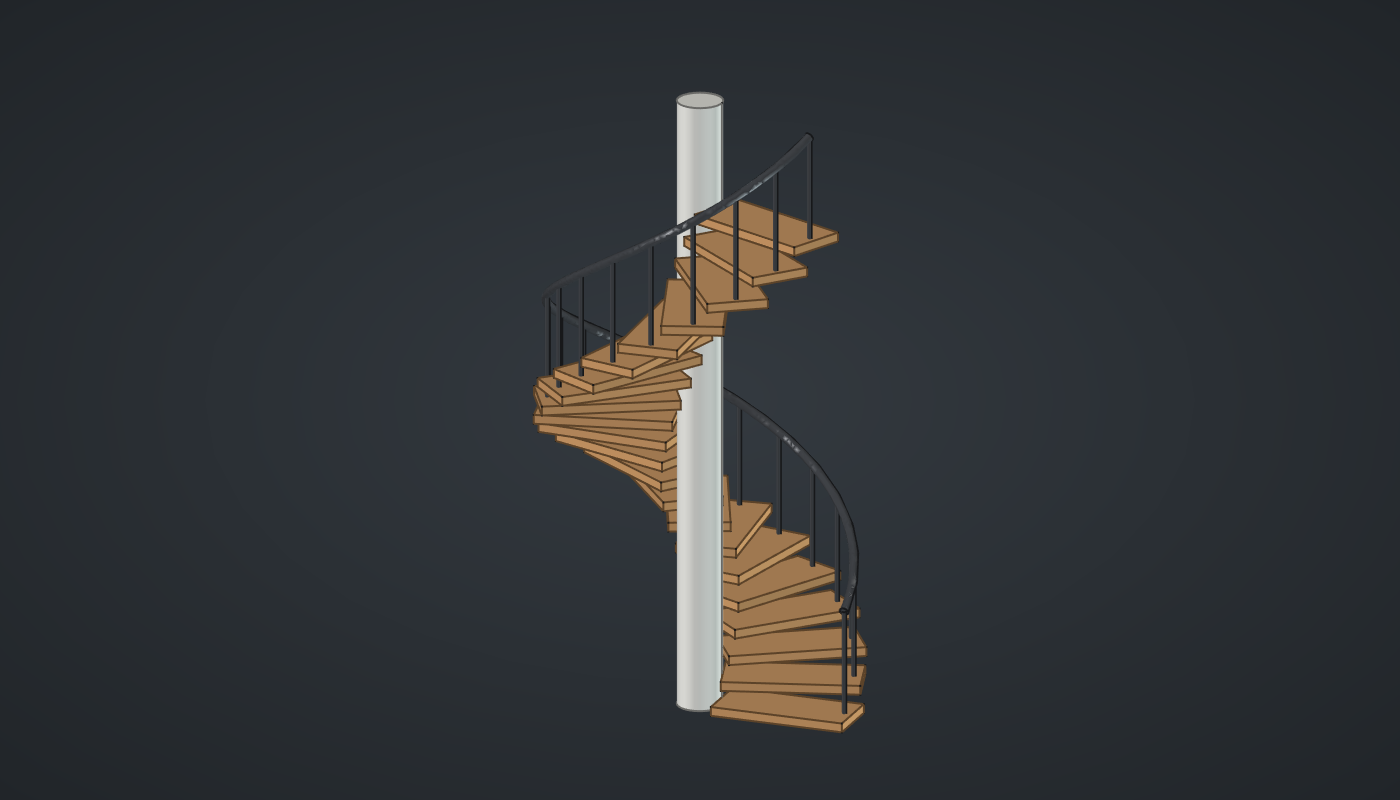
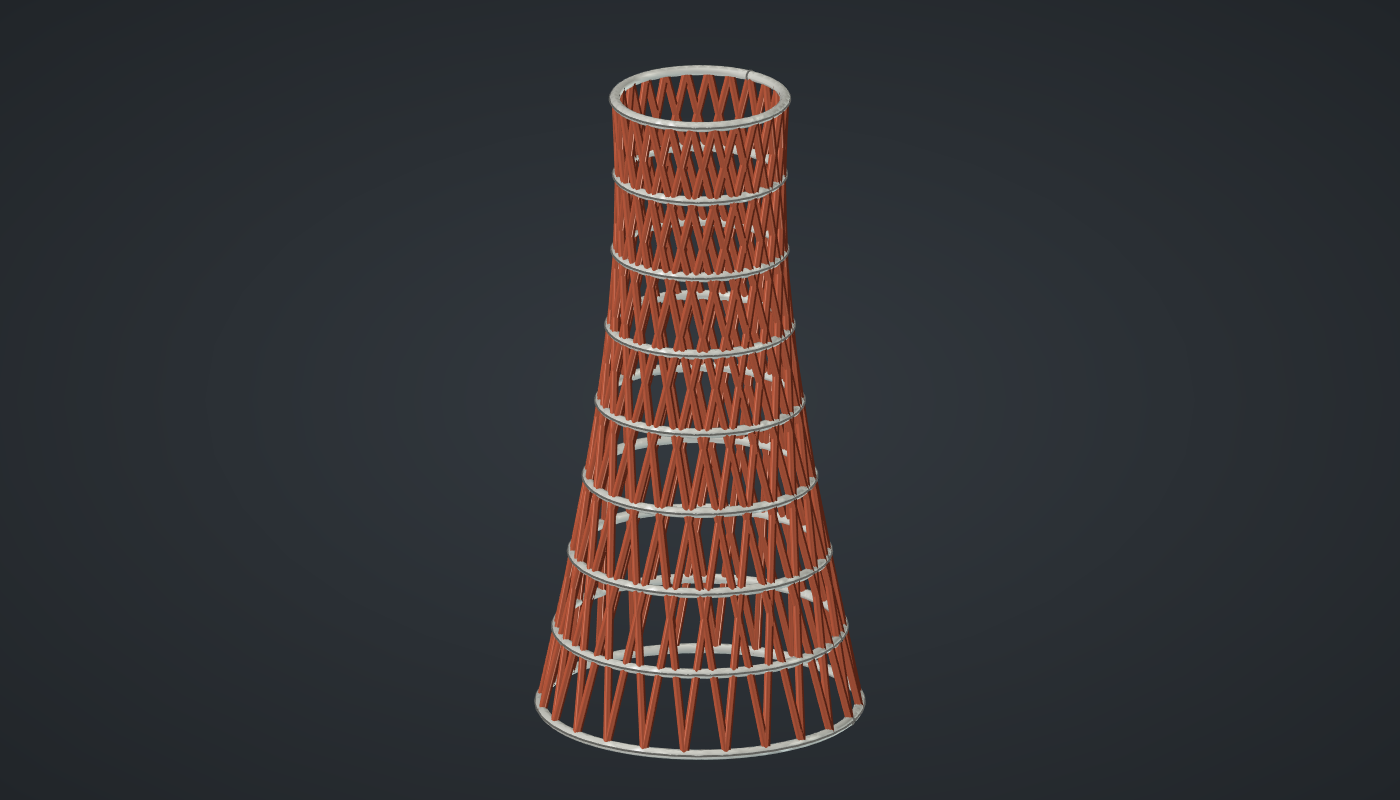
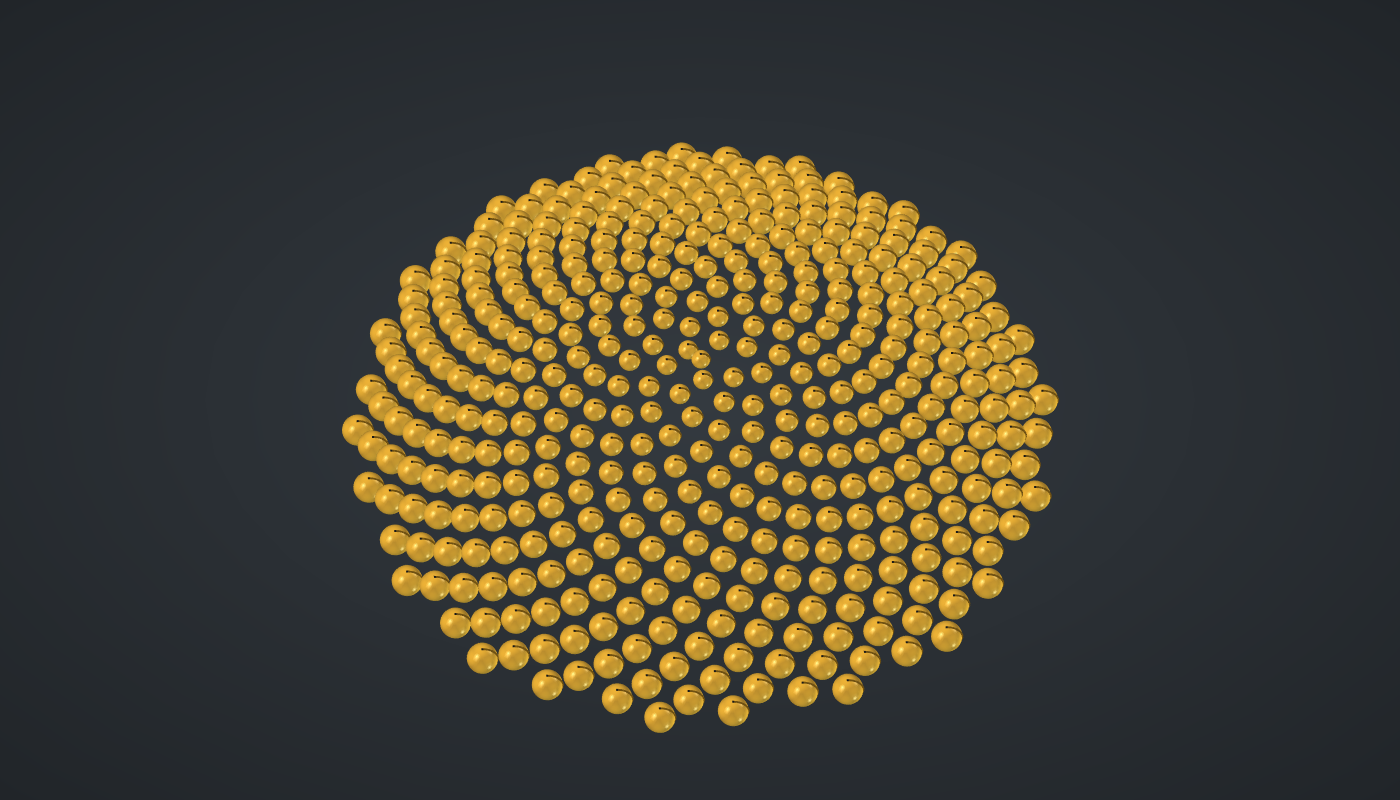
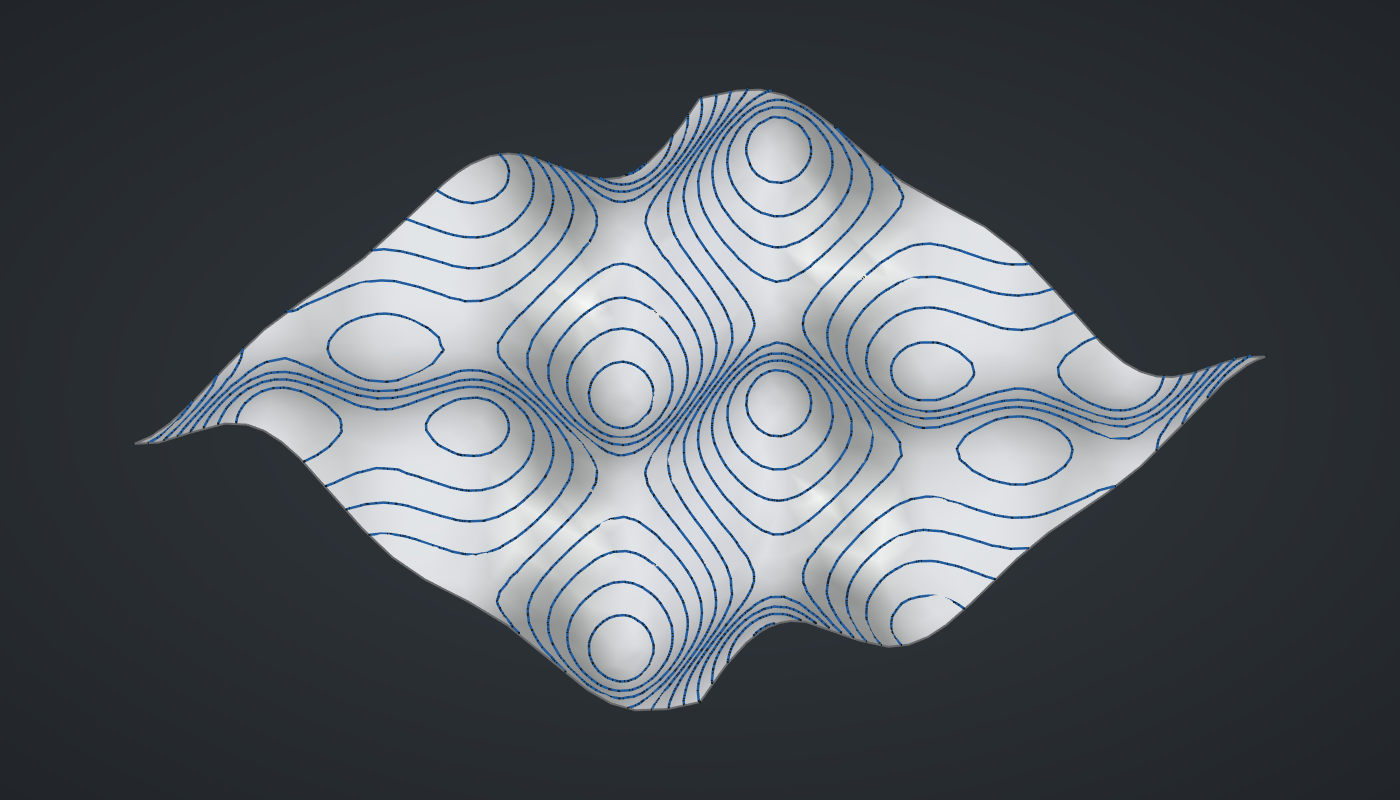
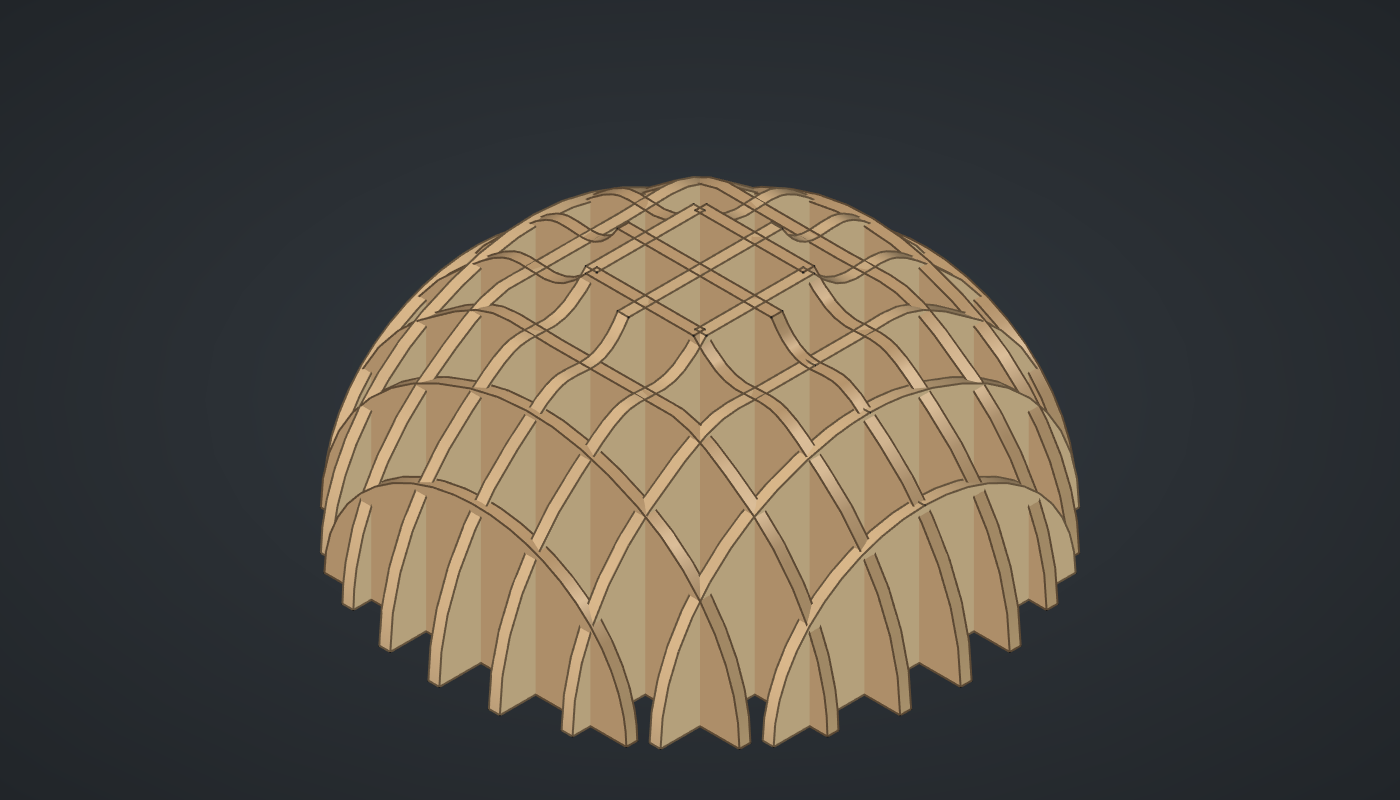
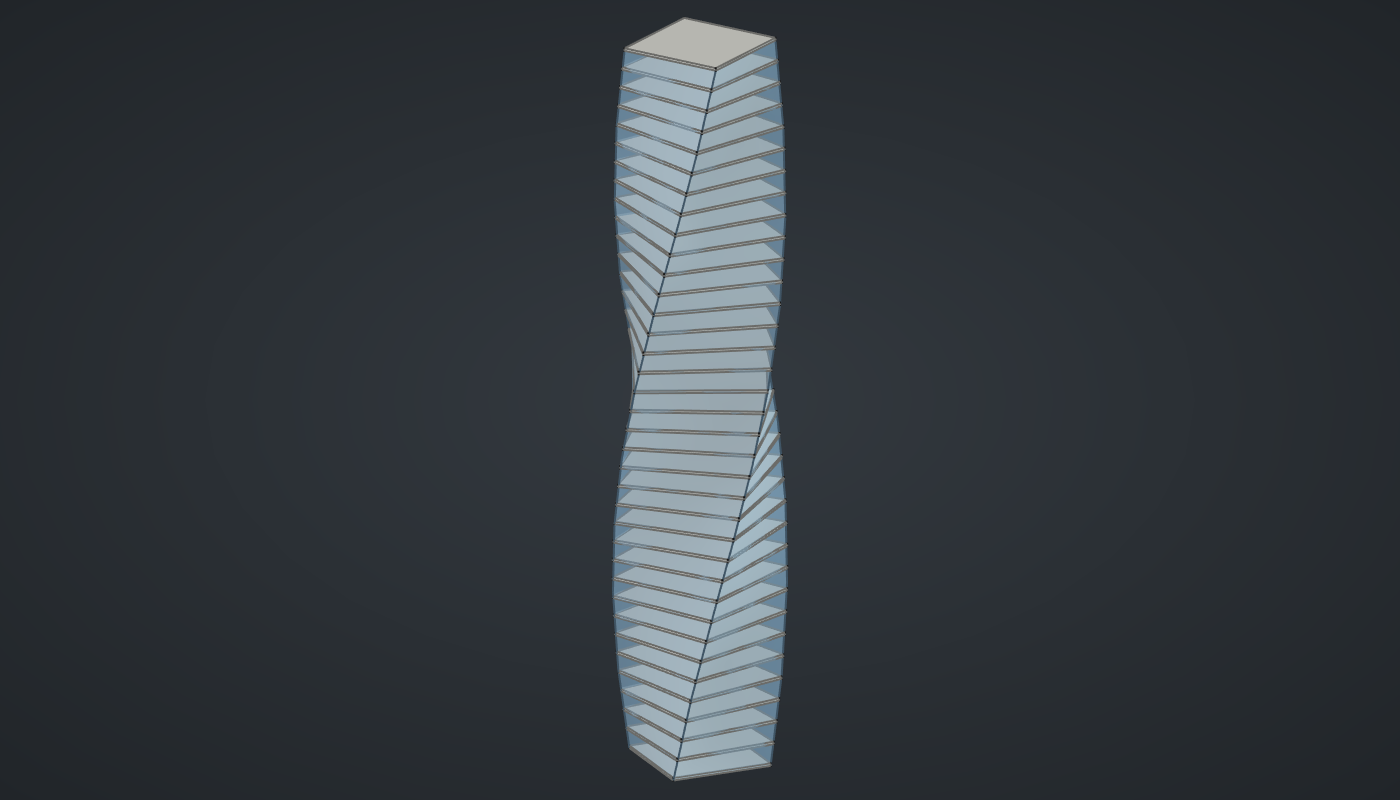
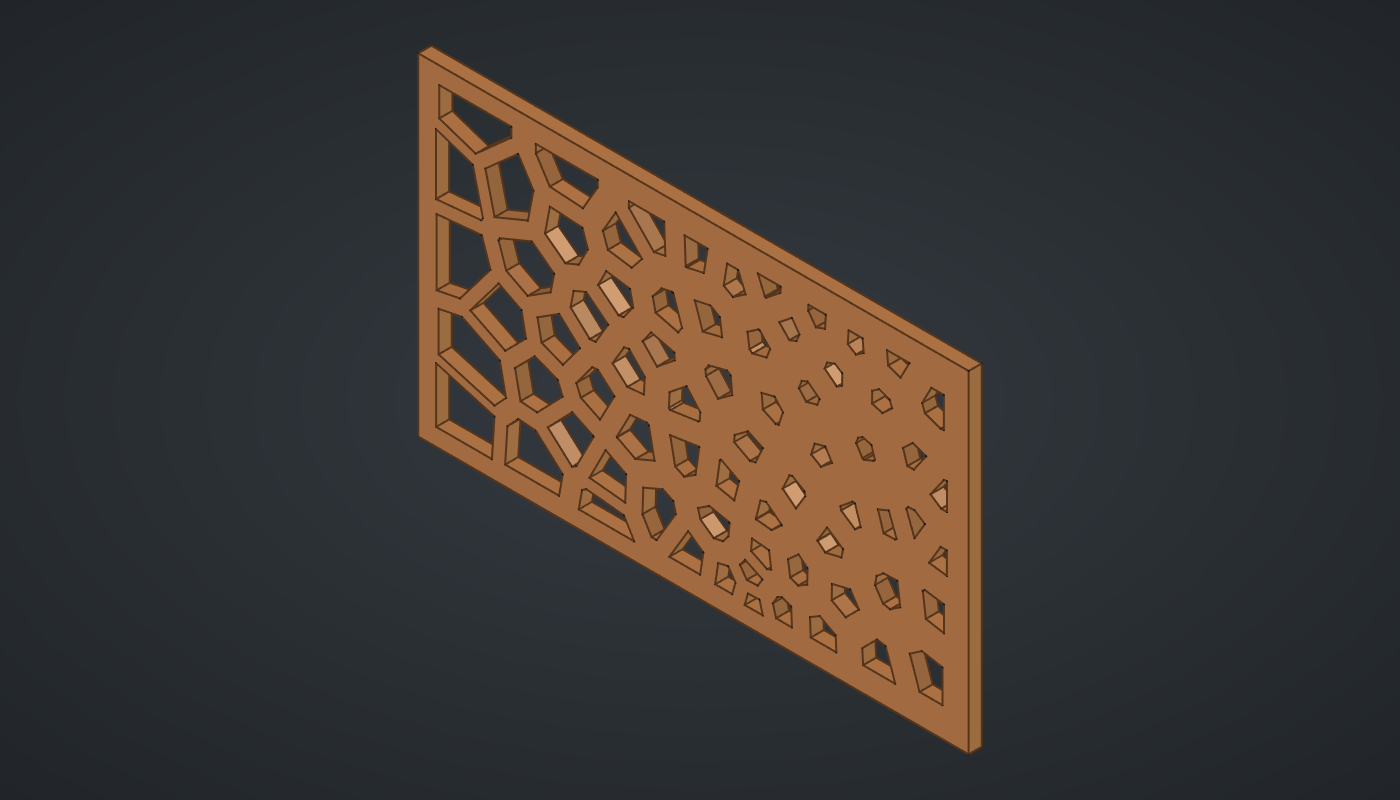
Made with Katydid, newest first: all 39 designs from the gallery. Each loads from the Examples menu; click a picture for its step-by-step tutorial.
What it does
Katydid adds a node canvas to FreeCAD. Each component is a small function: a number slider, a circle, a loft, a tolerance stack-up. You connect an output grip of one component to an input grip of another with a wire, and data flows along the wires. Change anything and everything downstream recomputes.
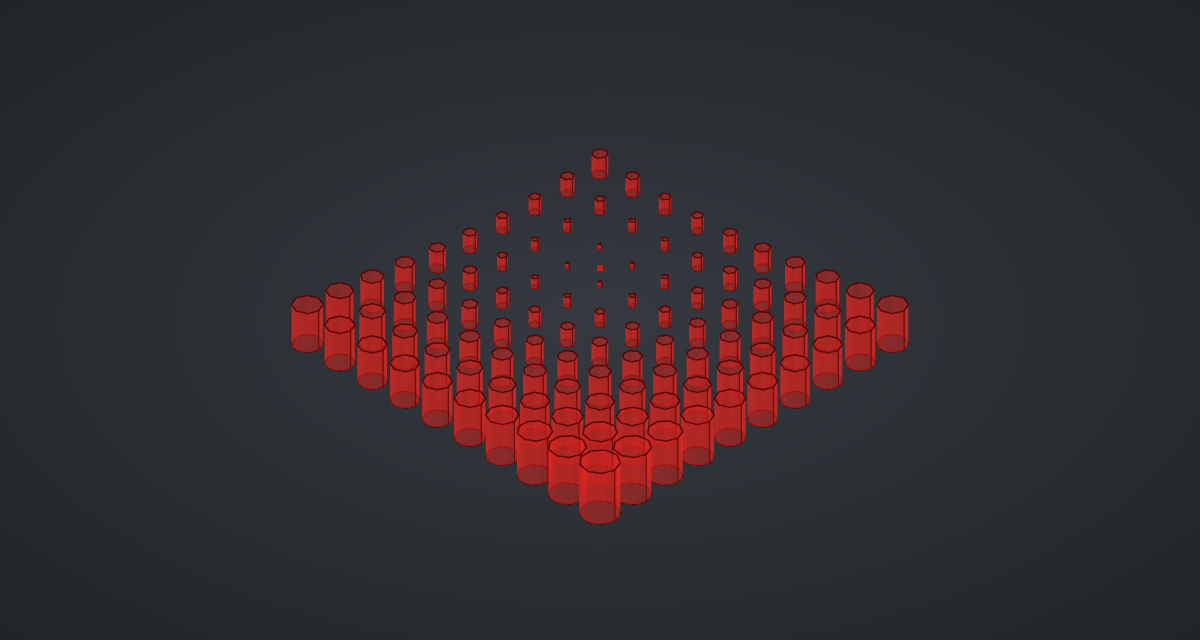
Geometry appears in FreeCAD’s 3D view as a translucent red preview. Nothing is added to your document until you bake it, so you can explore freely. The definition itself is saved inside the .FCStd file and comes back when you reopen it.
If you have used Grasshopper for Rhino, most of this will feel familiar: double-click to search, right-drag to pan, data trees with Flatten, Graft and Simplify, panels and number sliders.
Highlights
-
Live preview. Translucent red geometry in FreeCAD’s 3D view, green when its component is selected; nothing touches the document until you bake.
-
Data trees. Items, lists and trees of branches like
{0;1}, matched branch by branch, with Flatten, Graft, Simplify and Reverse on any grip. See Data trees. -
Tolerance analysis. Worst-case, RSS and Monte Carlo stack-ups and GD&T bonus and boundary calculators, tested against textbook examples. See Tolerance analysis.
-
Saved with your model. The canvas is stored in the
.FCStdfile itself. See Saving and files. -
Safe to share. Formulas in the Expression component are checked, never executed as Python, so opening someone else’s file cannot run code.
-
Free software. LGPL-2.1-or-later, the same licence as FreeCAD. Source, issues and discussions on GitHub.
Status
Katydid is young (version 0.1). It is tested on FreeCAD 1.1 under Windows and its headless test suite runs on Linux; it should work wherever FreeCAD 1.x with PySide6 runs. Things that are not there yet are listed under known limits.
| Katydid is an independent project and is not affiliated with Robert McNeel & Associates. Grasshopper and Rhino are their trademarks, used here only to describe the style of tool. All icons and code are original. |