Short, complete examples you can build by hand. Each one teaches one idea and ends with things to try. Every finished definition can also be loaded with one click from Examples on the canvas toolbar, so you can compare your build with the reference.
Before starting, make sure you can place components, wire them and edit a slider: the quick start covers all three.
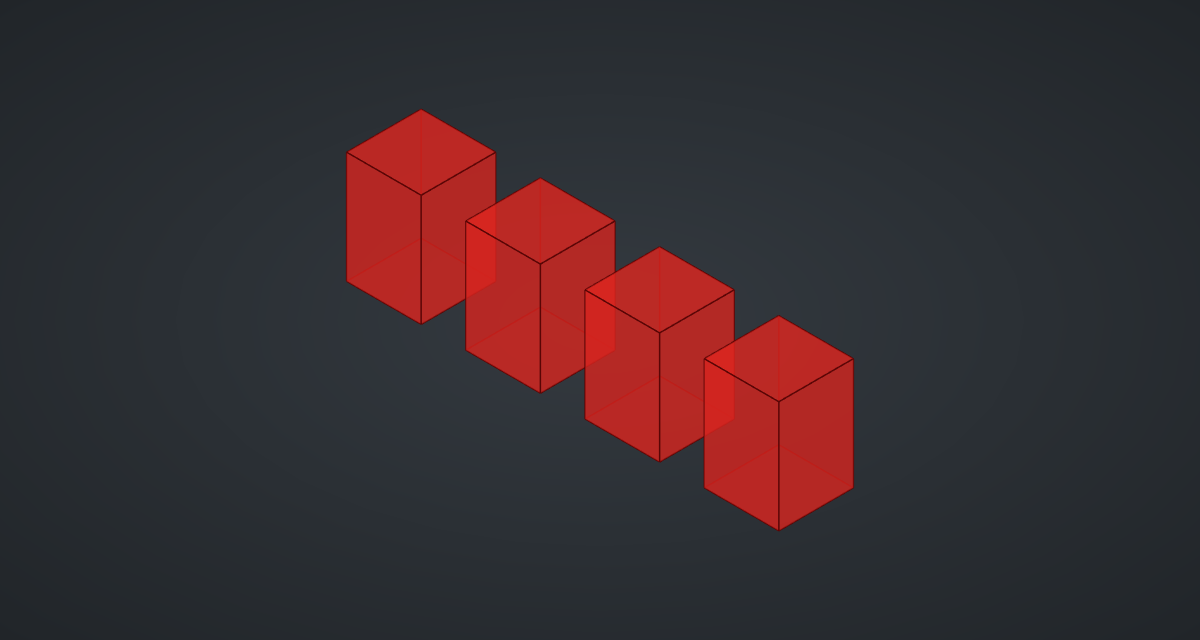
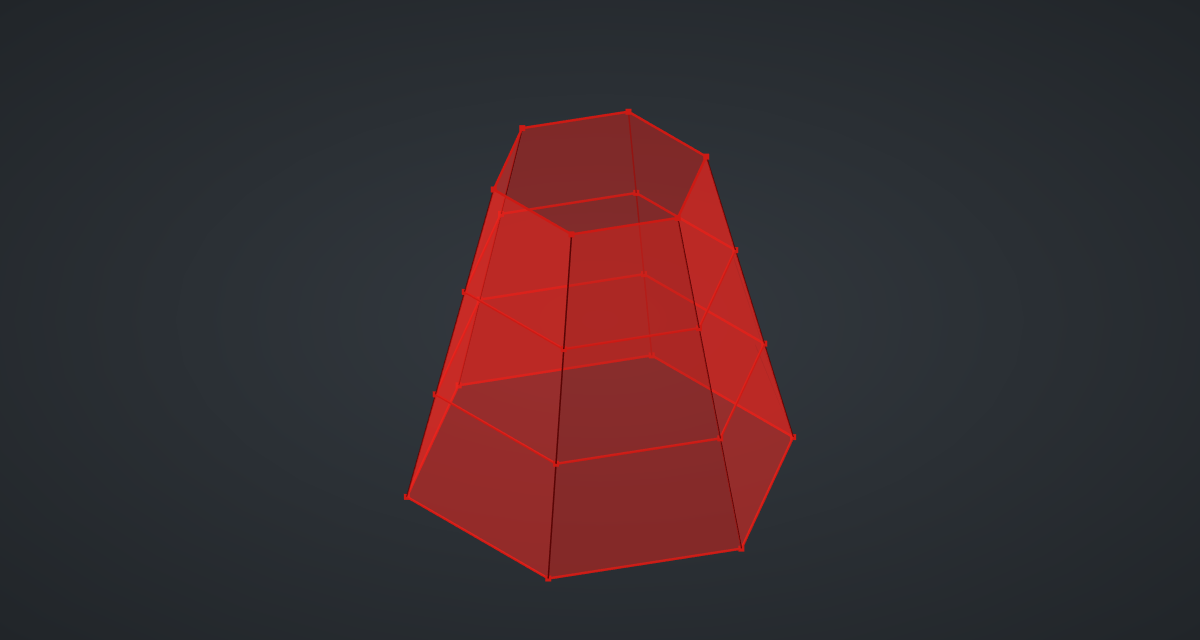
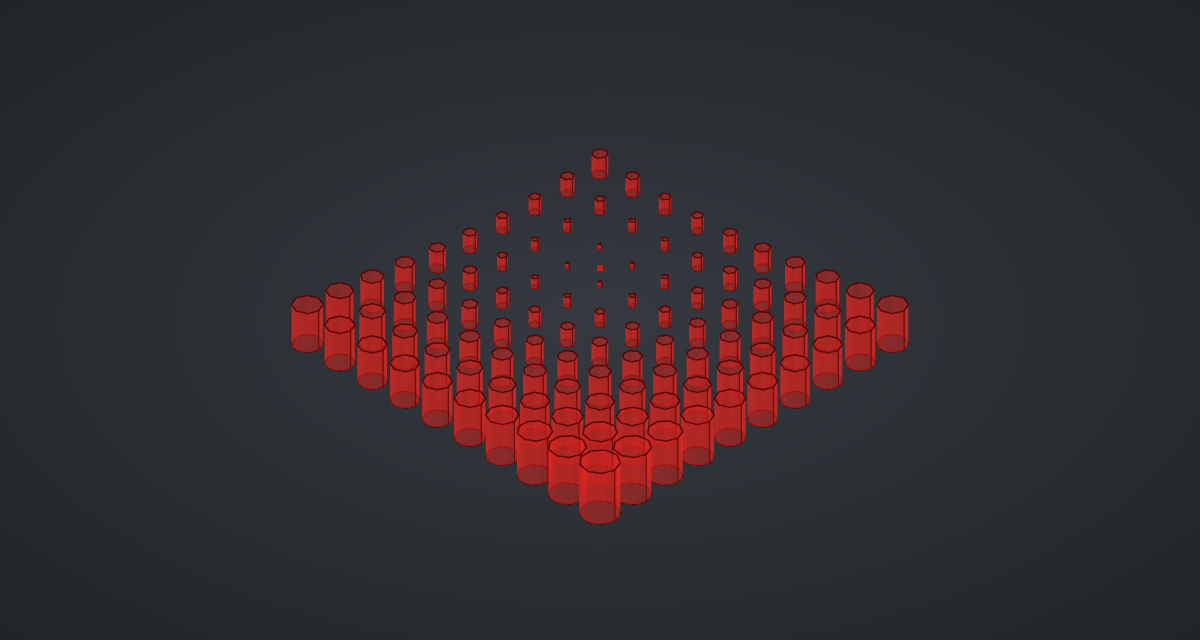
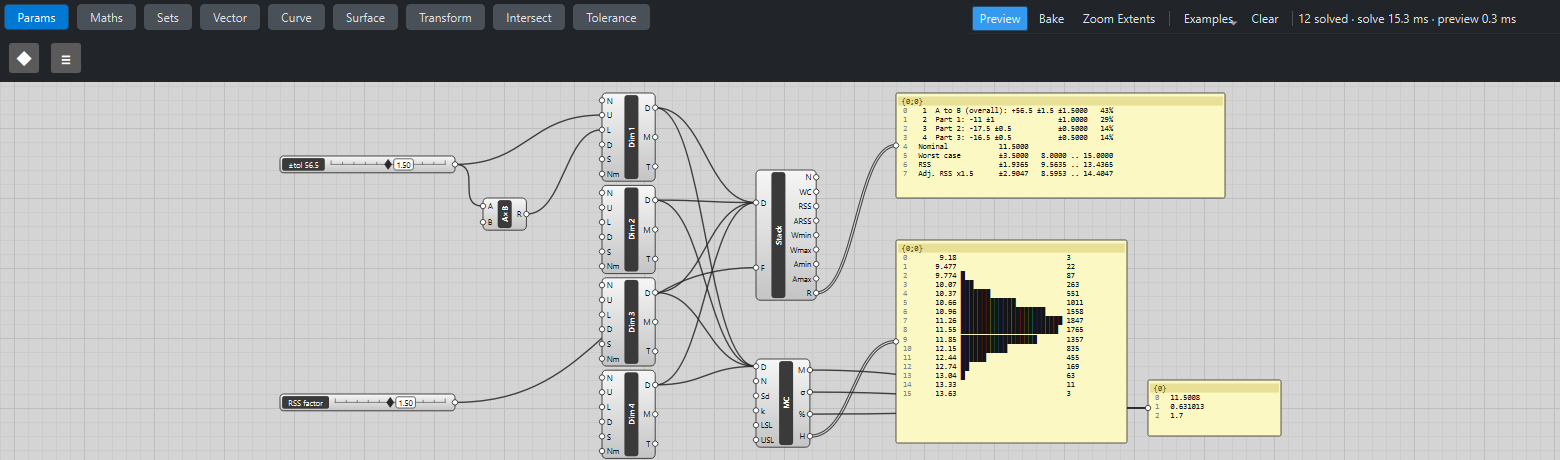
Showcase
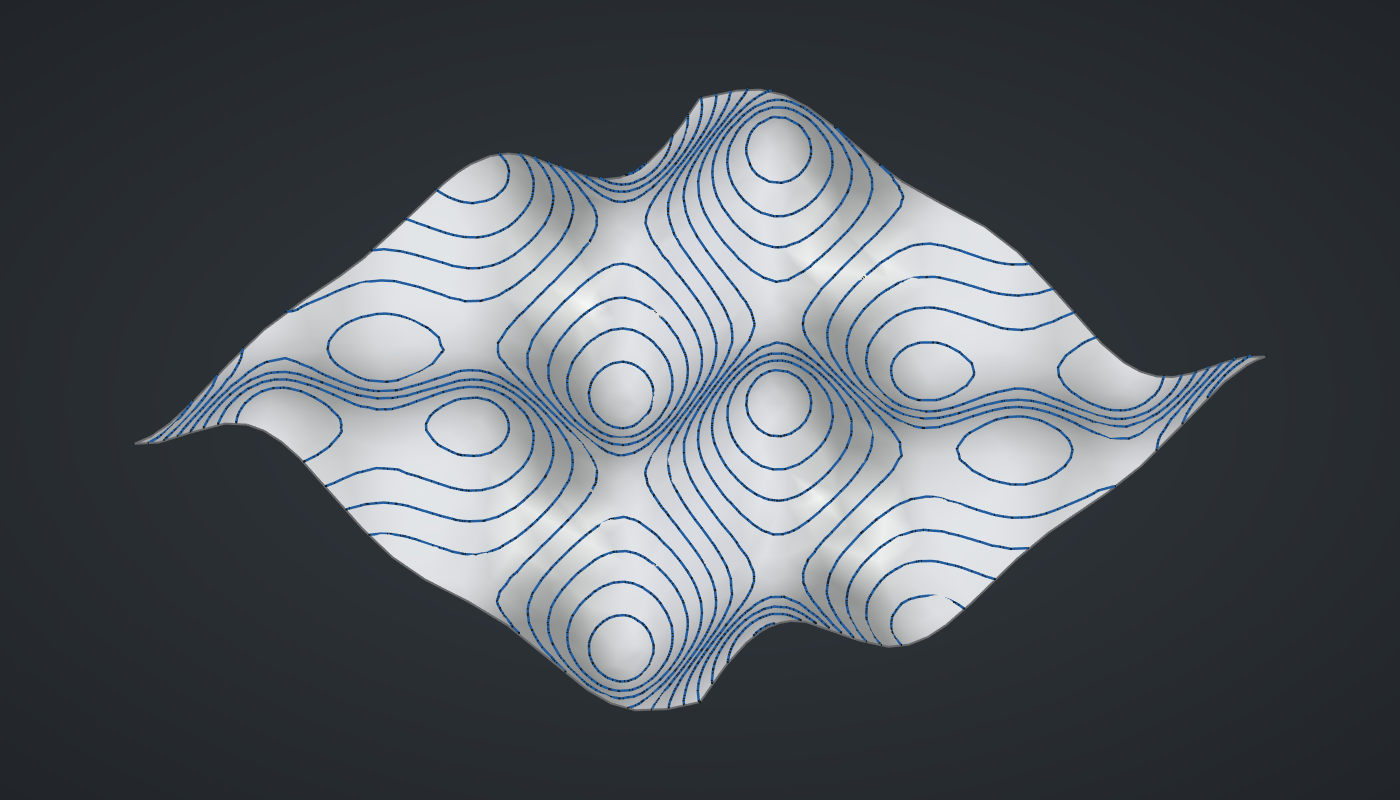
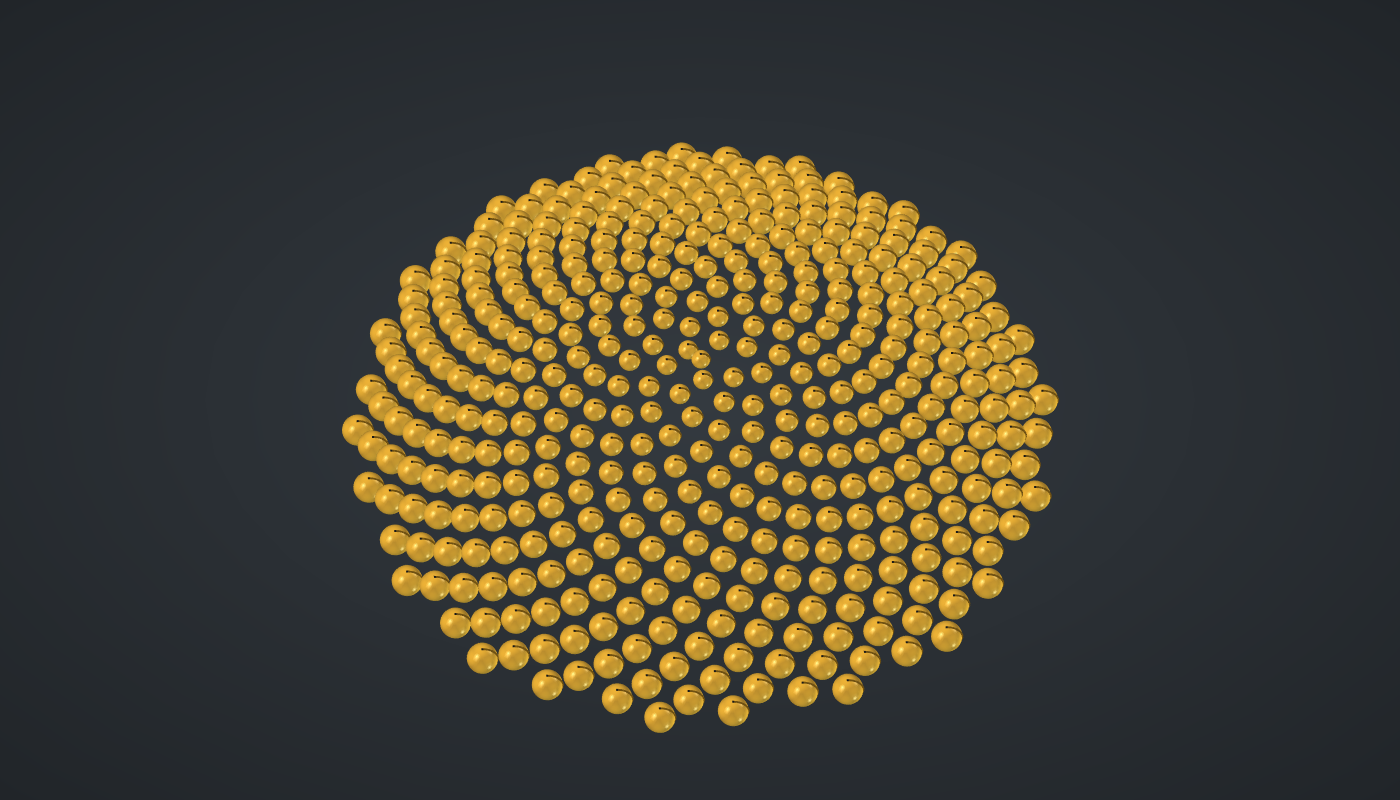
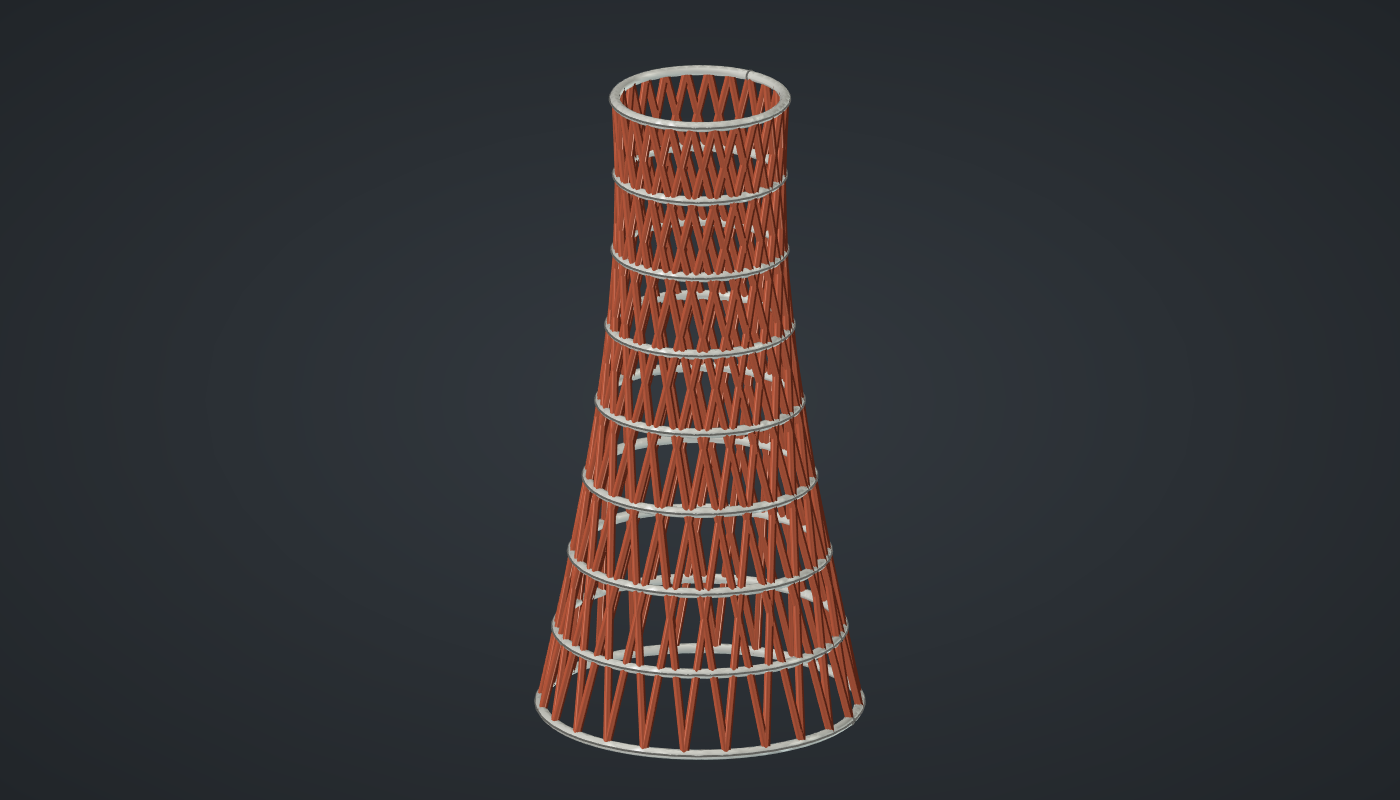
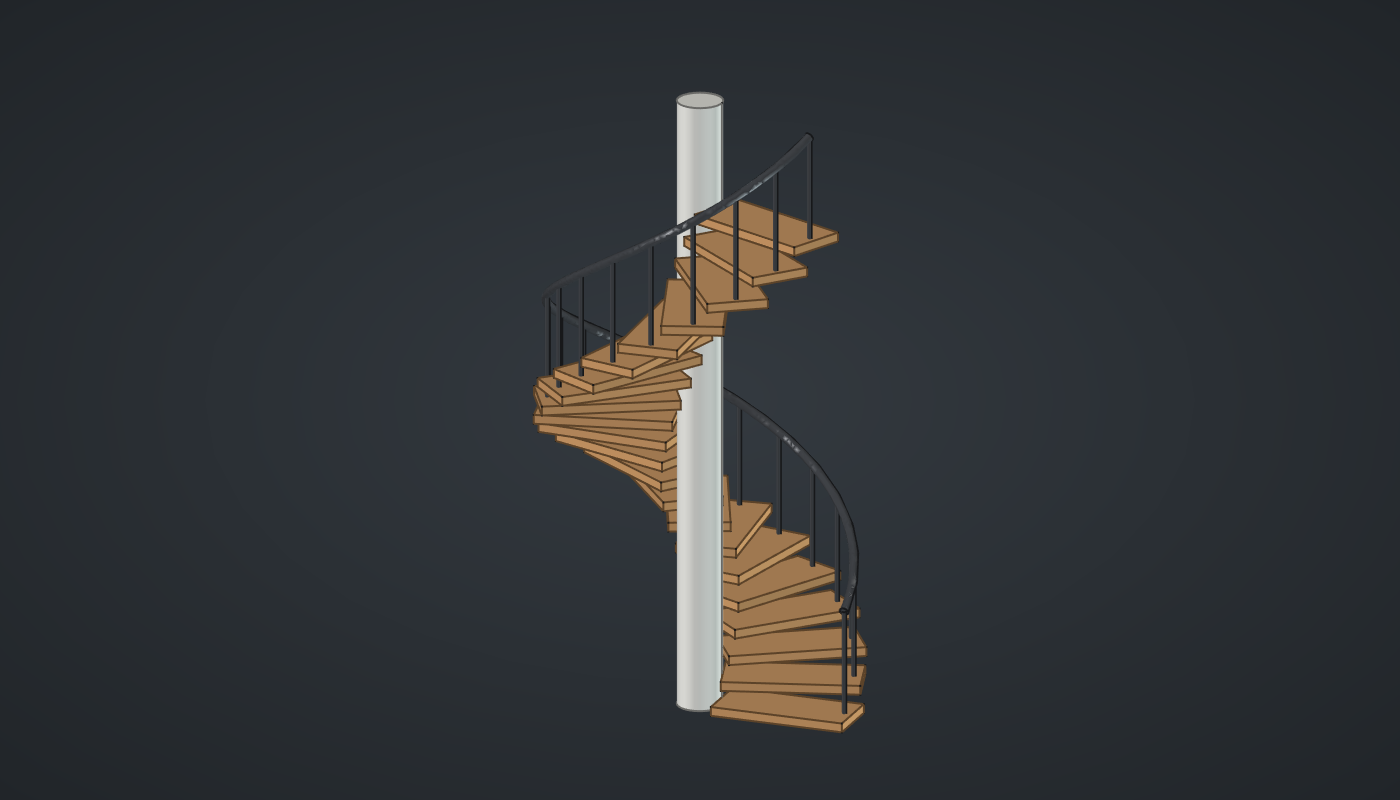
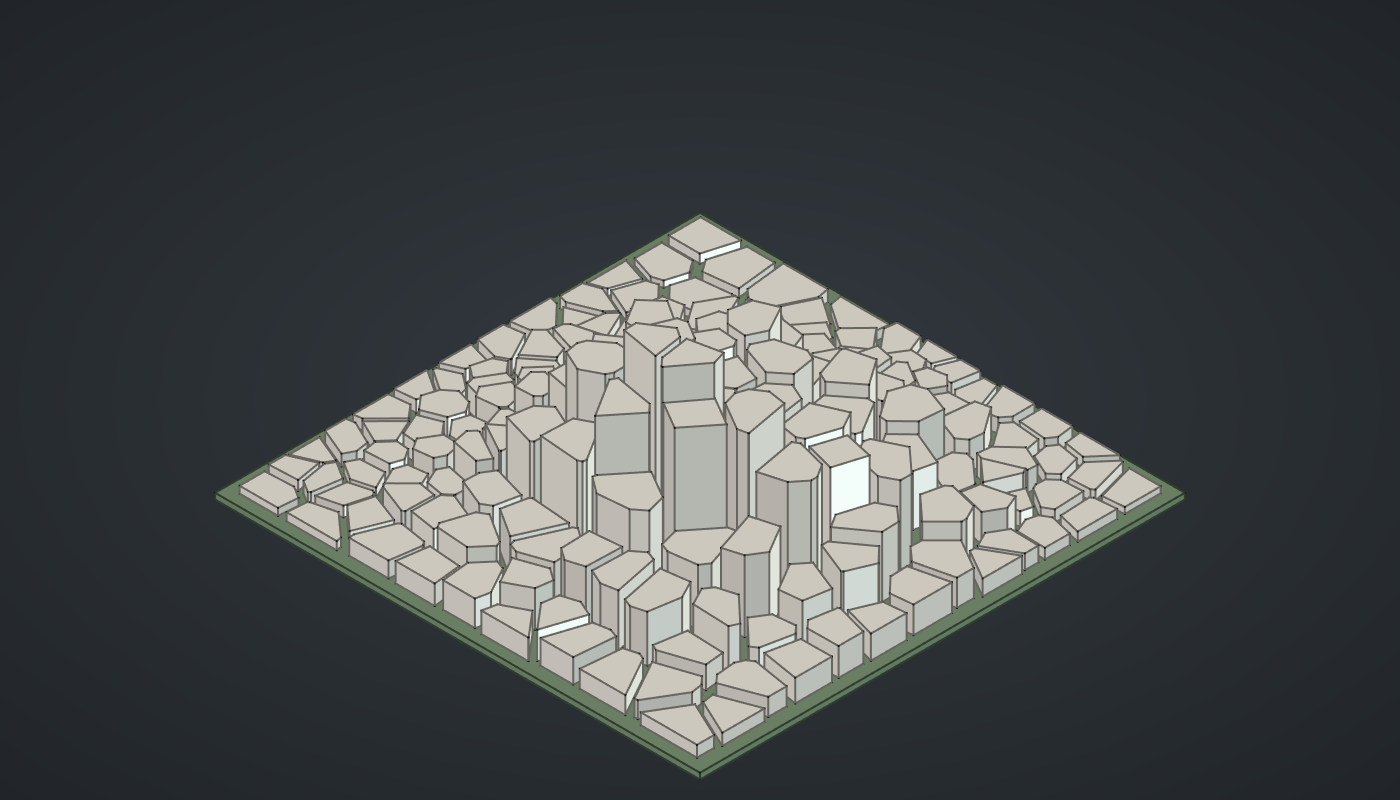
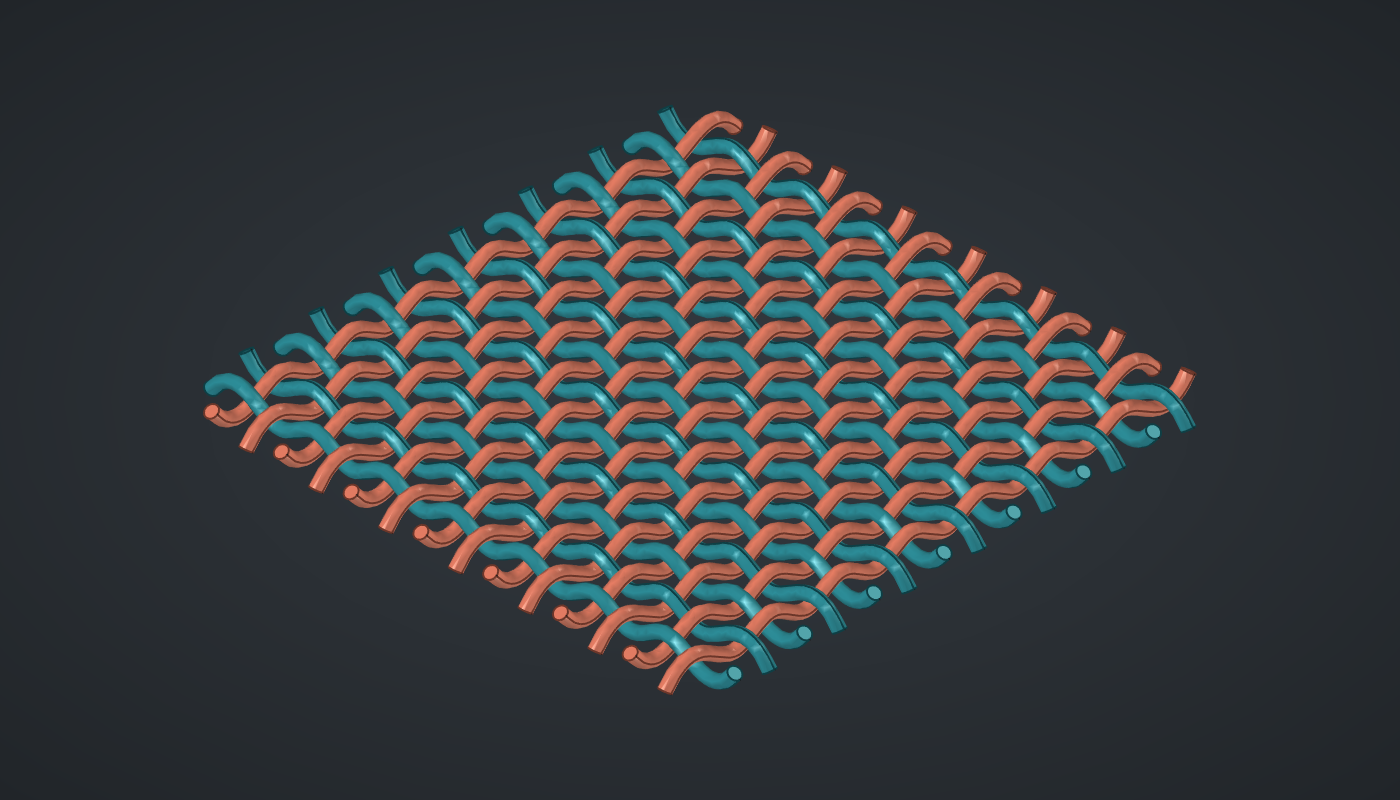
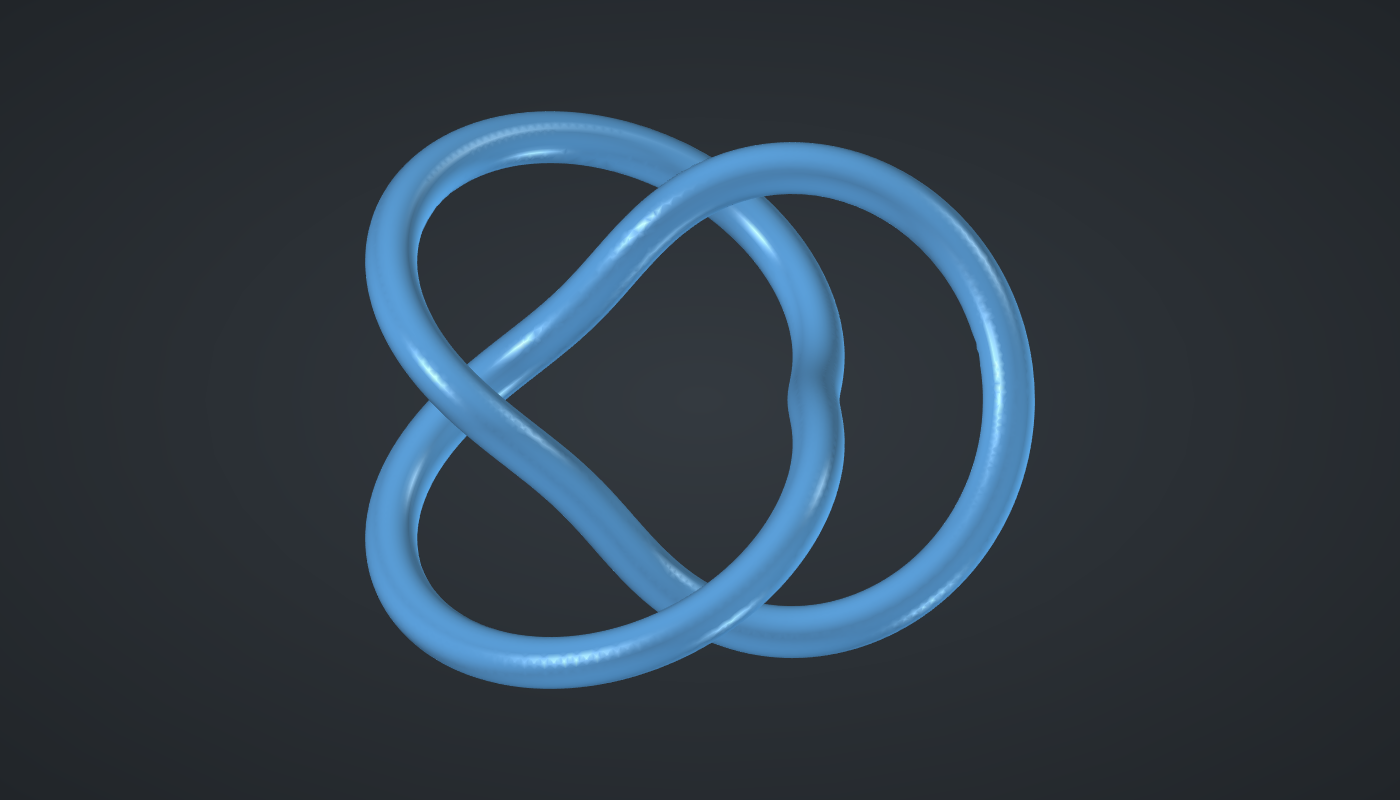
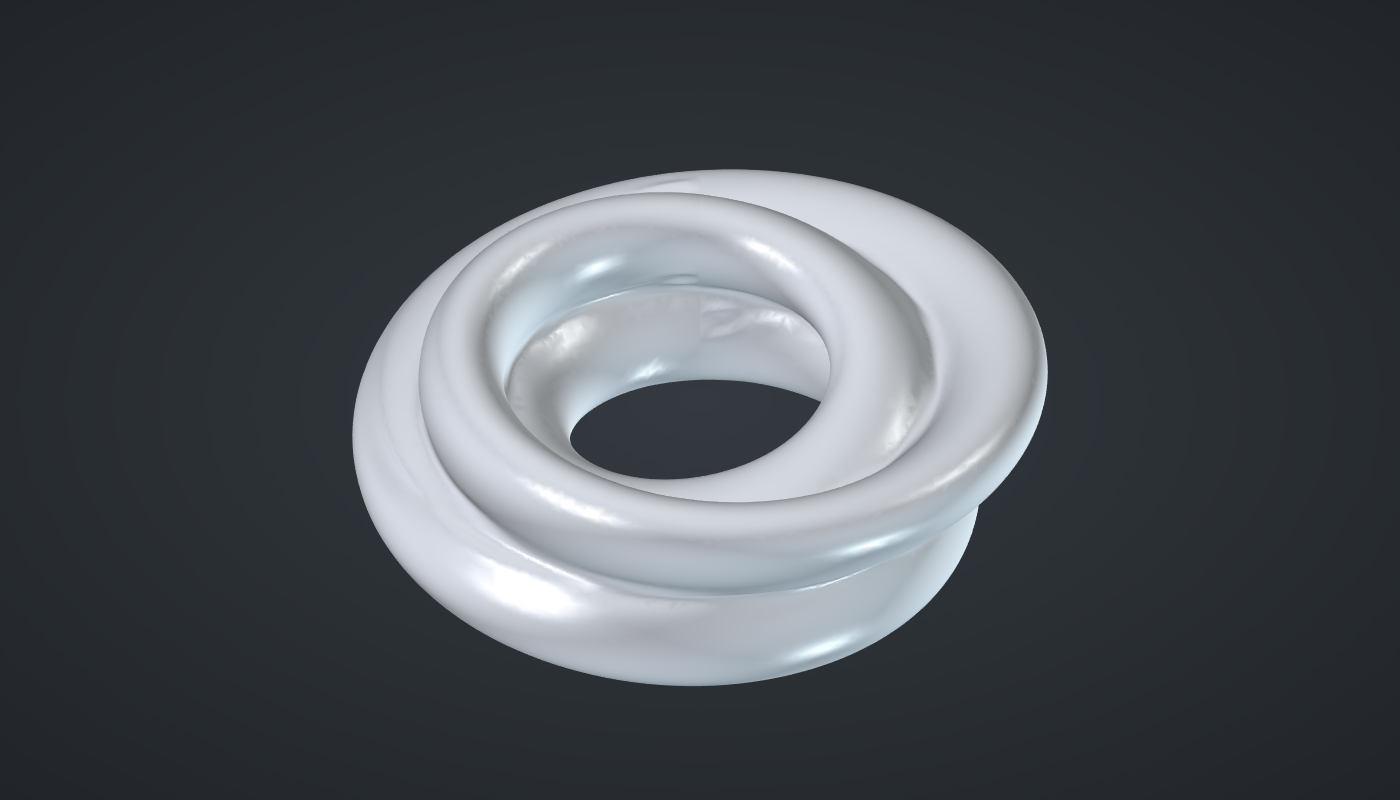
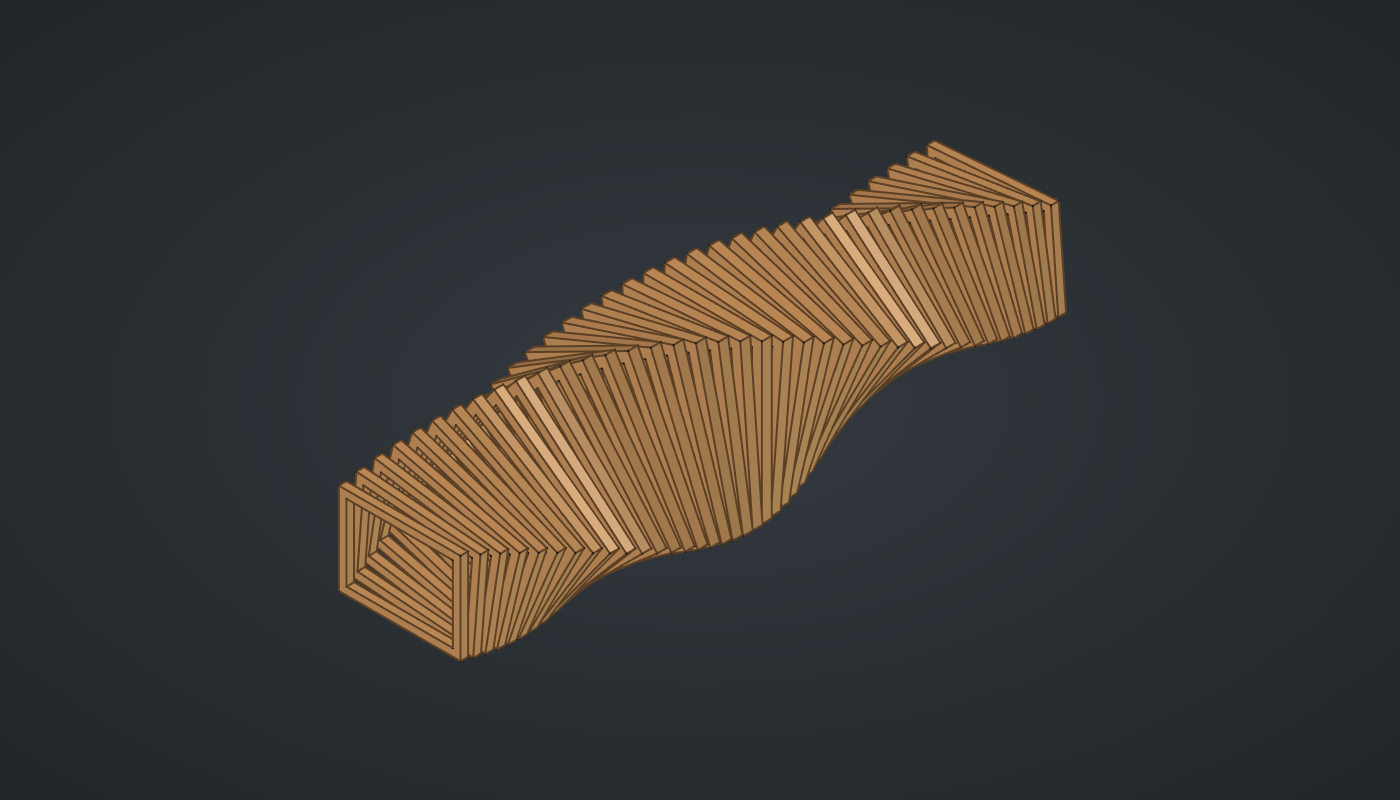
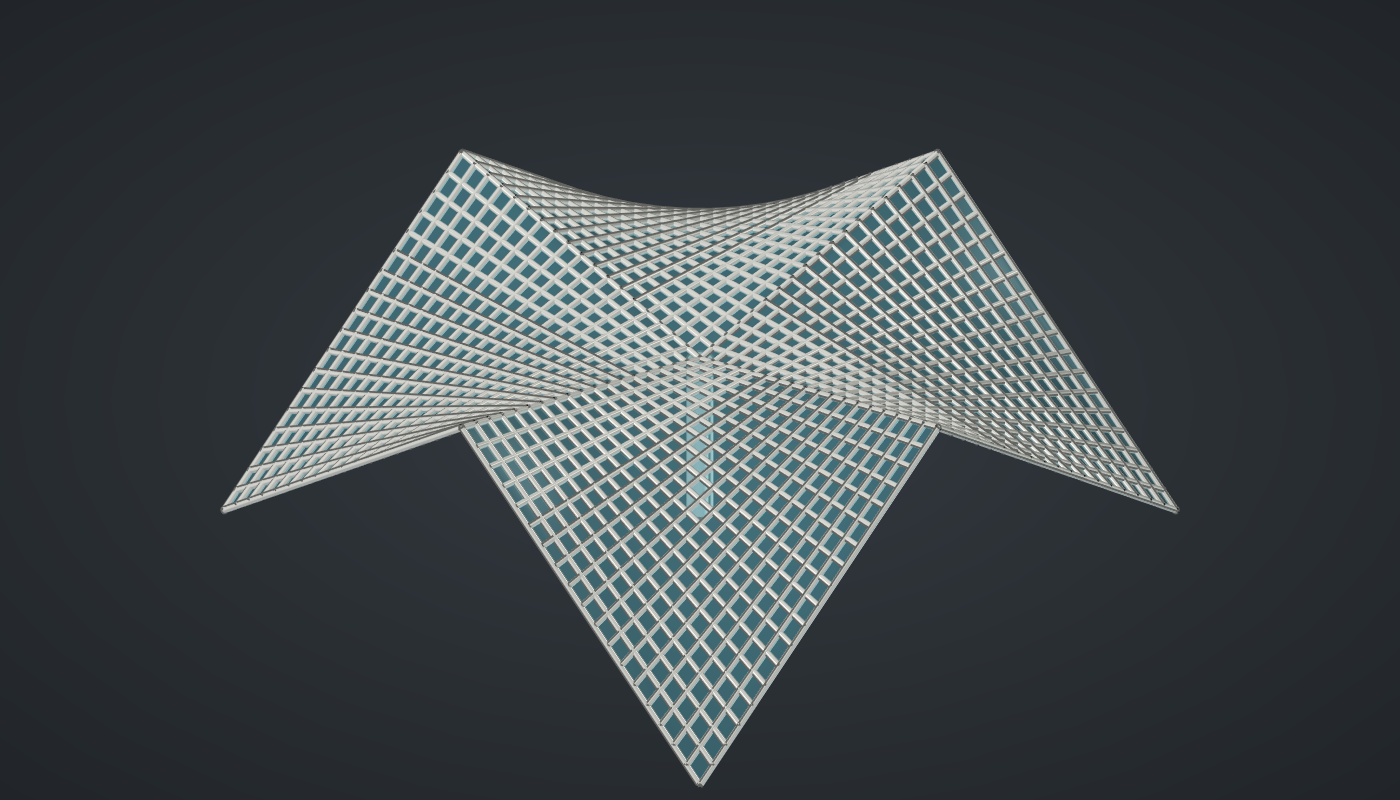
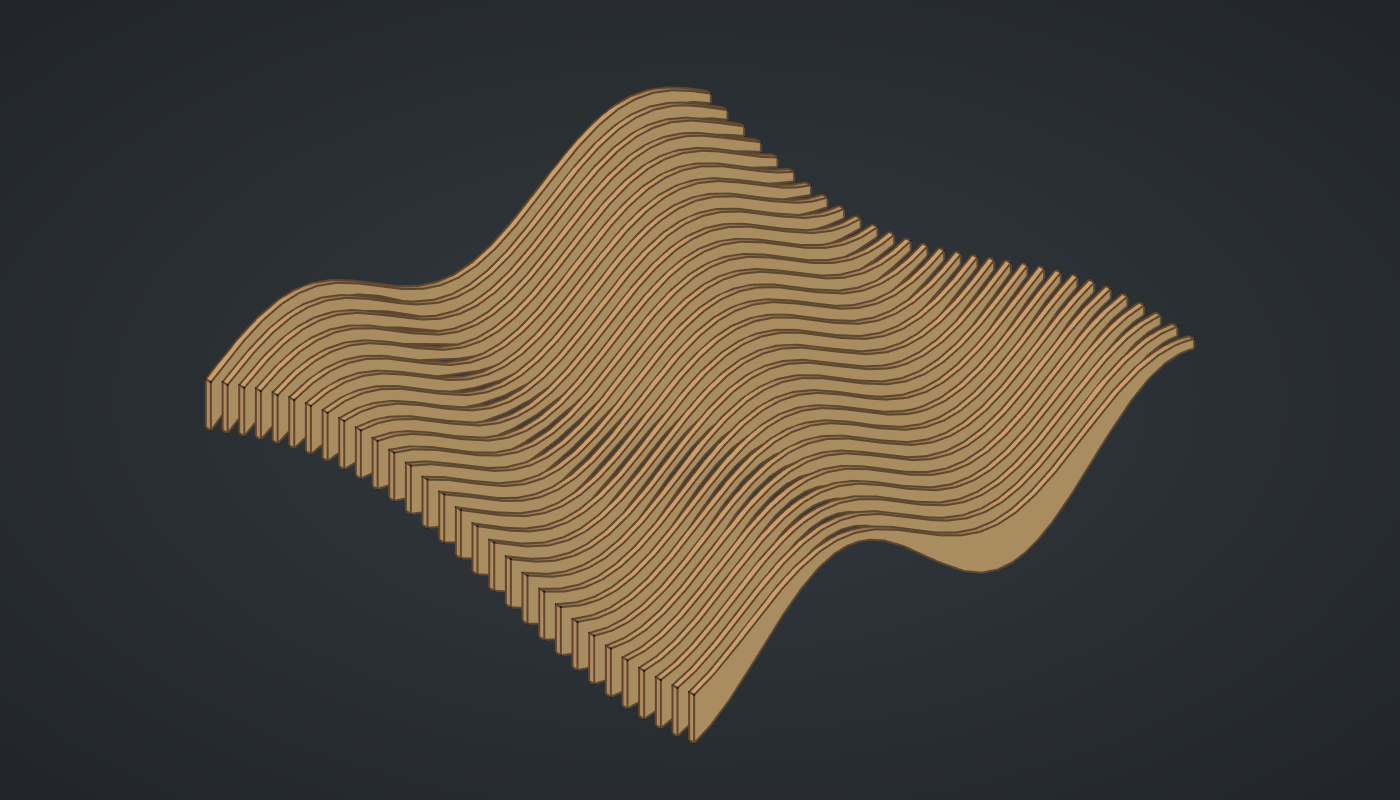
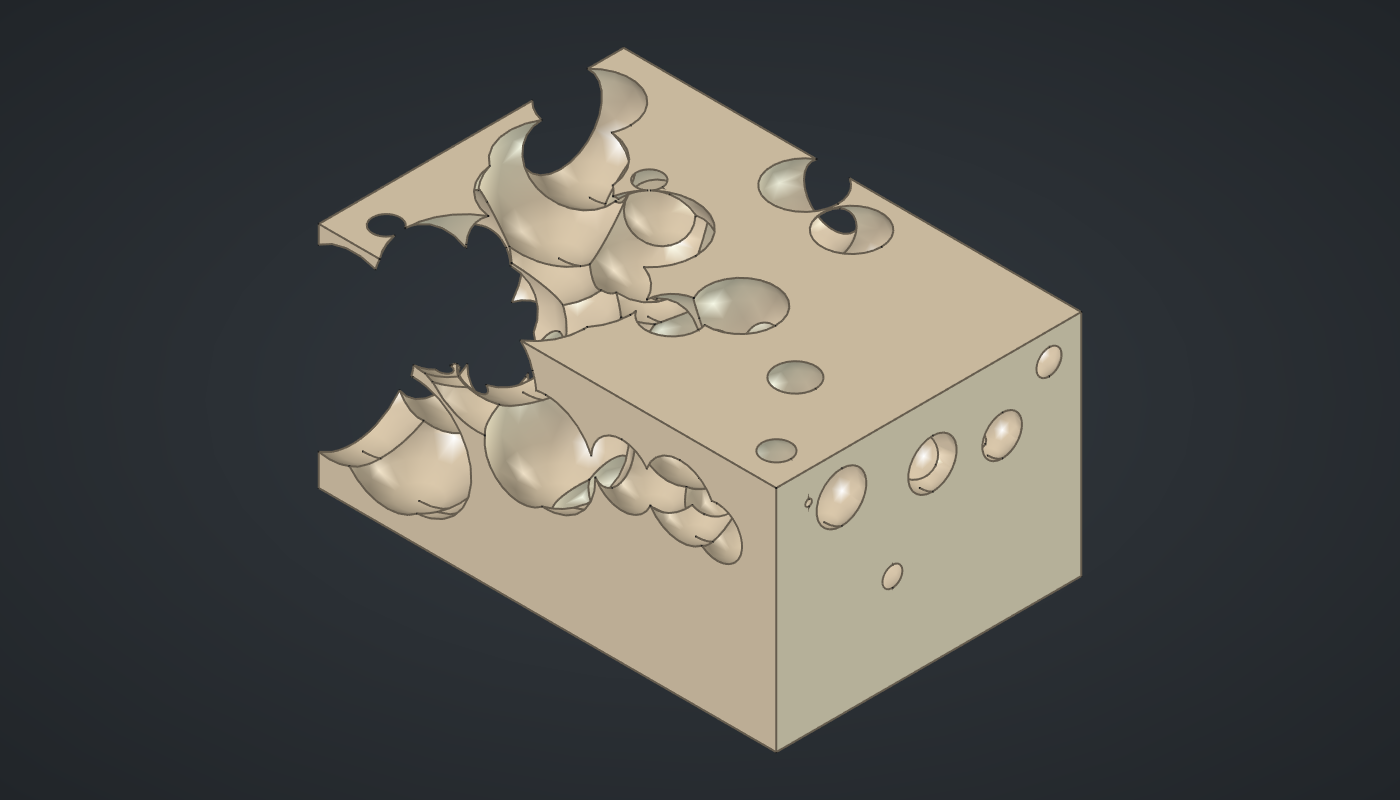
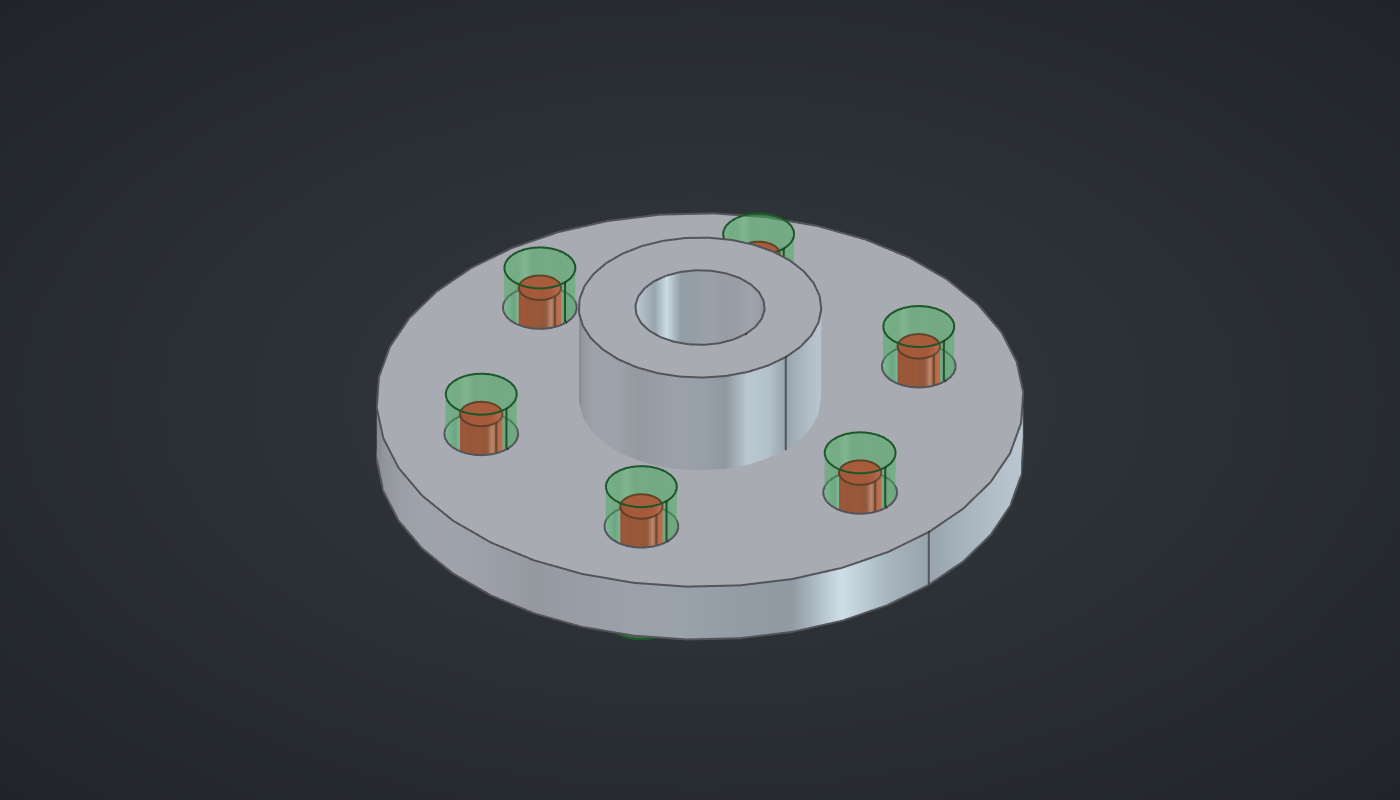
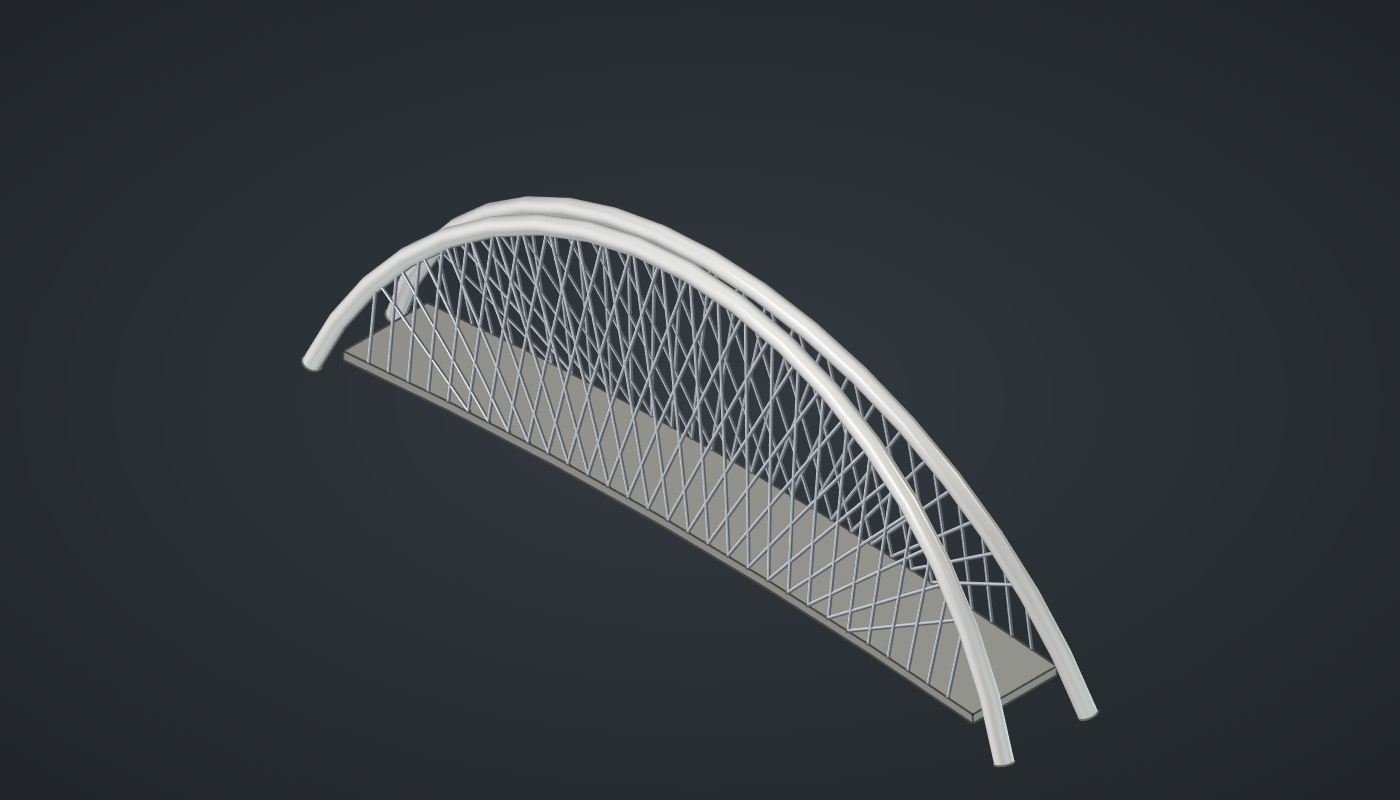
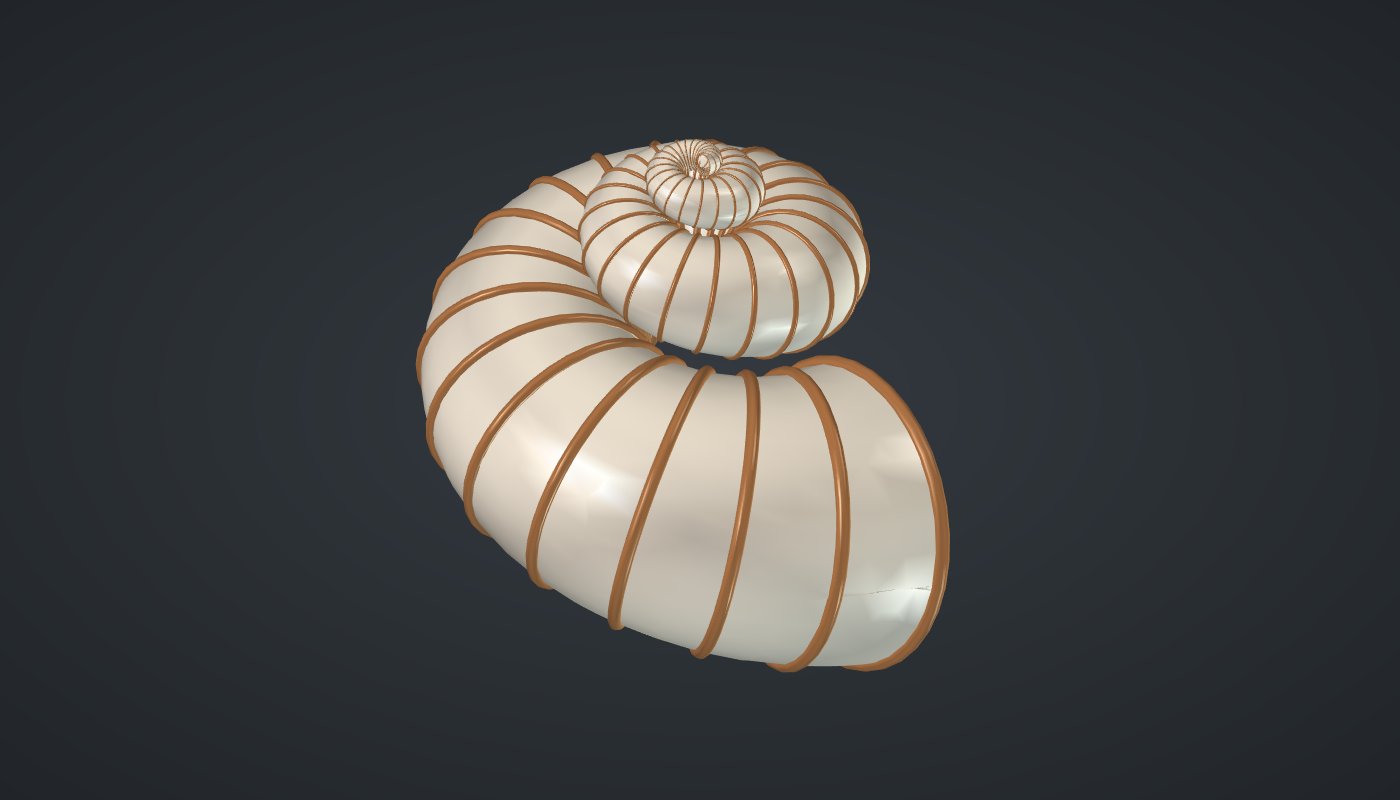
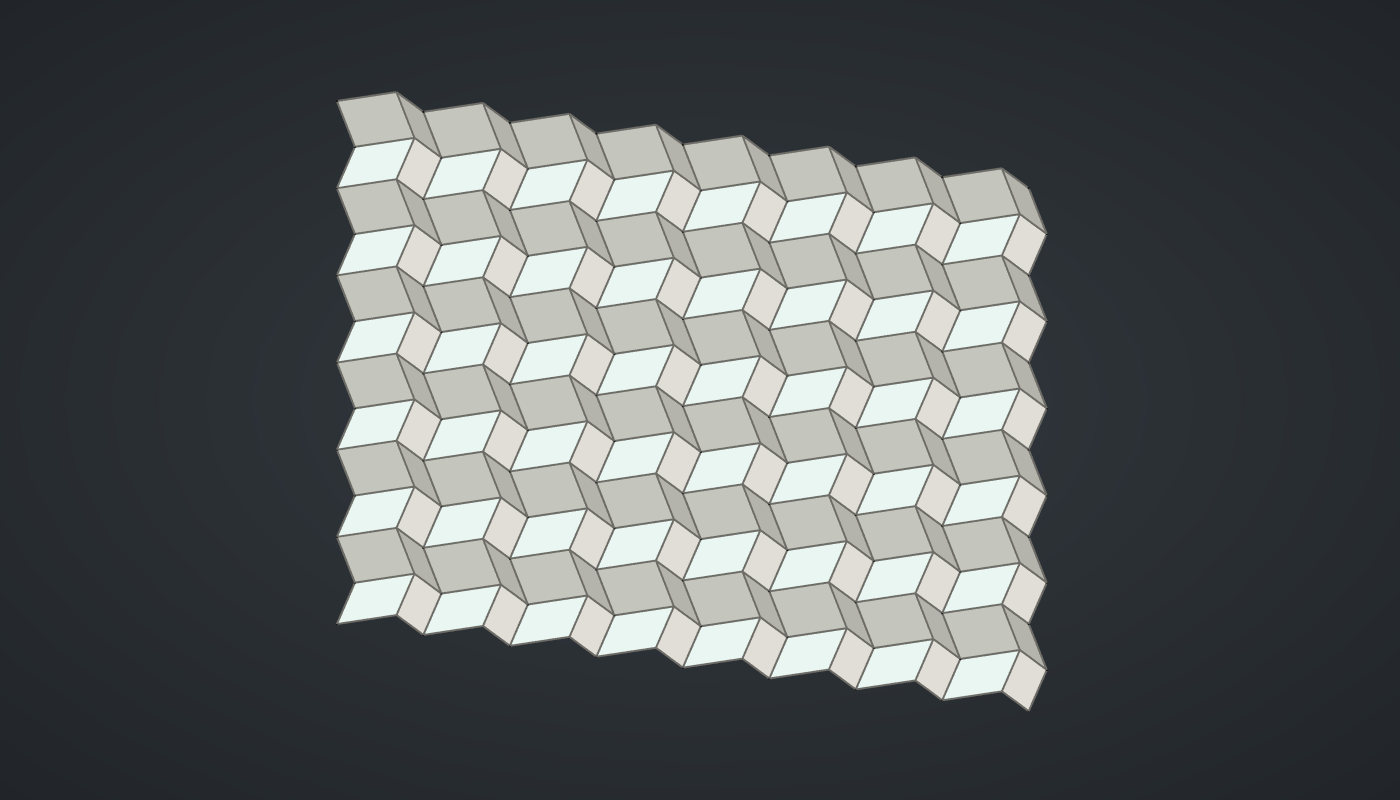
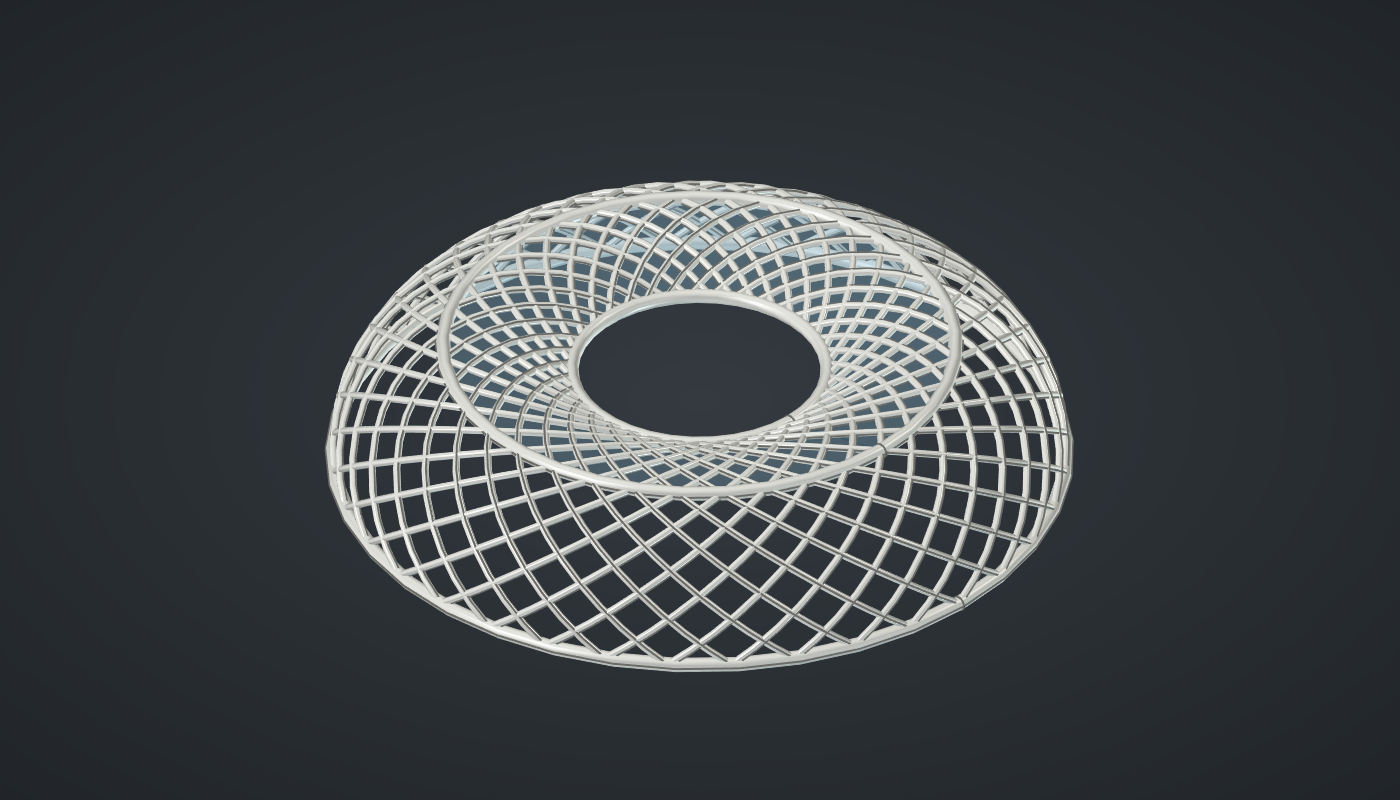
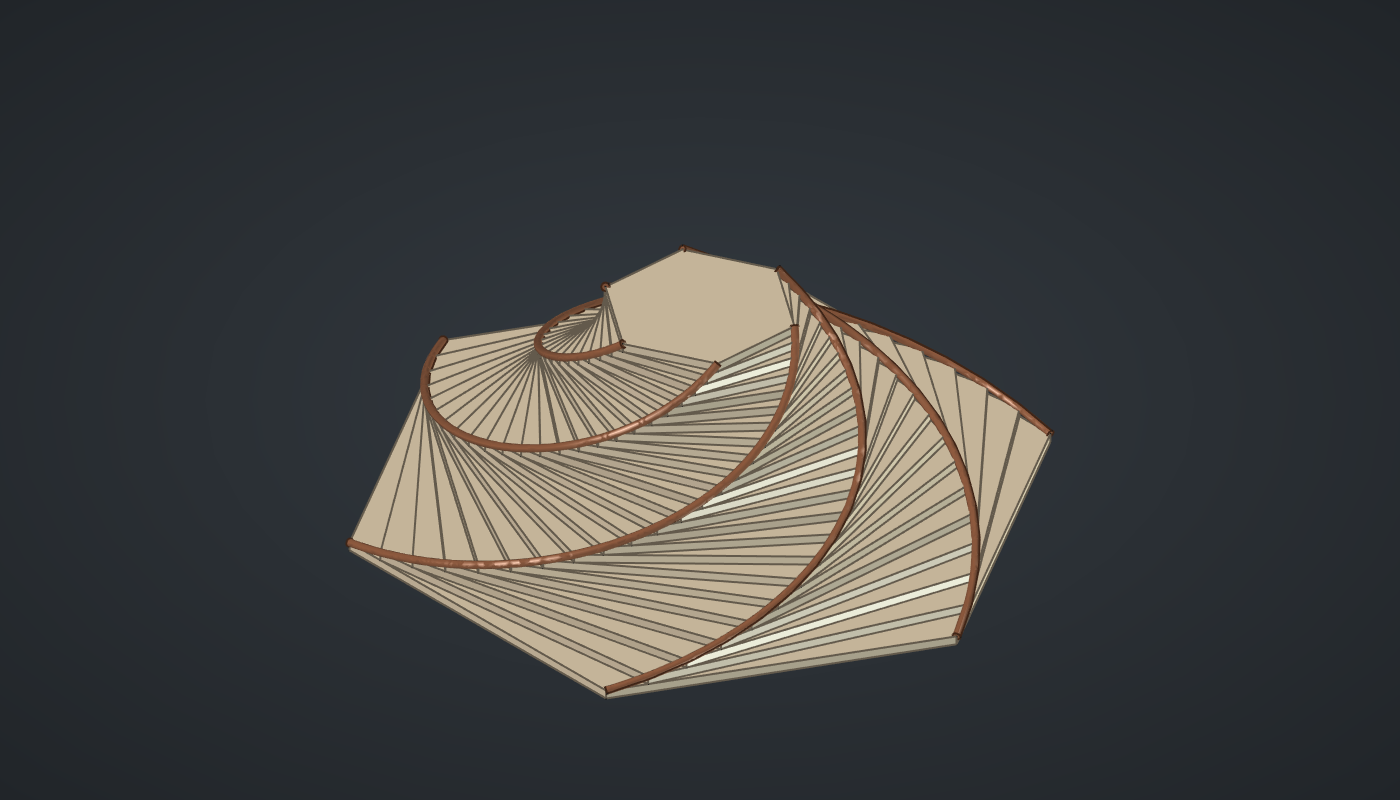
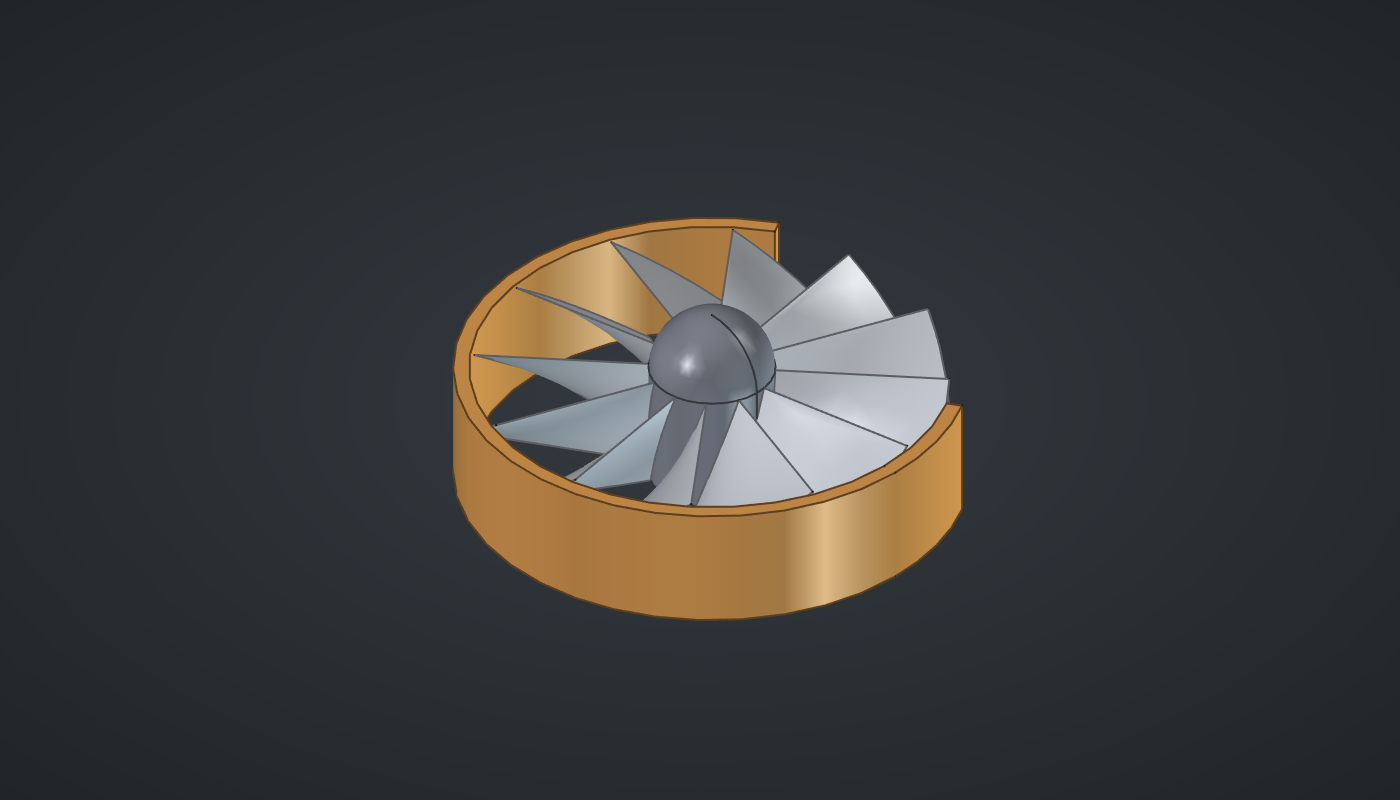
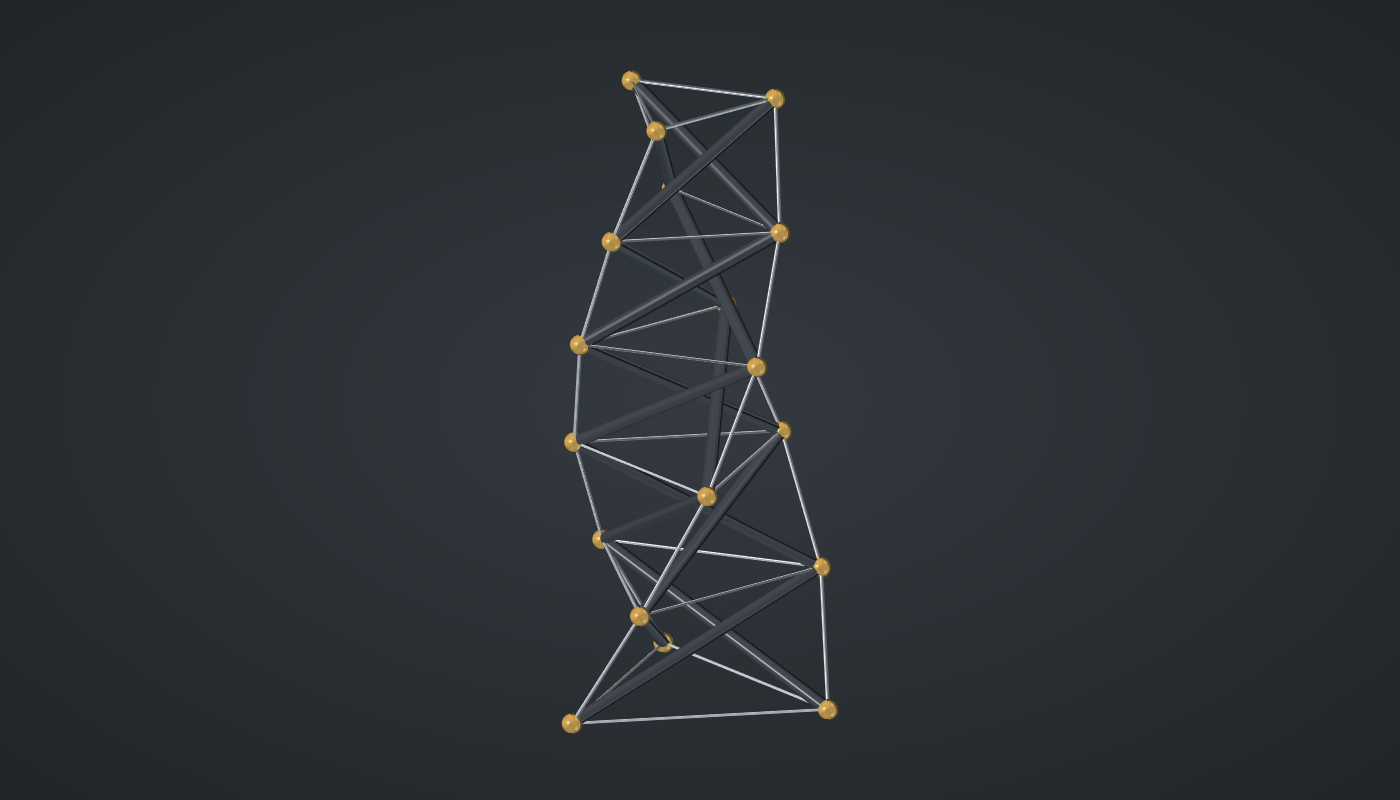
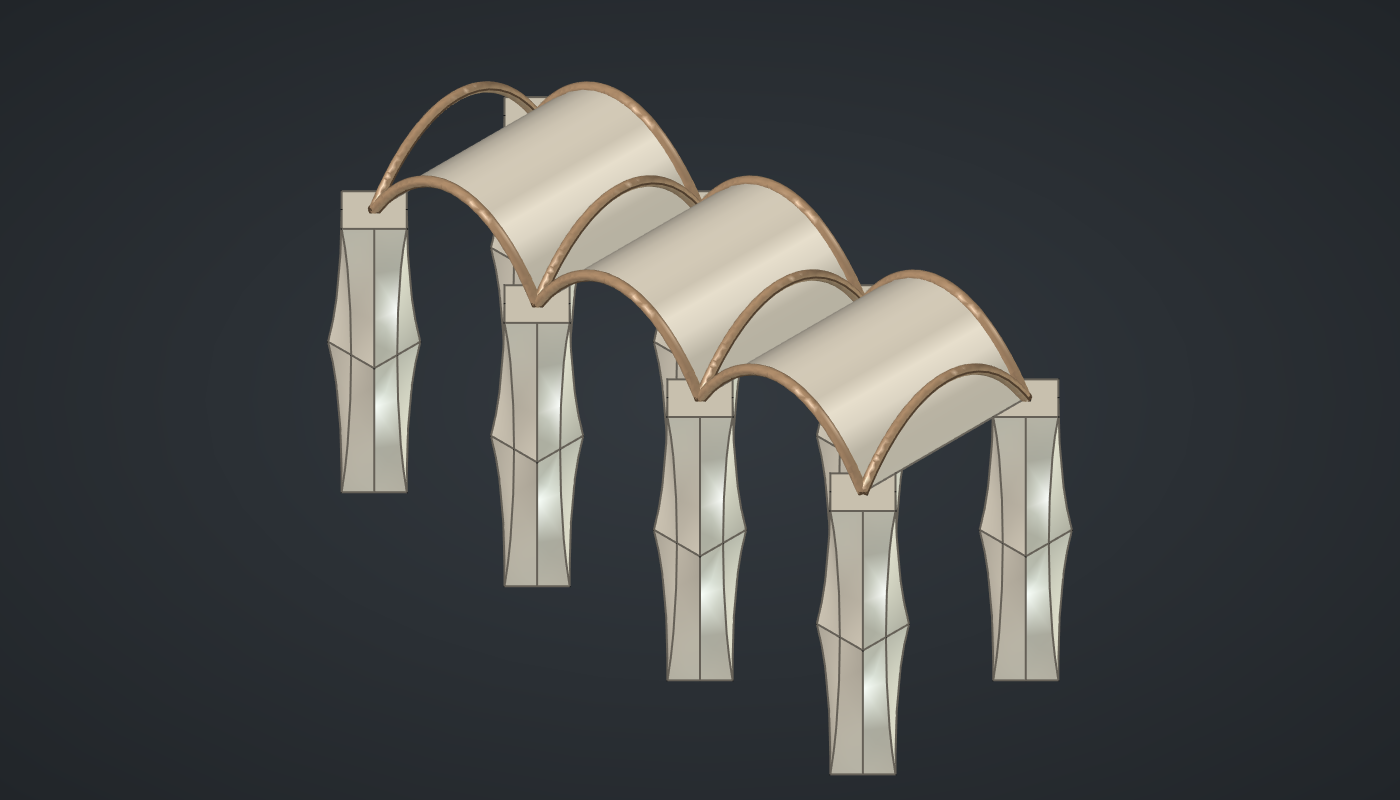
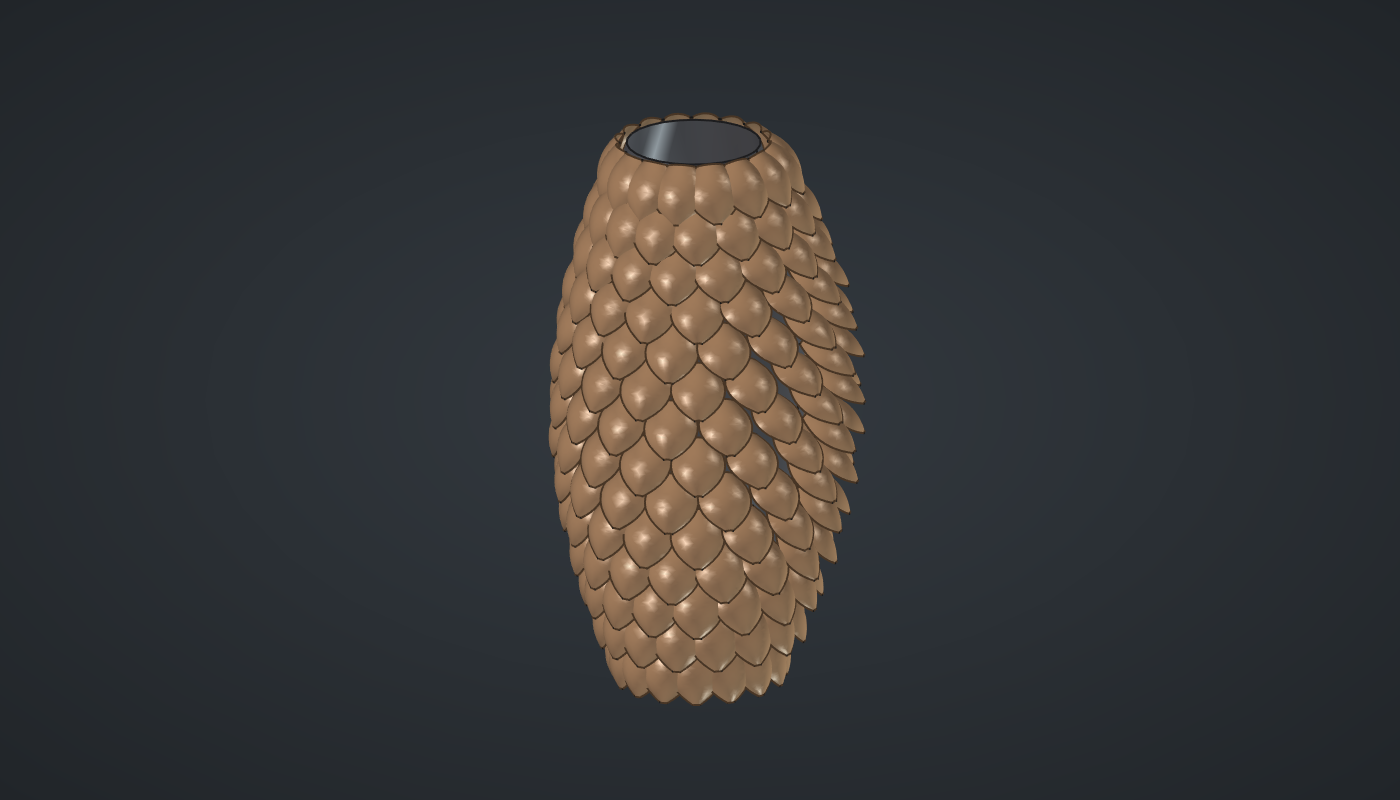
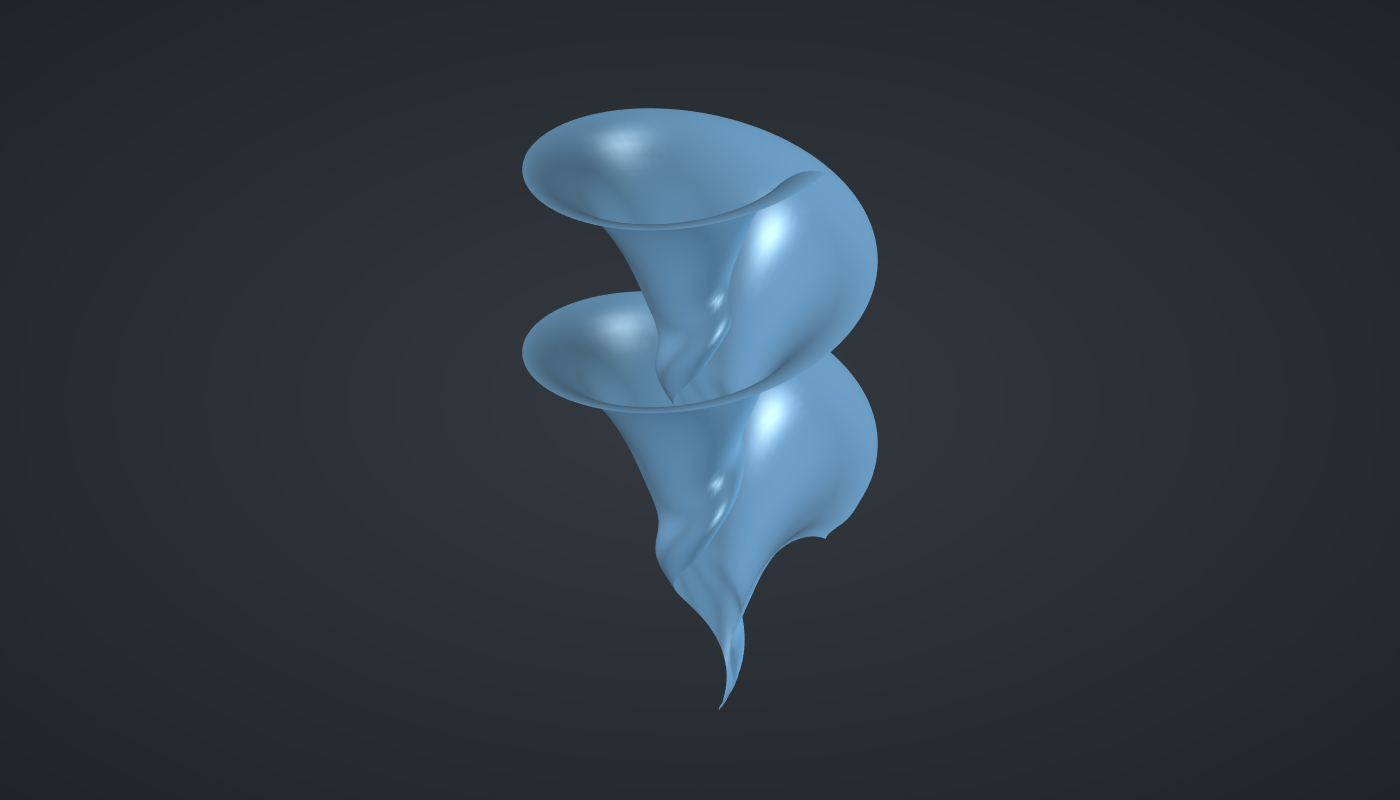
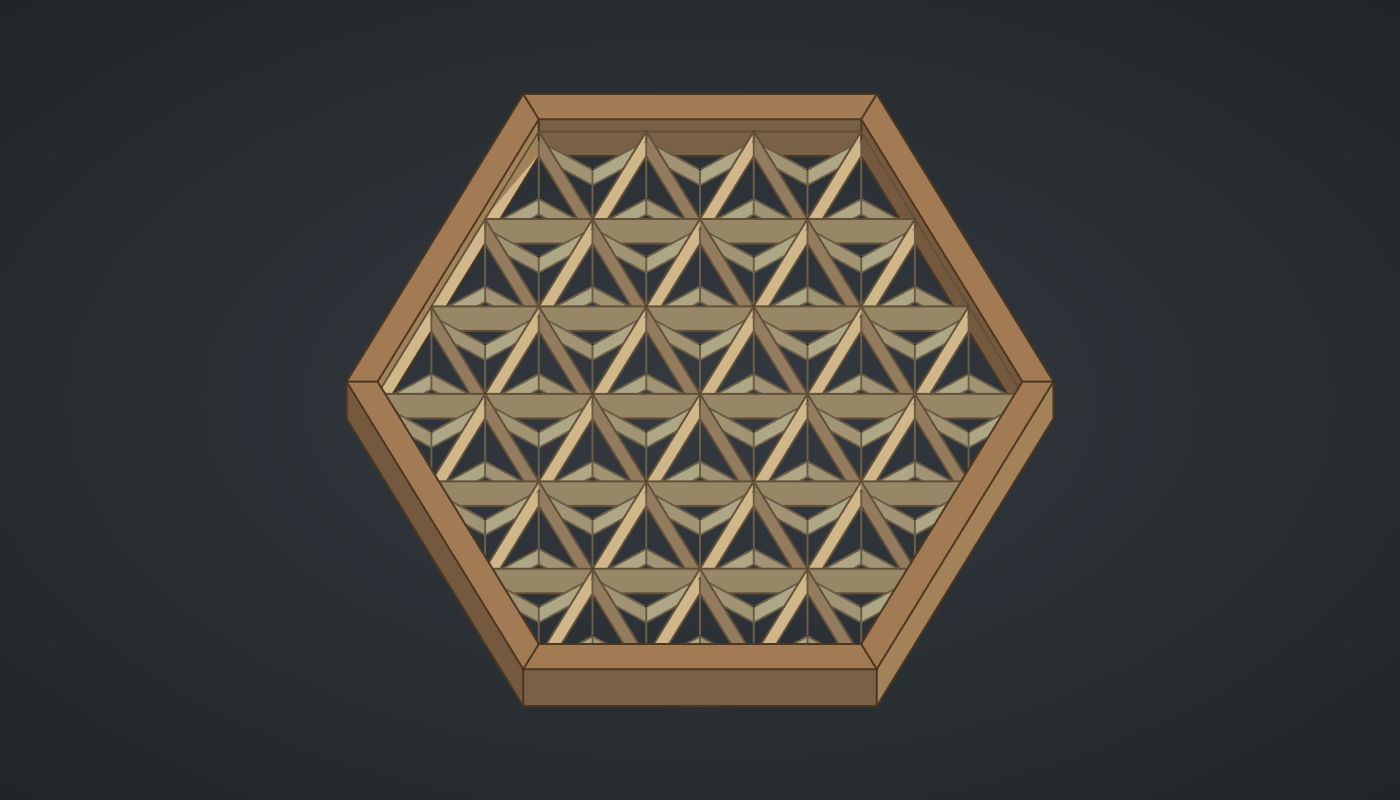
Larger designs in the style of classic Grasshopper projects; see them side by side in the gallery.


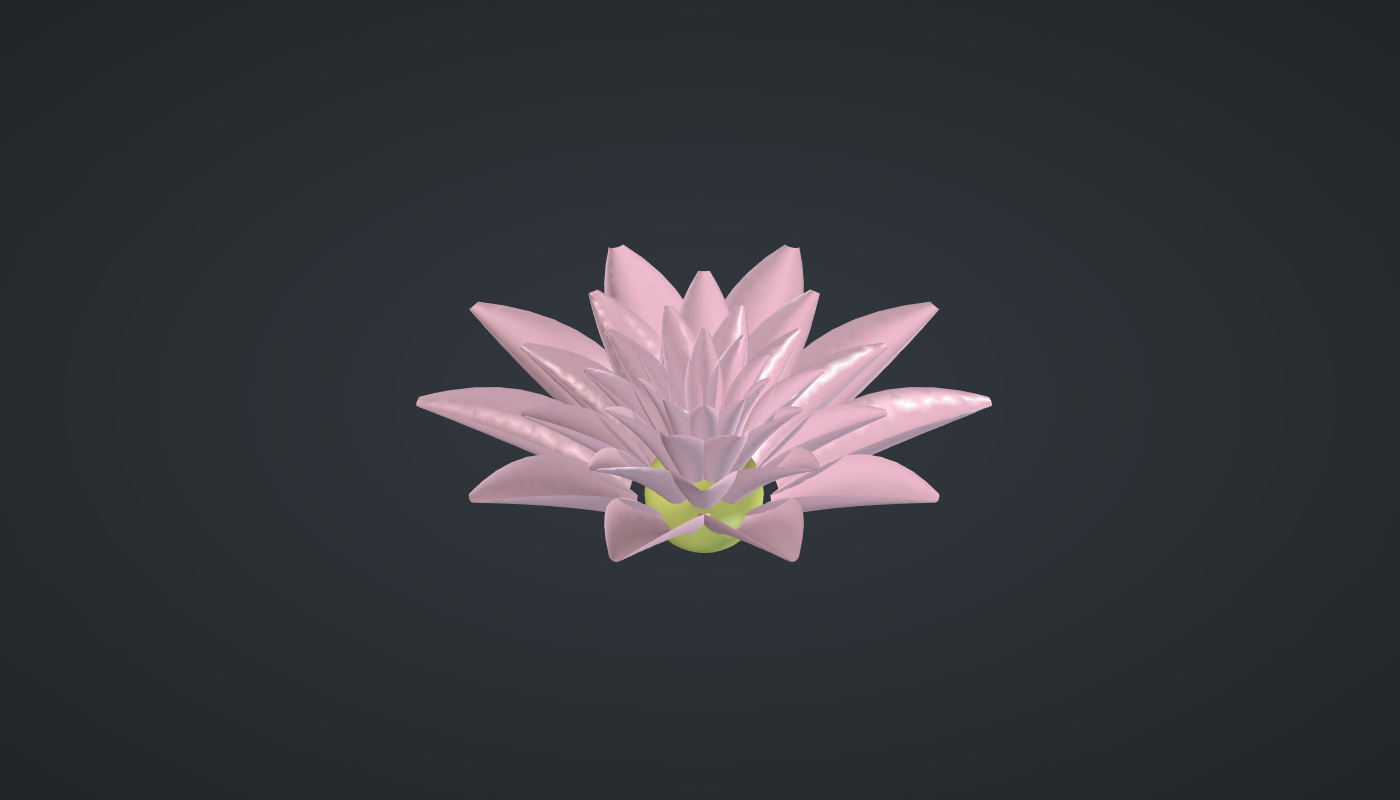
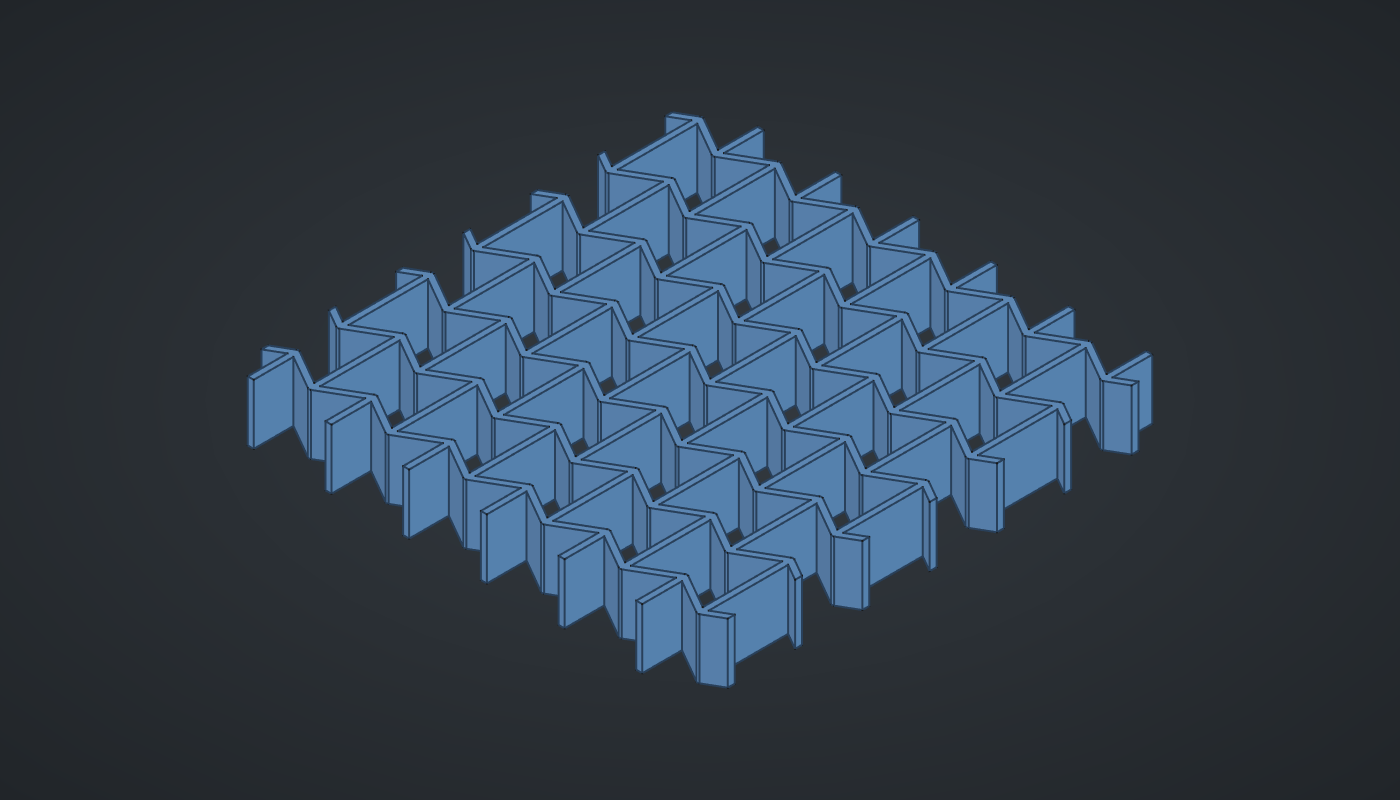
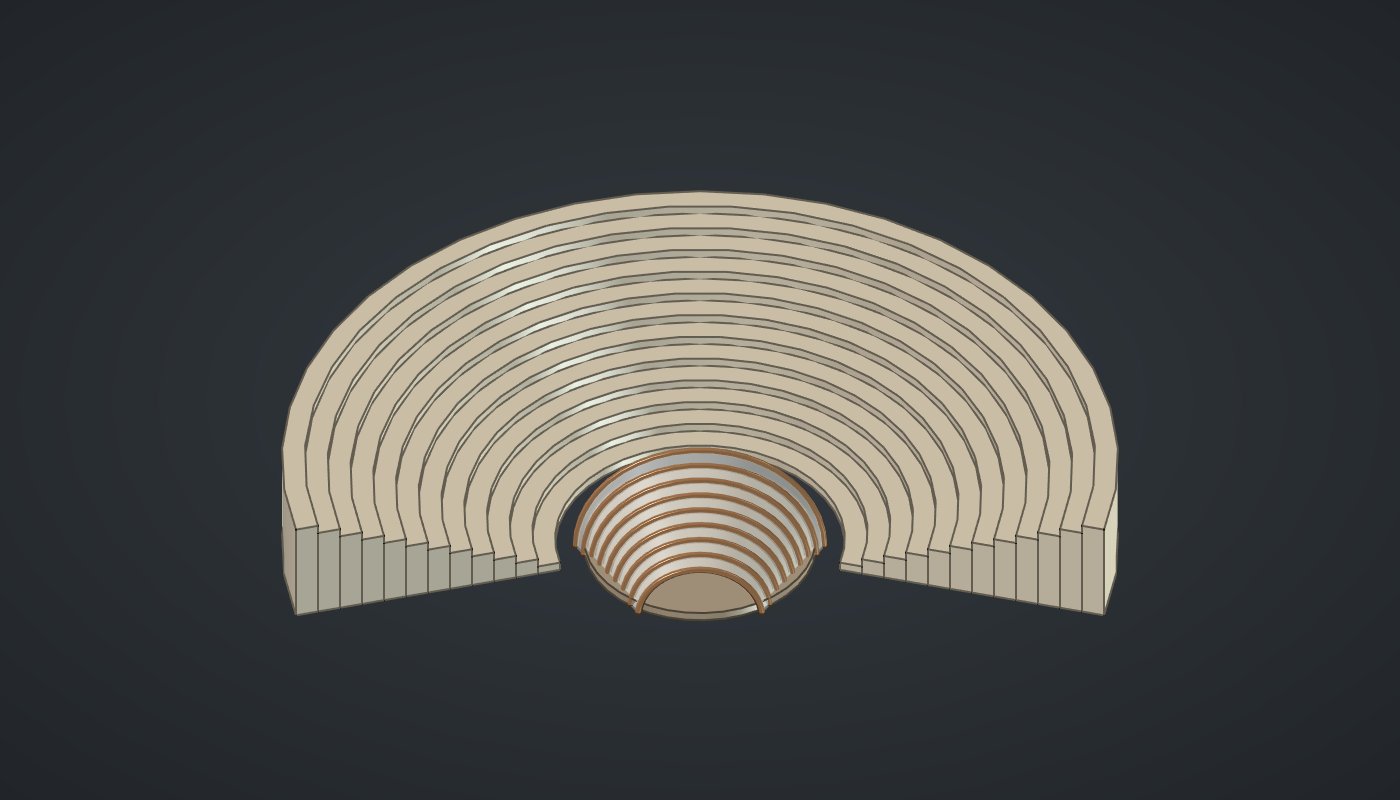
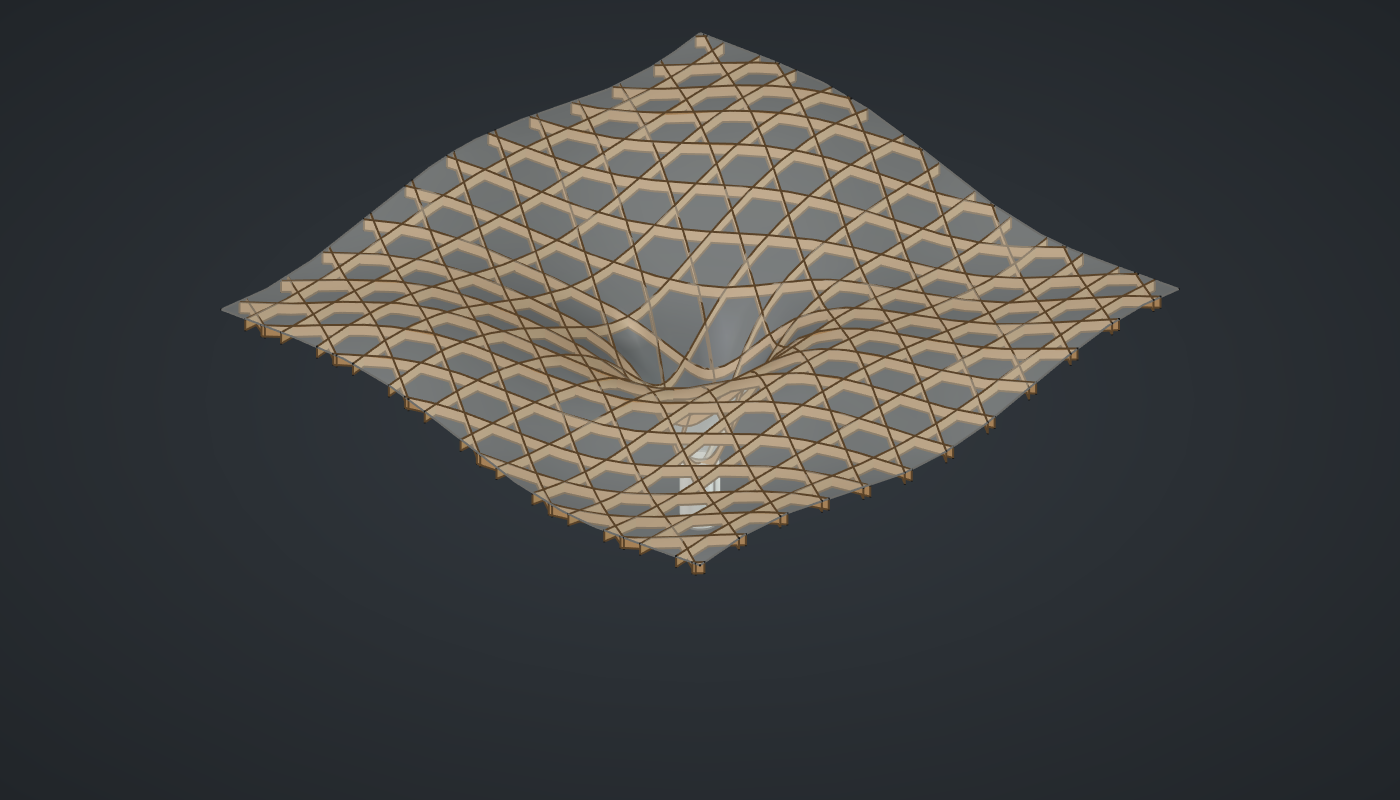

Conventions
In the steps, Component (Tab) names a component and the tab it lives on; you can always double-click the canvas and type its name instead. An italic label after it, as in "a Series, Heights", is only there to tell several copies apart: it is the name the reference definition shows, while your copy keeps its usual name. "Wire A → B" means drag from output A to input B. Slider settings are written as Name: value (minimum – maximum) and set in the slider editor (double-click the slider’s name). "Set value" means choosing Set value… from the input grip’s right-click menu.