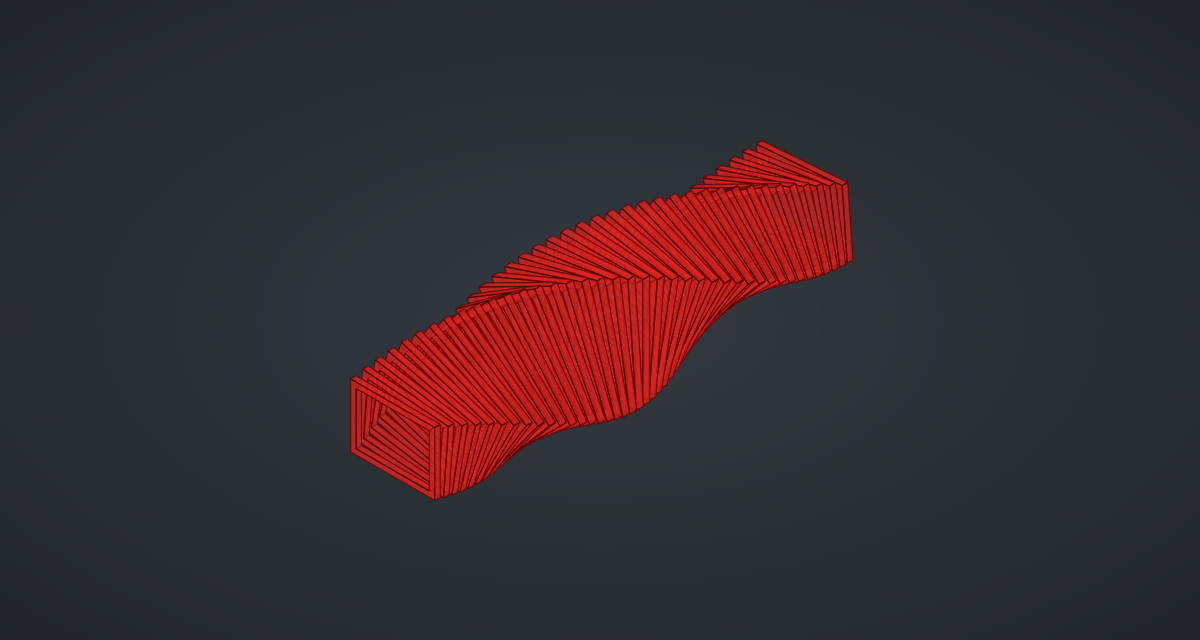
A row of identical rectangular frames, each turned a few degrees more than the last and swelling towards the middle, makes a twisting tunnel, like the timber "frame in the frame" pavilions built by architecture schools. One Boolean makes one frame; three transforms copy it forty times.
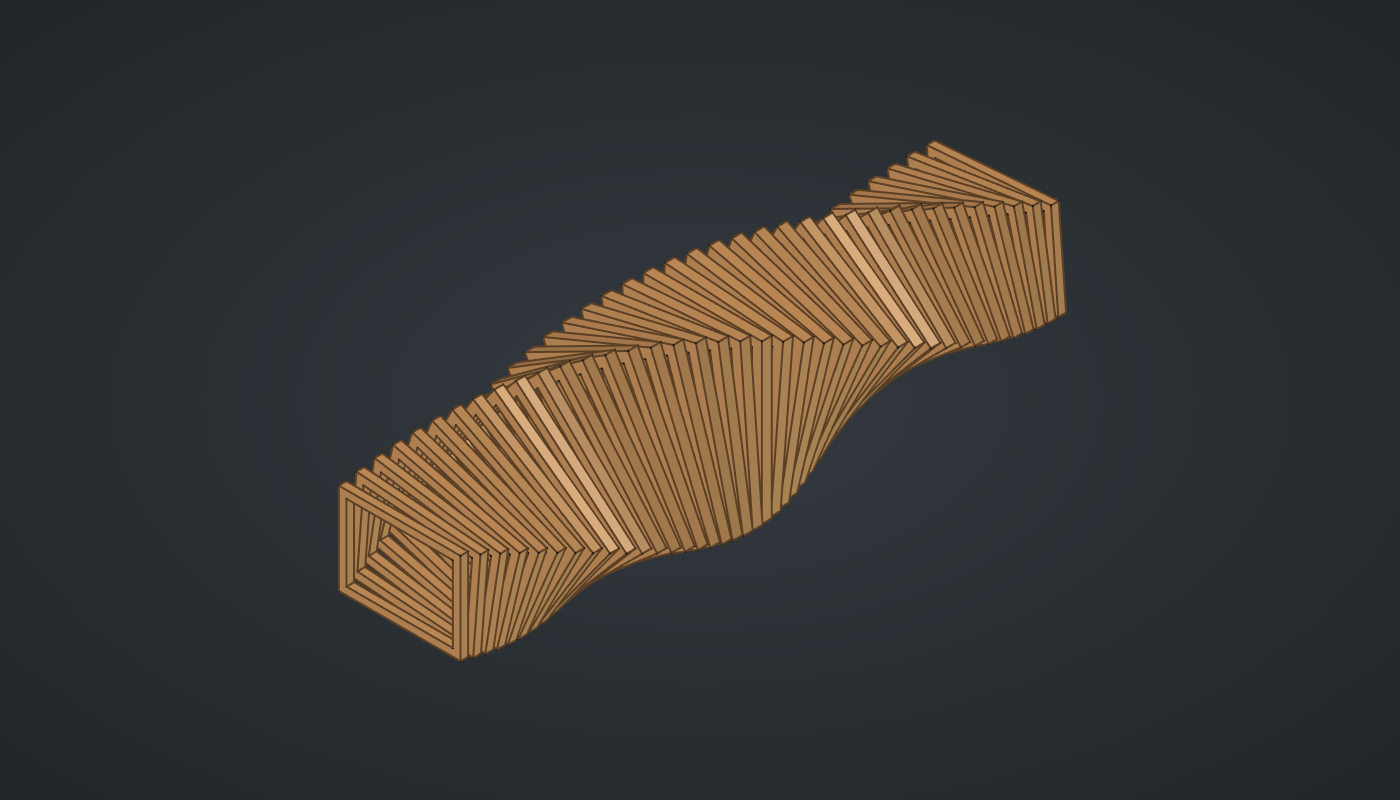
Reference: choose on the canvas toolbar to load the finished definition.
Build it
One frame
-
Place seven sliders: Frames: 40 (5 – 80) with Decimals
0, Spacing: 5 (2 – 12), Width: 40 (10 – 80), Height: 30 (10 – 60), Frame bar: 2.5 (0.5 – 6) and Swell: 0.3 (0 – 0.8) with Decimals2, and Turn per frame: 4.5 (0 – 15). -
Place a Center Box (Surface), Outer, and wire Width → X, Frame bar → Y and Height → Z. The box is centred in X and Y and stands on Z = 0, so it is a thin upright slab.
-
Place two Expression (Maths) components with F set to
x - 2*y. Wire Width → x on one and Height → x on the other, and Frame bar → y on both: the opening’s width and height. -
Place a Multiplication (Maths) with B set to
3and wire Frame bar → A: the opening is thicker than the slab so it cuts cleanly. -
Place a second Center Box, Opening, with the two Expressions into X and Z and the Multiplication into Y. Place a Move (Transform) and wire Opening → G and Frame bar → Z, lifting it into the slab.
-
Place a Solid Difference (Intersect). Wire Outer → A and Move G → B: one frame.
Forty frames
-
Place a Multiplication with B set to
0.5and wire Height → A. Place a Construct Point (Vector), Centre, and wire the Multiplication into Z: the frame’s centre. -
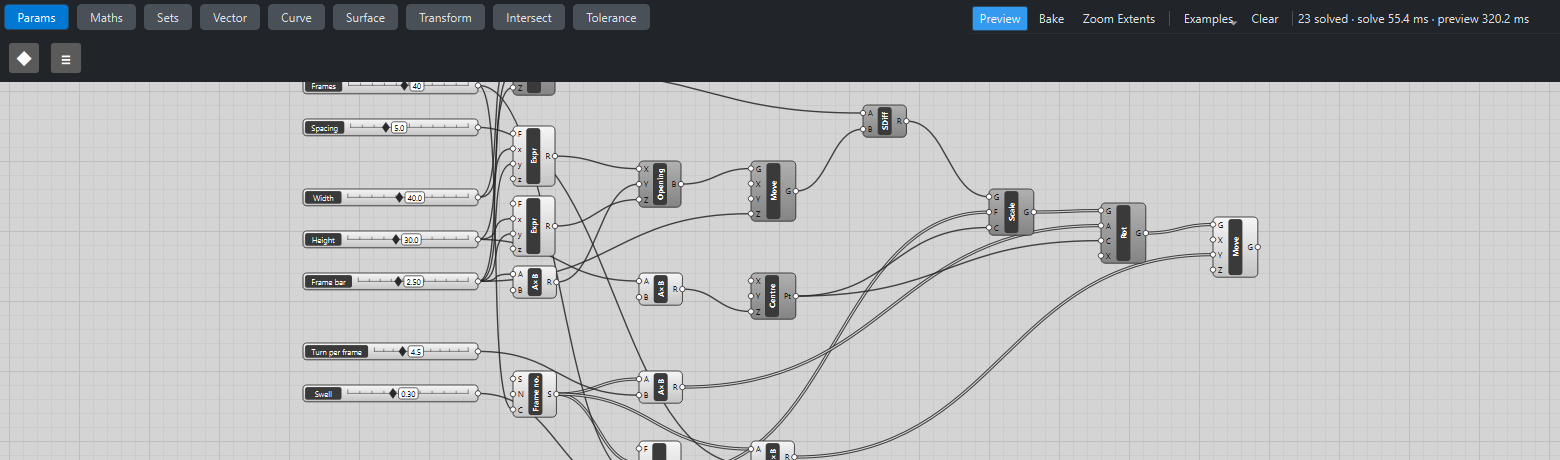
Place a Series (Sets), Frame no., and wire Frames → C.
-
Place a Multiplication and wire Frame no. → A and Turn per frame → B: an angle per frame.
-
Place an Expression, Size, with F set to
1 + z*sin(pi*x/y). Wire Frame no. → x, Frames → y and Swell → z. -
Place a Scale (Transform). Wire Difference R → G, Size → F and Centre → C: forty frames, growing towards the middle.
-
Place a Rotate (Transform). Wire Scale G → G, the angles → A and Centre → C, and set value its axis X to
0, 1, 0: each frame turns in its own plane. -
Place a Multiplication and wire Frame no. → A and Spacing → B. Place a Move and wire Rotate G → G and the Multiplication → Y: the frames step along the tunnel.
-
Turn Preview off on everything except the last Move.
What is happening
The Boolean runs once, on one frame. Scale, Rotate and Move then receive one frame and lists of 40 sizes, angles and distances, and longest-list matching repeats the frame for every one of them. That is why the tunnel solves in a few milliseconds; drawing the 40 frames takes about a third of a second. Copying and moving a solid is cheap, cutting one is not.
Scaling and rotating about the frame’s own centre, rather than the origin, keeps each frame on the tunnel’s axis. Scale is uniform, so a frame scaled by 1.3 has 1.3³ times the volume; the geometry tests check exactly that.
Things to try
-
Set Turn per frame to 0 for a plain tunnel, or to 12 for a tight corkscrew.
-
Set Swell to 0.8 for a pronounced barrel.
-
Raise Frames to 80 and lower Spacing to 2.5 for a dense, almost solid tube.
-
Make Width and Height equal for a square tunnel: the twist then reads as a smooth spiral.