For the columns of the Sagrada Família, Antoni Gaudí twisted one prism clockwise and a copy of it anticlockwise, and kept only the volume the two share. The flutes split and merge as they rise. Here a row of such columns carries catenary arches, the inverted shape of a hanging chain, with barrel vaults between them.
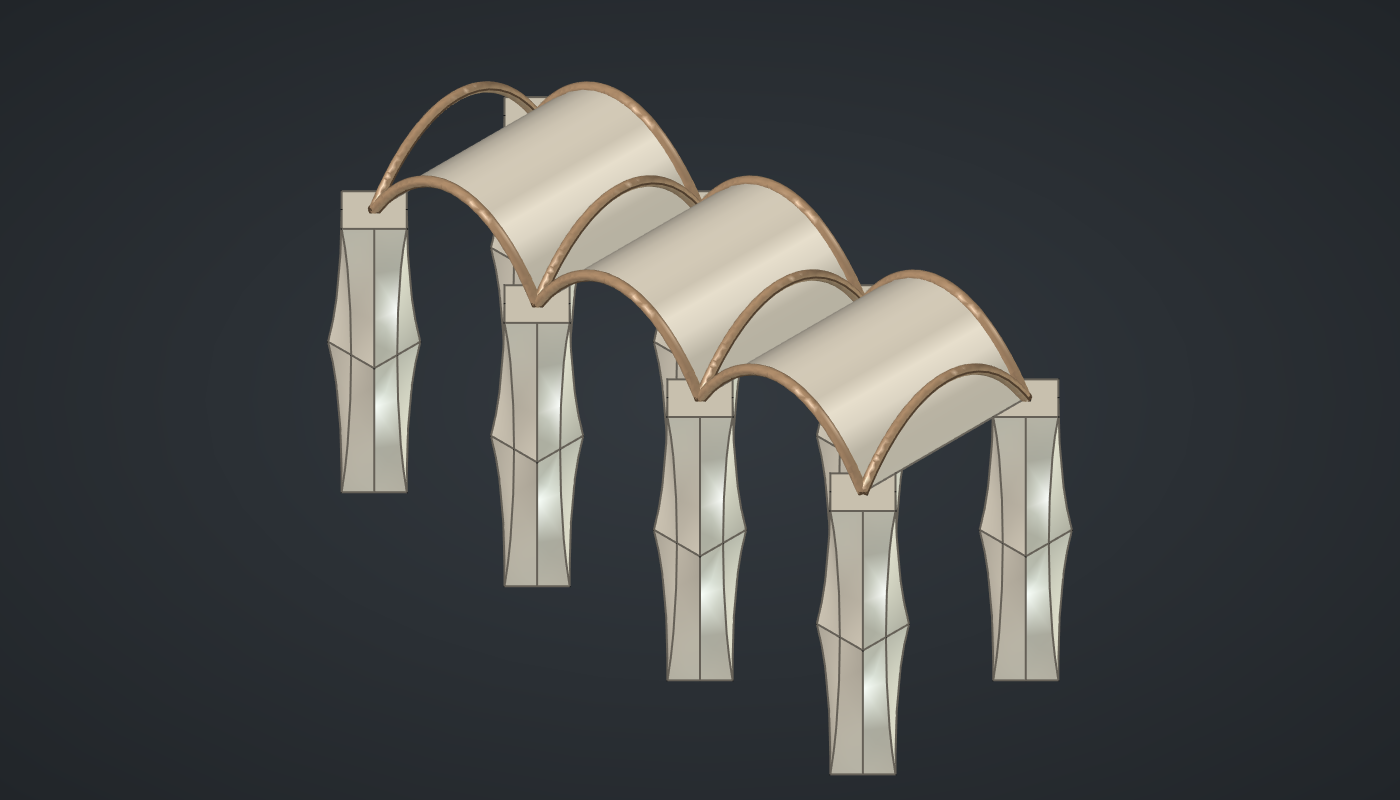
Reference: choose on the canvas toolbar to load the finished definition.
Build it
The column
-
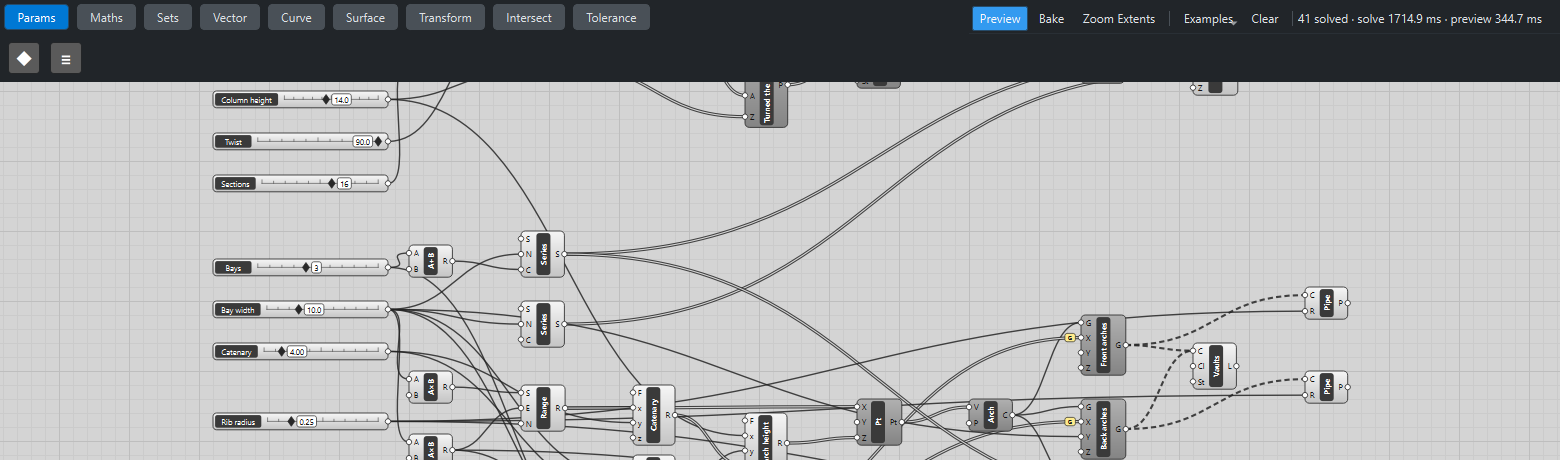
Place nine sliders: Sides: 4 (3 – 12) with Decimals
0, Radius: 2 (1 – 4) with Decimals2, Column height: 14 (6 – 24), Twist: 90 (0 – 90), Sections: 16 (4 – 24) and Bays: 3 (1 – 6) with Decimals0, Bay width: 10 (6 – 20), Catenary: 4 (2 – 15) and Rib radius: 0.25 (0.1 – 0.8) with Decimals2. -
Place a Range (Maths), Along the shaft, from
0to1with Sections → N, and three Multiplication (Maths) components: the range × Twist, that ×-1, and the range × Column height. -
Place two Regular Polygon (Curve) components, Turned one way and Turned the other way, with Radius, Sides, the turns → A and the heights → Z.
-
Place two Loft (Surface) components, one per stack, and two Cap Holes (Surface): two solid twisted prisms.
-
Place a Solid Intersection (Intersect), Double-twist column, with the two solids.
The portico
-
Place an Addition (Maths), Bays +
1, a Series (Sets) with Bay width → N and it → C (the column positions along X), and a Series with Bay width → N and C2(the two rows). -
Place a Move (Transform), Columns, with the column, the X positions and the rows → Y, with Graft on Y.
-
For one arch, place two Multiplication components, Bay width ×
-0.5and ×0.5, and a Range between them with N24. Place three Expression (Maths) components: Catenaryy*cosh(x/y)(the range, Catenary), At the springingy*cosh(x/(2*y))(Bay width, Catenary) and Arch heightx + y - z(Column height, the springing value, the catenary). -
Place a Construct Point (Vector) with the range → X and the arch heights → Z, and an Interpolate (Curve), Arch.
-
Place a Series from half a bay with Bay width steps and Bays → C: the bay centres. Place two Move components, Front arches and Back arches (Y = Bay width), with the bay centres → X and Graft on X.
-
Place a Rotate (Transform) of the arch by
90and a Move, Cross arches, to the column positions with Y half a bay. -
Place a Loft, Vaults, and wire the front and then the back arches into its C (hold Shift for the second). Place three Pipe (Surface) components with Rib radius on the three sets of arches.
-
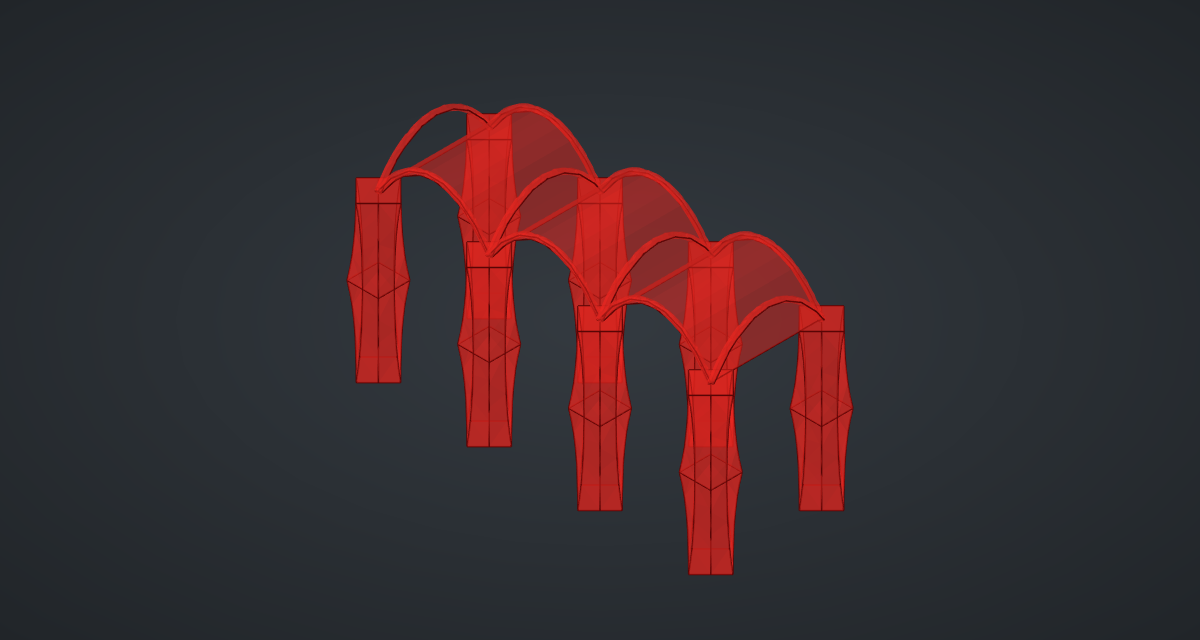
Turn Preview off on the polygons, Lofts, Cap Holes, column, points, arches, Rotate and Moves (except Columns).
What is happening
Both prisms start from the same polygon and turn by the same amount in opposite directions, so at each height the column’s section is the overlap of a polygon turned +θ and the same polygon turned −θ. With four sides and 90° of twist each way, the two squares are 45° apart a quarter of the way up, where their overlap is a regular octagon, and 90° apart halfway up, where they coincide again as a square turned 45°. Up the shaft the section goes square, octagon, square, octagon, square, and the edges spiral across the faces.
The two smooth lofts start from exactly the same polygon, which is hard for FreeCAD’s Boolean: with six or more sides its exact intersection comes back empty. When that happens and the solids touch, Solid Intersection now tries again with a tolerance of 1/10 000 of the solids' size. It keeps that result only if it is a valid solid inside both, and says so in the component’s tooltip. The geometry tests check, at hundreds of random points, that the column contains exactly the points inside both prisms. That check matters: with only 8 sections at this twist, FreeCAD’s exact intersection returned a solid it reported as valid, but about 1 % of the test points were in the wrong place and the volume was 1.7 % too large. With 16 sections, or with the tolerance retry, every point agrees.
Each arch is the catenary z = H + a·cosh(W/2_a_) − a·cosh(x/a), which springs from the column tops at height H. A larger Catenary gives a flatter arch. Grafting the X positions puts each bay’s front and back arch in a branch of its own, so wiring both into one Loft makes one vault per bay. The portico updates in under a second, most of it the one Boolean.
Things to try
-
Set Sides to 8 and Twist to 45 for finer flutes (slower: the Boolean has more faces).
-
Set Twist to 0: both prisms are the same and the column is a plain square pillar.
-
Set Catenary to 2 for tall, pointed arches, or 15 for shallow ones.
-
Set Bays to 6 for a long cloister.