A torus knot is a closed curve drawn on an invisible doughnut: it winds p times round the axis while looping q times through the hole. Three formulas give the curve, Interpolate closes it smoothly, and Pipe turns it into a solid tube. Change two whole numbers and you get a different knot.
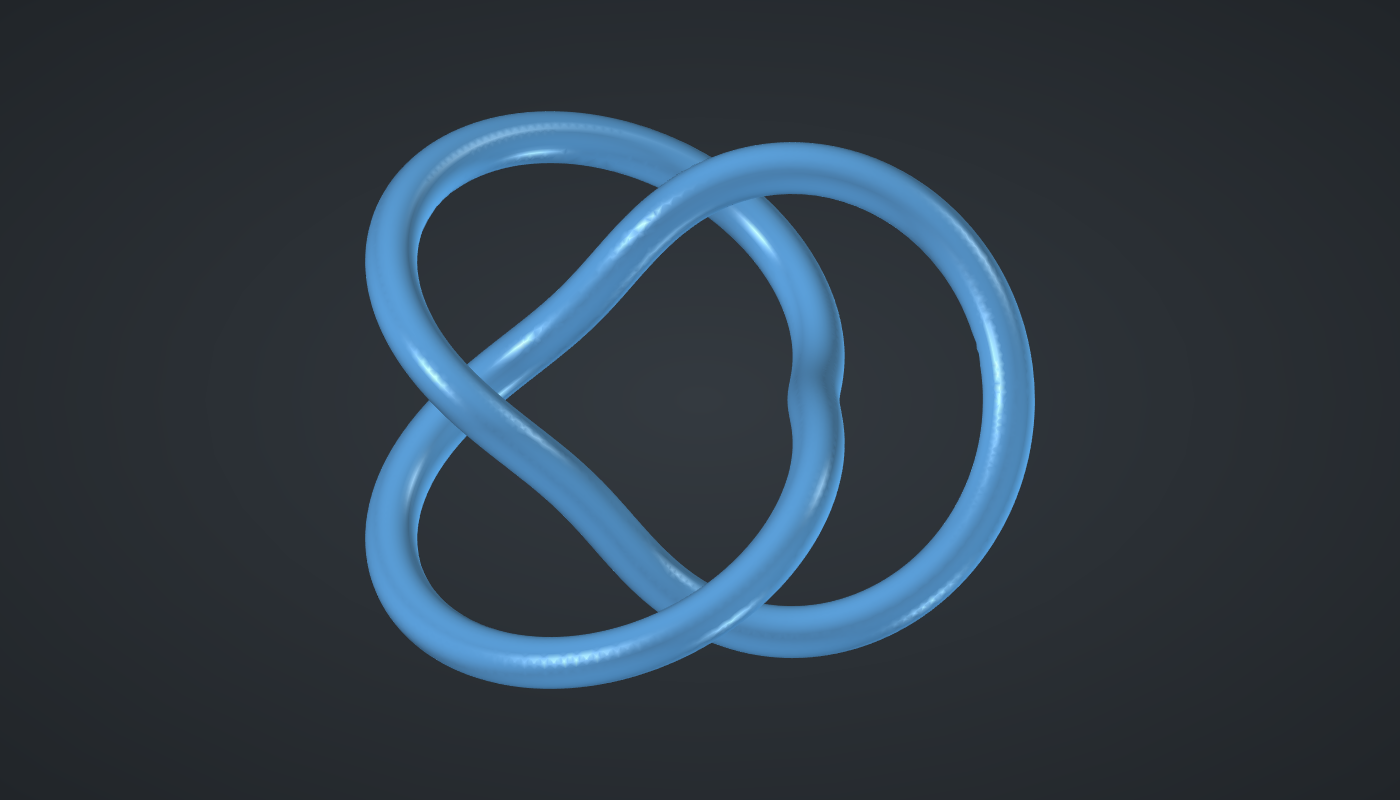
Reference: choose on the canvas toolbar to load the finished definition.
Build it
Parameters
-
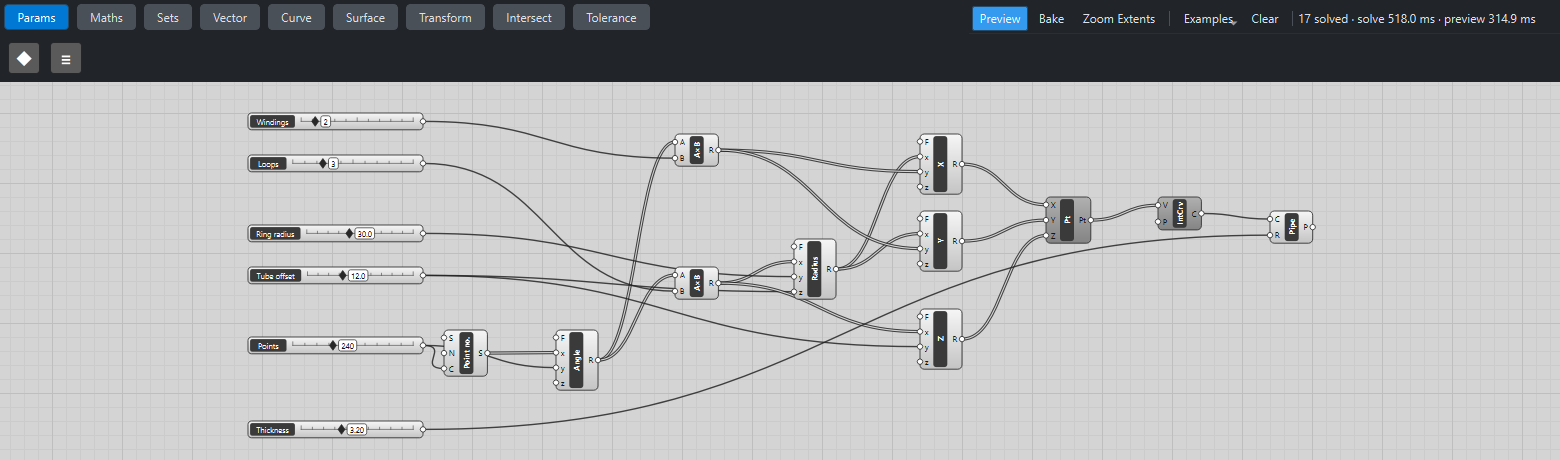
Place six sliders: Windings: 2 (1 – 9), Loops: 3 (1 – 9) and Points: 240 (60 – 600) with Decimals
0; Ring radius: 30 (10 – 60), Tube offset: 12 (3 – 30), and Thickness: 3.2 (0.5 – 8) with Decimals2. -
Place a Series (Sets), Point no., and wire Points → C.
-
Place an Expression (Maths), Angle, with F set to
2*pi*x/y. Wire Point no. → x and Points → y: 240 angles from 0 to just under a full turn. -
Place two Multiplication (Maths) components. Wire Angle → A on both, Windings → B on the first and Loops → B on the second. Call them p·t and q·t.
The curve
-
Place an Expression, Radius, with F set to
y + z*cos(x). Wire q·t → x, Ring radius → y and Tube offset → z. The curve’s distance from the axis swings in and out as it loops through the hole. -
Place three Expression components, X, Y and Z, with F set to
x*cos(y),x*sin(y)andy*sin(x). Wire Radius → x and p·t → y on X and Y; q·t → x and Tube offset → y on Z. -
Place a Construct Point (Vector) and wire X, Y and Z into it.
-
Place an Interpolate (Curve), set value its P (periodic) to
True, and wire Construct Point Pt → V. The curve closes on itself with no corner where it starts.
The tube
-
Place a Pipe (Surface). Wire Interpolate C → C and Thickness → R.
-
Turn Preview off on Construct Point and Interpolate.
What is happening
The point at angle t is a point on a torus: p·t is how far round the axis it has gone, q·t how far round the tube. When t completes one turn, the curve has gone p times round the axis and q times round the tube, and closes. With p = 2 and q = 3 it is the trefoil, the simplest true knot.
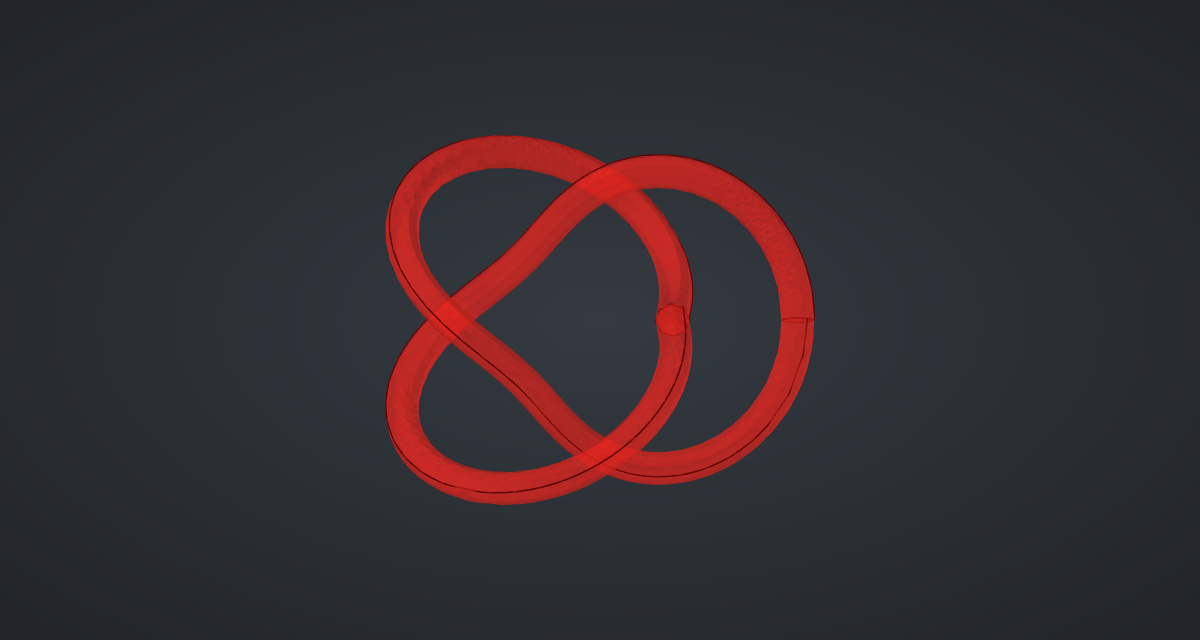
Piping a closed curve that does not lie in a plane is harder than it looks. The tube’s cross-section is carried along the curve without twisting, and on a knot it comes back turned, so a single sweep does not quite close. Katydid’s Pipe sweeps such curves in two halves, each a valid solid, and returns them together; the geometry tests check that the tube’s volume is π r² times the curve’s length to within 0.5 %.
Each update takes a little over a second: about 0.75 s to build the tube and 0.5 s to draw it.
Things to try
-
Set Windings to 3 and Loops to 2: the same trefoil, drawn the other way round the torus.
-
Try 2 and 5 (the cinquefoil), or 3 and 4. p and q must have no common factor; 2 and 4, for example, would trace the same loop twice.
-
Raise Tube offset to 25 for a tall, open knot, or lower it until the strands nearly touch.
-
Set Thickness to 6 for a chunky sculpture; if the strands start to overlap, raise Tube offset to make room.