Split a cube into 27, remove the centre and the six face centres, and repeat on each of the 20 cubes left. The limit is the Menger sponge. Each level keeps 20/27 of the volume, so the volume tends to nothing while the surface grows without bound. Cut it through its centre, square to a long diagonal, and the holes appear as six-pointed stars.
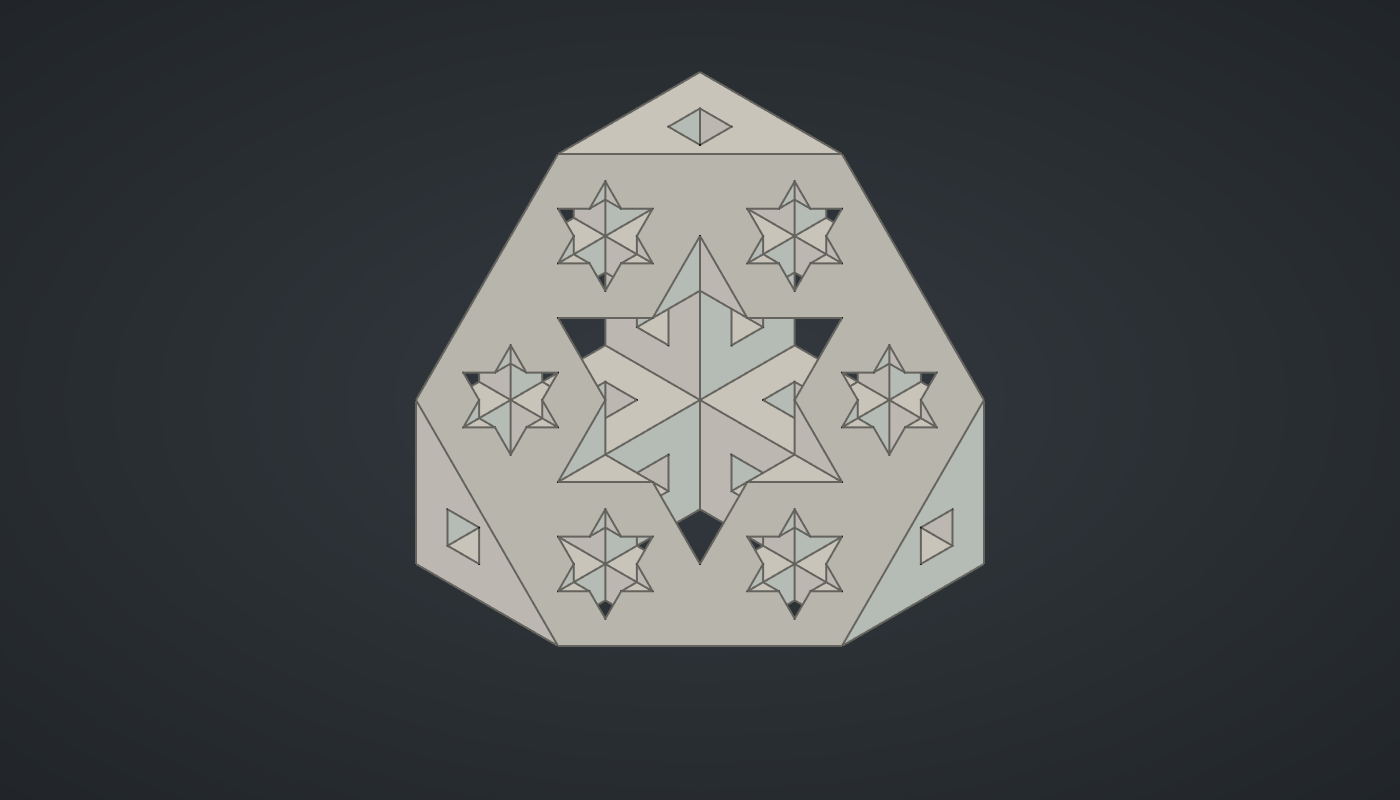
Reference: choose on the canvas toolbar to load the finished definition.
Build it
Holes for every level
-
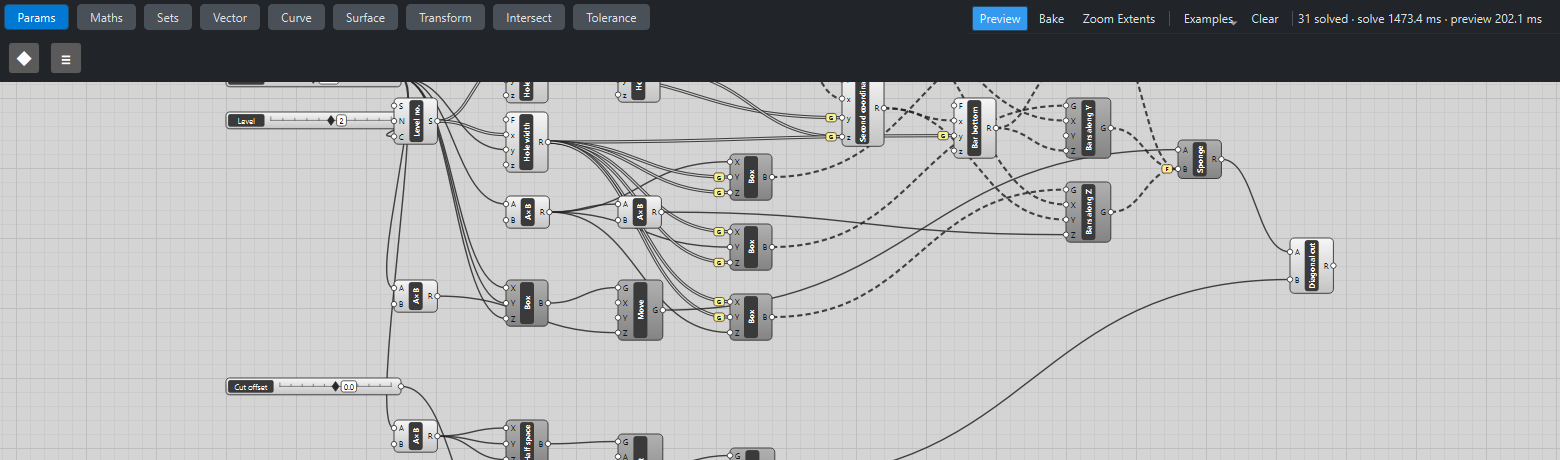
Place three sliders: Size: 27 (9 – 60), Level: 2 (1 – 3) with Decimals
0, and Cut offset: 0 (-20 – 20). -
Place a Series (Sets), Level no., with S
1, N1and Level → C: 1, 2, … up to the level. -
Place four Expression (Maths) components on it: Holes per side
3(x - 1), Hole widthy/3x(with Size), Hole pitchy/x(holes per side, Size) and Holes per facex*x. -
Place a Series, Hole no., with the holes per face → C: one list per level.
-
Place two Expression components, First coordinate
(x % y - (y - 1)/2)zand Second coordinate(floor(x/y) - (y - 1)/2)*z, with the hole numbers, the holes per side and the pitch, with Graft on *y and z: hole q sits at column q % m and row ⌊q/m⌋ of the level’s grid, centred on the cube.
Bars and the cube
-
Place a Multiplication (Maths), Size ×
1.1(bar length), and three Center Box (Surface) components for bars along X (length, width, width), Y (width, length, width) and Z (width, width, length), with Graft on the width inputs. -
Place an Expression, Bar bottom,
x - y/2, of the second coordinate and the width (grafted), and three Move (Transform) components: X bars to (0, first, bottom), Y bars to (first, 0, bottom), Z bars to (first, second, −length/2). -
Place a Center Box of Size on all three sides, moved down by half its size, and a Solid Difference (Intersect), Sponge, with the cube → A and the three sets of bars wired into B, with Flatten on B.
The diagonal cut
-
Place a Multiplication, Size ×
4, and a Center Box of that size: a block standing on z = 0. -
Place a Rotate (Transform) with A
54.735610317245346and X (axis)1, 1, 0: the block’s bottom turns square to the diagonal (1, −1, 1), and the block fills the half beyond it. -
Place an Expression,
x/sqrt(3), of Cut offset, a Multiplication of that by-1, and a Move by (shift, −shift, shift): along the diagonal. -
Place a Solid Difference, Diagonal cut, of the sponge and the block.
-
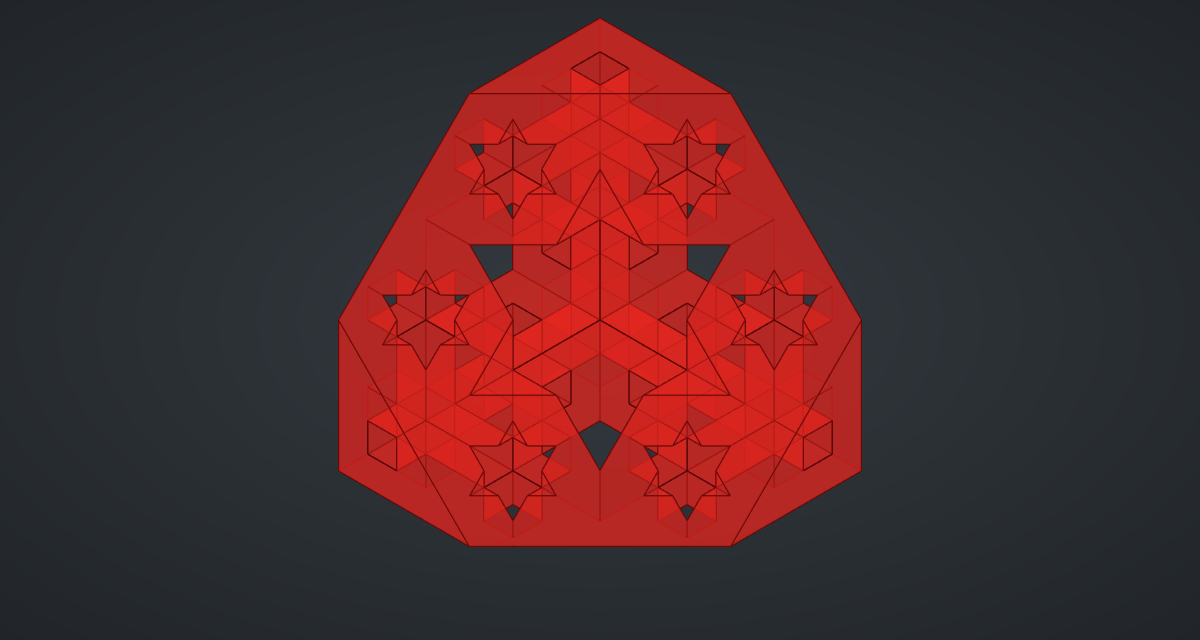
Turn Preview off on everything except the cut.
What is happening
A point is removed at some level when two of its three coordinates fall in the middle third of their cell at that level. That is exactly a square bar through the whole cube, along the third axis. So the whole sponge is one cube minus 3 × (1 + 9 + 81 …) bars, one Boolean. A tempting shortcut, a 3 × 3 grid of crosses in one plane, misses most of the second level’s tunnels: along each axis there are 9 tunnels at level 2, not 3.
The geometry tests check the volume, Size³ × (20/27)Level, and that the centred cut keeps exactly half. The angle 54.7356° is the angle between a cube’s edge and its long diagonal, arccos(1/√3).
At Level 2 the sponge updates in about a second and a half. Level 3 has 273 bars and over 7 000 faces, and FreeCAD’s Boolean takes a minute or more.
Things to try
-
Drag Cut offset away from 0 and watch the pattern of holes change as the plane moves along the diagonal.
-
Set Level to 1 for the first step, a cube with a cross of tunnels.
-
Set Level to 3 and wait a minute or more for the next level of detail.