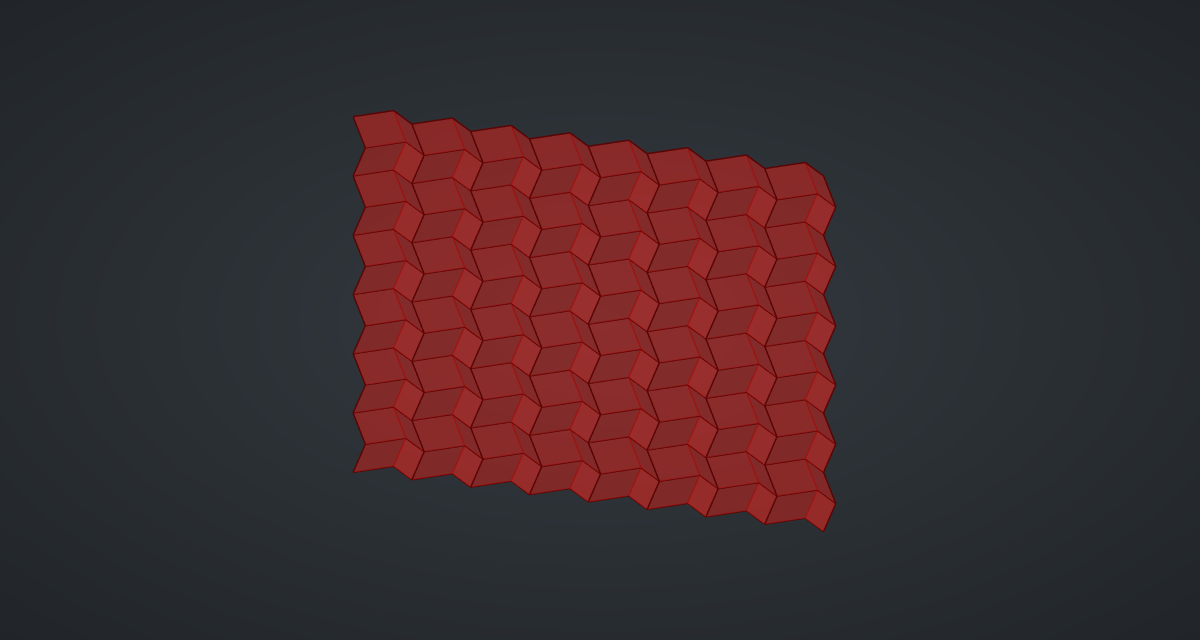
Miura-ori is the fold used for solar panels on satellites: a sheet of identical parallelograms that collapses in one motion. Geometrically it is rows of zigzags, each shifted alternately left and right. A Loft with Straight faces between the rows makes every facet a flat parallelogram, so the creases stay crisp and catch the light.
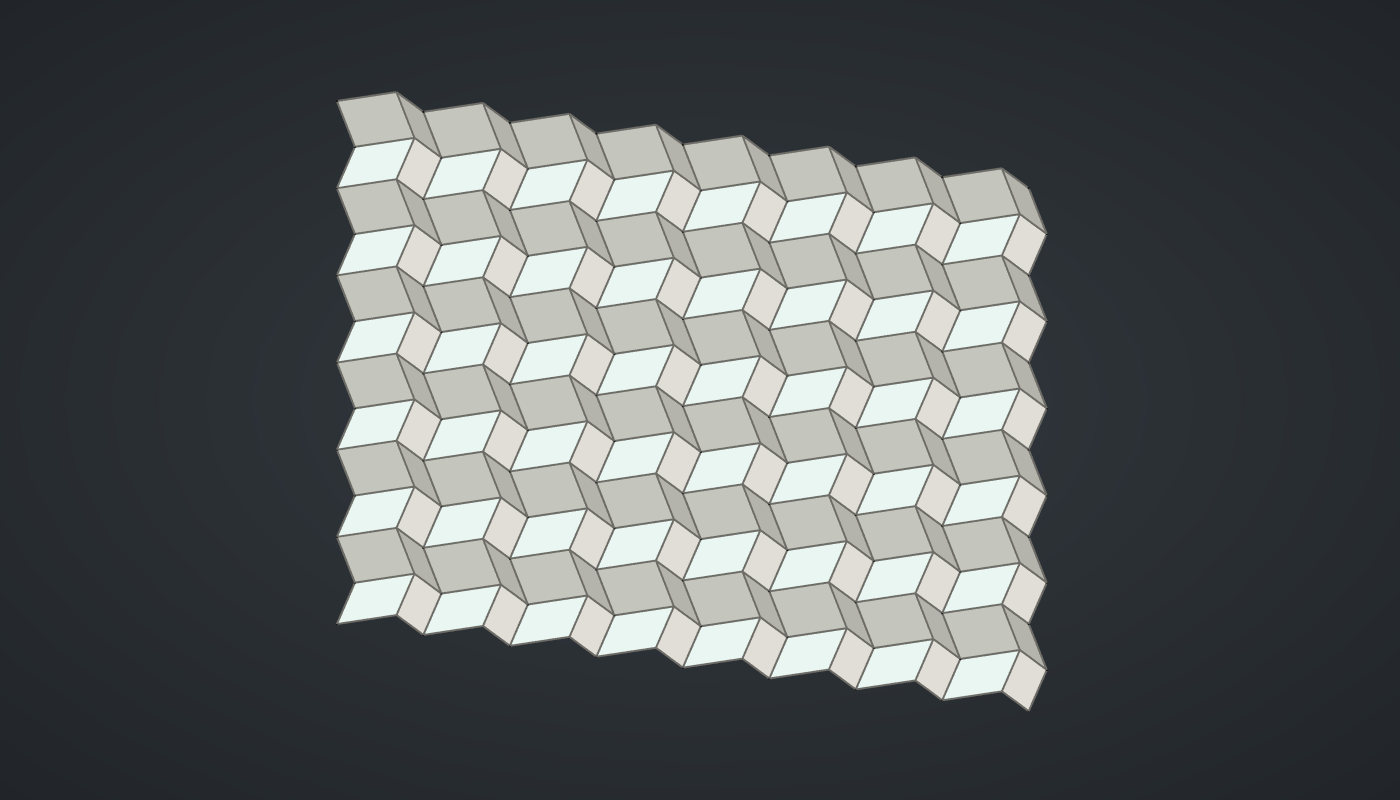
Reference: choose on the canvas toolbar to load the finished definition.
Build it
Points of every row
-
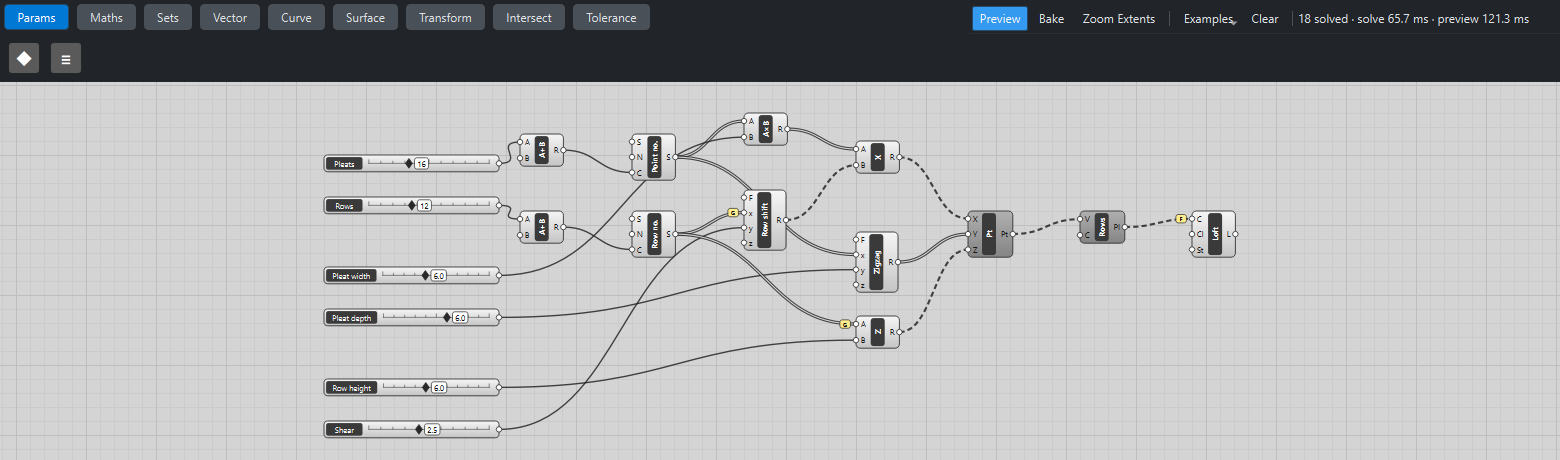
Place six sliders: Pleats: 16 (4 – 40) and Rows: 12 (2 – 30) with Decimals
0, Pleat width: 6 (2 – 12), Pleat depth: 6 (0 – 10), Row height: 6 (2 – 12) and Shear: 2.5 (0 – 6). -
Place two Addition (Maths) components with B
1after Pleats and Rows, and two Series (Sets) after them: Point no. (0 … 16) and Row no. (0 … 12). -
Place a Multiplication (Maths): Point no. → A, Pleat width → B.
-
Place an Expression (Maths), Row shift,
y*(x % 2), with Row no. → x (Graft on x) and Shear → y: odd rows shift right by Shear. One branch per row. -
Place an Addition, X, and wire the Multiplication → A and Row shift → B.
-
Place an Expression, Zigzag,
y*(x % 2), with Point no. → x and Pleat depth → y: odd points step back by the depth. -
Place a Multiplication, Z: Row no. → A with Graft, Row height → B.
-
Place a Construct Point (Vector) with X, Zigzag → Y and Z: 13 branches of 17 points.
The sheet
-
Place a Polyline (Curve) and wire Construct Point → V: one zigzag per row.
-
Place a Loft (Surface). Wire the polylines → C, tick Flatten on C, and set value St (Straight) to
True. -
Turn Preview off on Construct Point and Polyline.
What is happening
Each row is the one below translated by (±Shear, 0, Row height). A face between two rows joins a segment of one zigzag to the matching, translated segment of the next, and four points made of a segment and its translate always lie in one plane: a parallelogram. The alternating sign of the shift makes the second set of creases. The geometry tests check that every facet is flat to a millionth of a millimetre.
A normal loft would smooth through the rows and round the creases off; Straight joins each section to the next with ruled faces and keeps them sharp. The sheet updates in about a sixth of a second.
Things to try
-
Set Shear to 0: the sheet becomes a simple pleated fan with creases in one direction only.
-
Set Pleat depth to 0: the sheet goes flat (with the shear still visible as a skew).
-
Raise Shear to 6 for steep, deep folds.
-
Untick St on the Loft and watch the creases melt into waves.