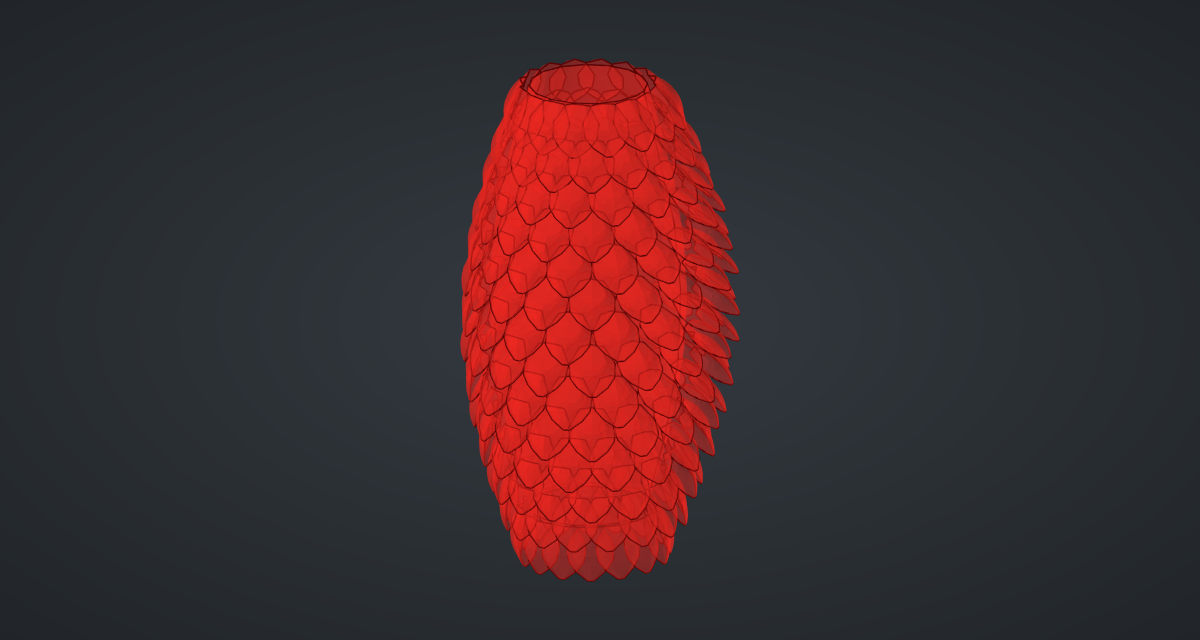
An egg-shaped tower clad in overlapping cupped scales, like a pangolin or a pine cone. Each floor’s scales sit half a scale round from the floor below, so they overlap like roof tiles. An attractor point makes the scales near it flare open while the rest lie flat.
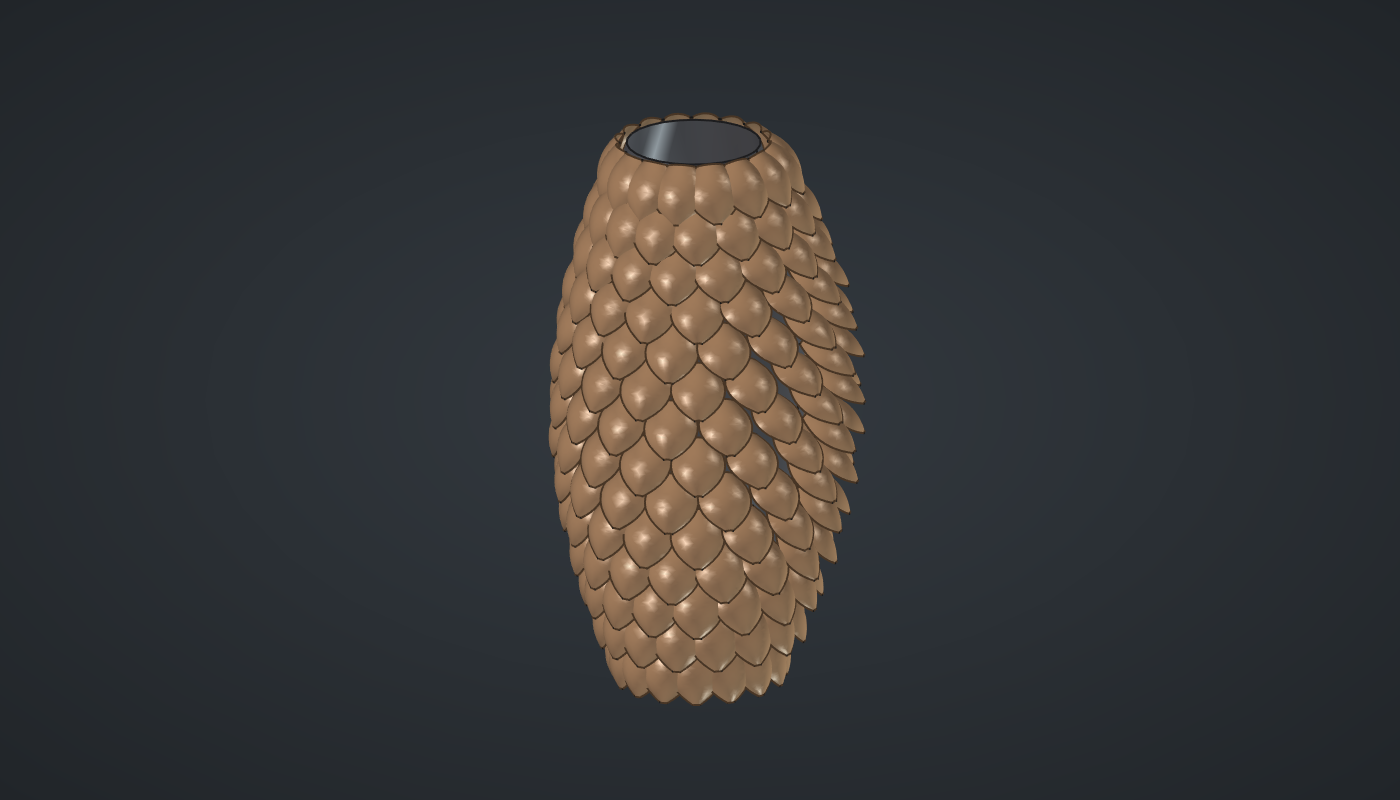
Reference: choose on the canvas toolbar to load the finished definition.
Build it
Stations
-
Place ten sliders: Floors: 14 (6 – 24) and Scales: 16 (8 – 28) with Decimals
0, Radius: 12 (6 – 20), Height: 50 (20 – 80), Scale length: 6 (2 – 12), Scale width: 6 (2 – 12), Attractor X: 25 (-40 – 40), Attractor Z: 32 (0 – 80), Most flare: 60 (0 – 80) and Least flare: 4 (0 – 40). -
Place a Series (Sets), Floor no., with Floors → C, and two Expression (Maths) components: Floor height
x*y/(z - 1)(floor no., Height, Floors) and Floor radiusz*(0.55 + 0.45*sin(pi*(x + 0.5)/y))(floor no., Floors, Radius): narrow at top and bottom, widest in the middle. -
Place a Series, Scale no., with Scales → C, and two Expression components, Scale angle
360*x/yand Stagger180*x/y, the second on the floor no. Place an Addition (Maths) of the stagger and the scale angles, with Graft on the stagger: one branch per floor. -
Place two Expression components,
x*cos(radians(y))andx*sin(radians(y)), with the floor radius (Graft) and the angles, and a Construct Point (Vector), Stations, with the floor heights (Graft) as Z. -
Place a Construct Point, Attractor, at (Attractor X, 0, Attractor Z), a Distance (Vector) from the stations to it, a Bounds (Maths) with Flatten, and a Remap Numbers (Maths), Flare, from the bounds to Most flare … Least flare: near scales flare most.
One scale
-
Place a Range (Maths), Along the scale,
0to1with N2, and two Expression components: Width profiley*(0.45 + 2.4*x*(1 - x) - 0.33*x)with Scale width, and Down-x*ywith Scale length. -
Place three Multiplication (Maths) components on the width: ×
0.25(the cup), ×0.5and ×-0.5. Place three Construct Point components, (0, −half, down), (cup, 0, down) and (0, half, down), an Arc 3Pt (Curve), Sections, through them, and a Loft (Surface), Scale: a scale hanging from the origin, bulging outward.
Placing the scales
-
Place a Rotate (Transform) with the scale, the flare angles → A and X (axis)
0, -1, 0: each scale swings its tip outward about its root. -
Place a second Rotate with the angles from step 3, and a Move (Transform), Scales, with the two coordinate expressions → X, Y and the floor heights (Graft) → Z.
-
For the core, place a Multiplication, floor radius ×
0.92, a Circle (Curve) with the floor heights → Z, and a Loft, Core. -
Turn Preview off on the points, Sections, Scale, both Rotates and the Circle.
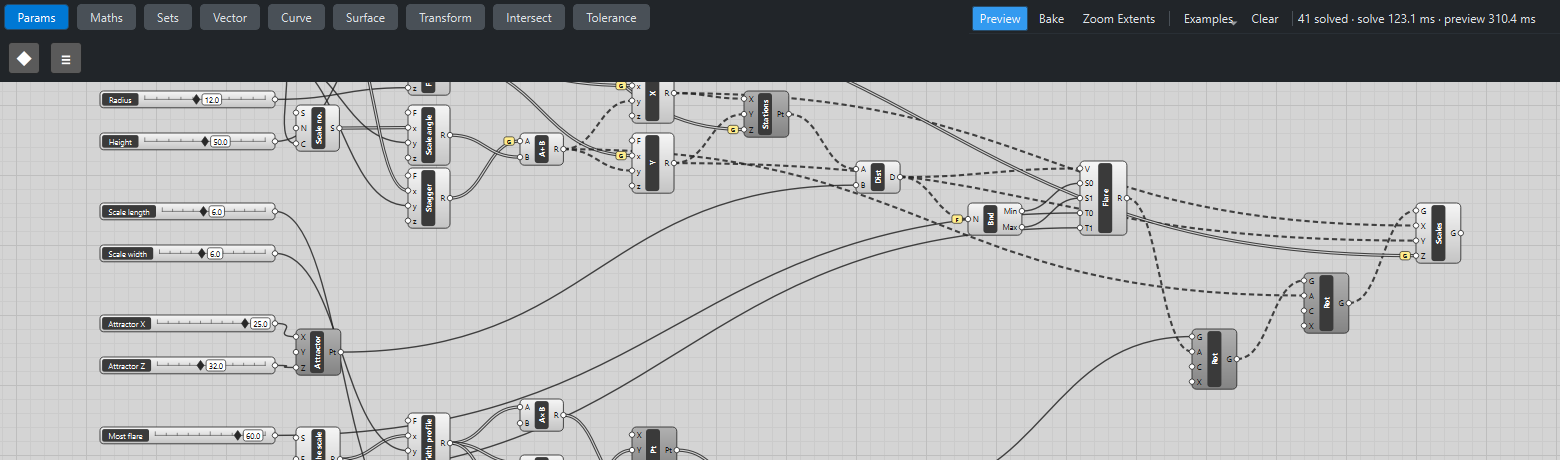
What is happening
Each scale is built once, hanging from the origin with its root’s two corners on the Y axis. Rotating about that axis tilts the tip out without moving the root. Turning it to its angle and moving it to its station then hangs every scale from its own point, and the geometry tests check that both root corners sit half a root width either side of the station. The flare angles come from the scales' distances to the attractor, remapped so the nearest scale gets Most flare and the farthest Least flare.
The tower updates in about half a second, almost all of it drawing 224 scales.
Things to try
-
Drag Attractor Z up and down and watch the open patch move.
-
Set Least flare to 30 for a bristling cone all over.
-
Set Floors to 24 and Scales to 28 with Scale length 4 for fine, fish-like scales.
-
Set Most flare to 0 for a sleek, closed skin.