A spiral staircase is one tread, repeated: each copy a little higher and turned a little further round a column. Add balusters at the outer ends and a handrail through their tops and you have a complete model in twenty components.
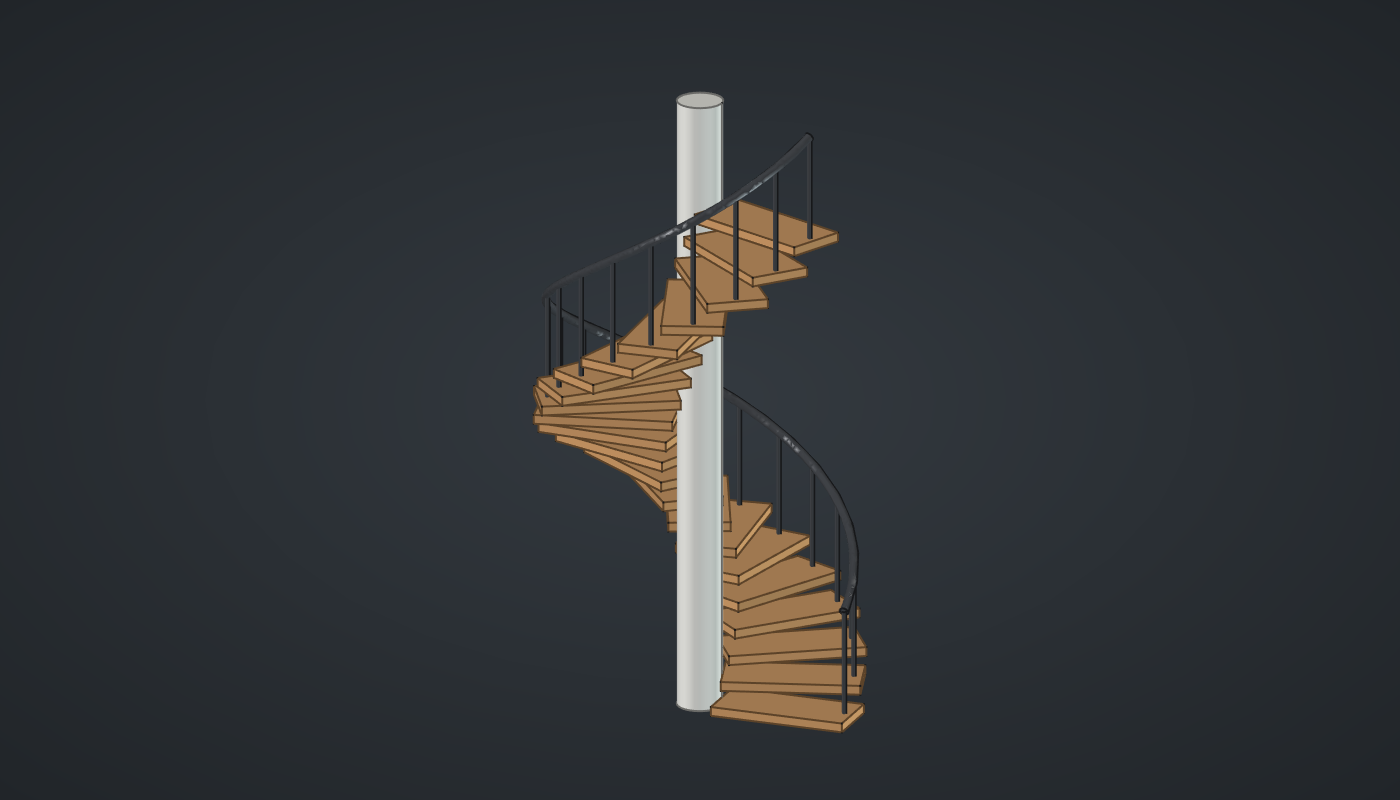
Reference: choose on the canvas toolbar to load the finished definition.
Build it
Step numbers, heights and angles
-
Place six sliders: Steps: 22 (6 – 40) with Decimals
0, Rise: 3.2 (2 – 5), Turn per step: 16 (5 – 30), Column radius: 3 (1 – 8), Step width: 18 (8 – 30) and Rail height: 15 (8 – 25). -
Place a Series (Sets), Step no., and wire Steps → C: 0 … 21.
-
Place two Multiplication (Maths) components, Heights and Angles. Wire Step no. → A on both, Rise → B on Heights and Turn per step → B on Angles.
Treads
-
Place a Center Box (Surface). Wire Step width → X and set value Y to
8and Z to1.2. This is one tread, centred on the origin in plan. -
Place an Expression (Maths) with F set to
x + y/2. Wire Column radius → x and Step width → y: how far out the tread’s centre sits. -
Place a Move (Transform). Wire Box B → G, Expression R → X and Heights → Z: 22 treads stacked beside the column.
-
Place a Rotate (Transform). Wire Move G → G and Angles → A. The axis defaults to Z through the origin, so each tread swings round the column.
Column
-
Place an Expression with F set to
(x - 1)y + zand wire *Steps → x, Rise → y and Rail height → z: the height of the top of the handrail. -
Place a Cylinder (Surface). Wire Column radius → R and the Expression’s R → L.
Balusters and handrail
-
Place an Expression with F set to
x + y - 1.2and wire Column radius → x and Step width → y: the radius of the rail, just inside the tread ends. -
Place two Expression components with F set to
z*cos(radians(x*y))andz*sin(radians(x*y)). Wire Step no. → x, Turn per step → y and the rail radius R → z on both. -
Place an Addition (Maths) and wire Heights → A and Rail height → B.
-
Place two Construct Point (Vector) components, Foot and Head. Wire the cos and sin Expressions into X and Y of both, Heights → Z on Foot and Addition R → Z on Head.
-
Place a Line (Curve) and wire Foot → A and Head → B: one baluster per step. Place a Pipe (Surface) with R set to
0.3and wire Line L → C. -
Place an Interpolate (Curve) and wire Head Pt → V: a smooth curve through the top of every baluster. Place a Pipe with R set to
0.6and wire Interpolate C → C. -
Turn Preview off on Box, Move, Foot, Head, Line and Interpolate.
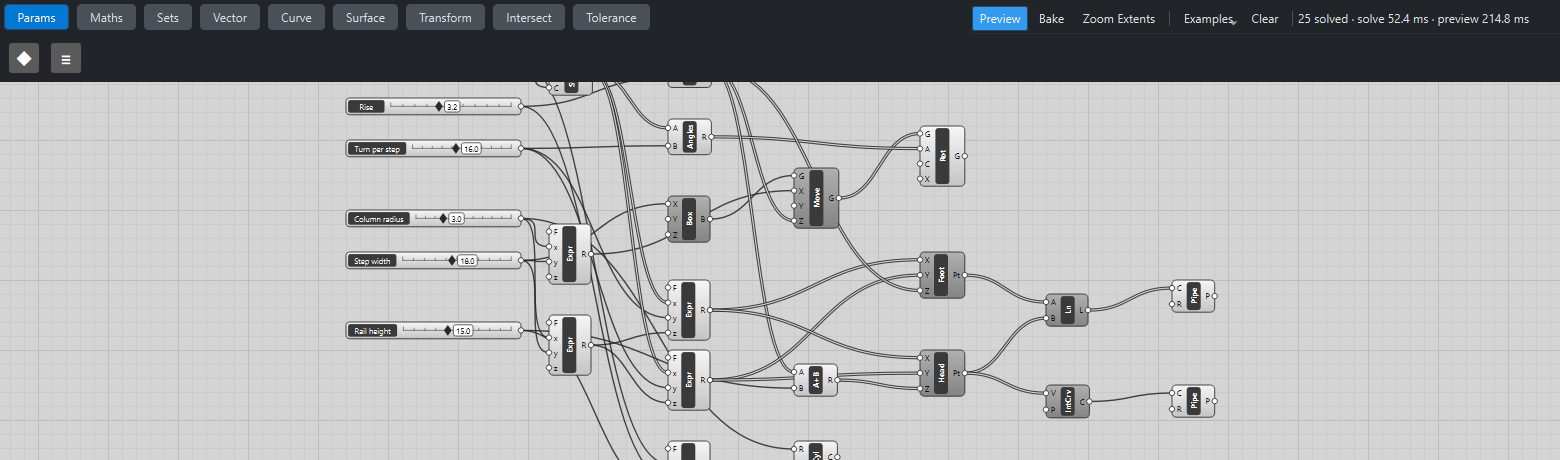
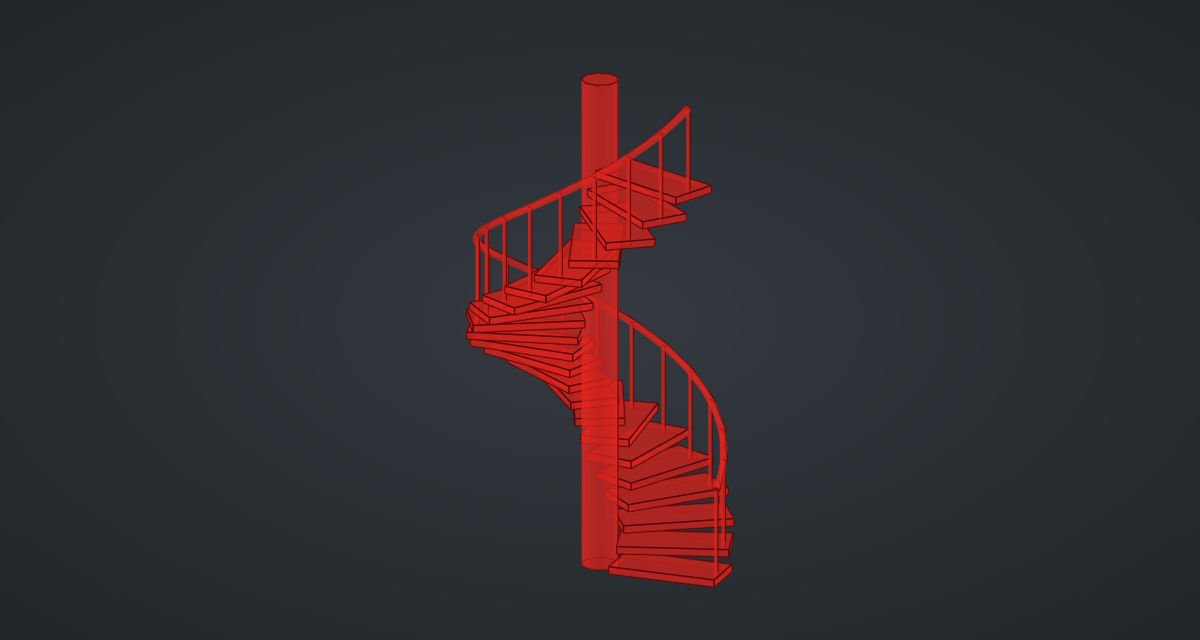
What is happening
Three lists of 22, step numbers, heights and angles, drive everything. Move and Rotate pair one tread with each height and each angle, and the cos/sin Expressions turn the same step numbers into baluster positions, so a baluster always stands on its own tread. Because the handrail is interpolated through the baluster heads, it follows any change to the stair automatically.
Note that Center Box is centred in X and Y but stands on Z = 0, so each tread’s top is 1.2 above its step height. Each update takes about a third of a second, nearly all of it drawing the preview.
Things to try
-
Drag Turn per step: at 30° the stair turns a full circle in 12 steps.
-
Set Steps to 40 for a tall tower stair; the column and handrail follow.
-
Raise Column radius to 8 for an open well staircase.
-
Change the handrail’s Pipe radius, or set the baluster Pipe radius to 0.15 for a lighter look.
-
Bake the Rotate, Cylinder and both Pipes, colour them oak, white and black, as in the picture above.