Draw a polygon, put a new polygon’s corners a fraction t of the way along each edge, and repeat: the polygons spiral inward and the corners trace logarithmic spirals (the "mice problem", where mice chase each other round a square). Stack the polygons as slabs and you get a twisting ziggurat, with copper ribs along the spirals.
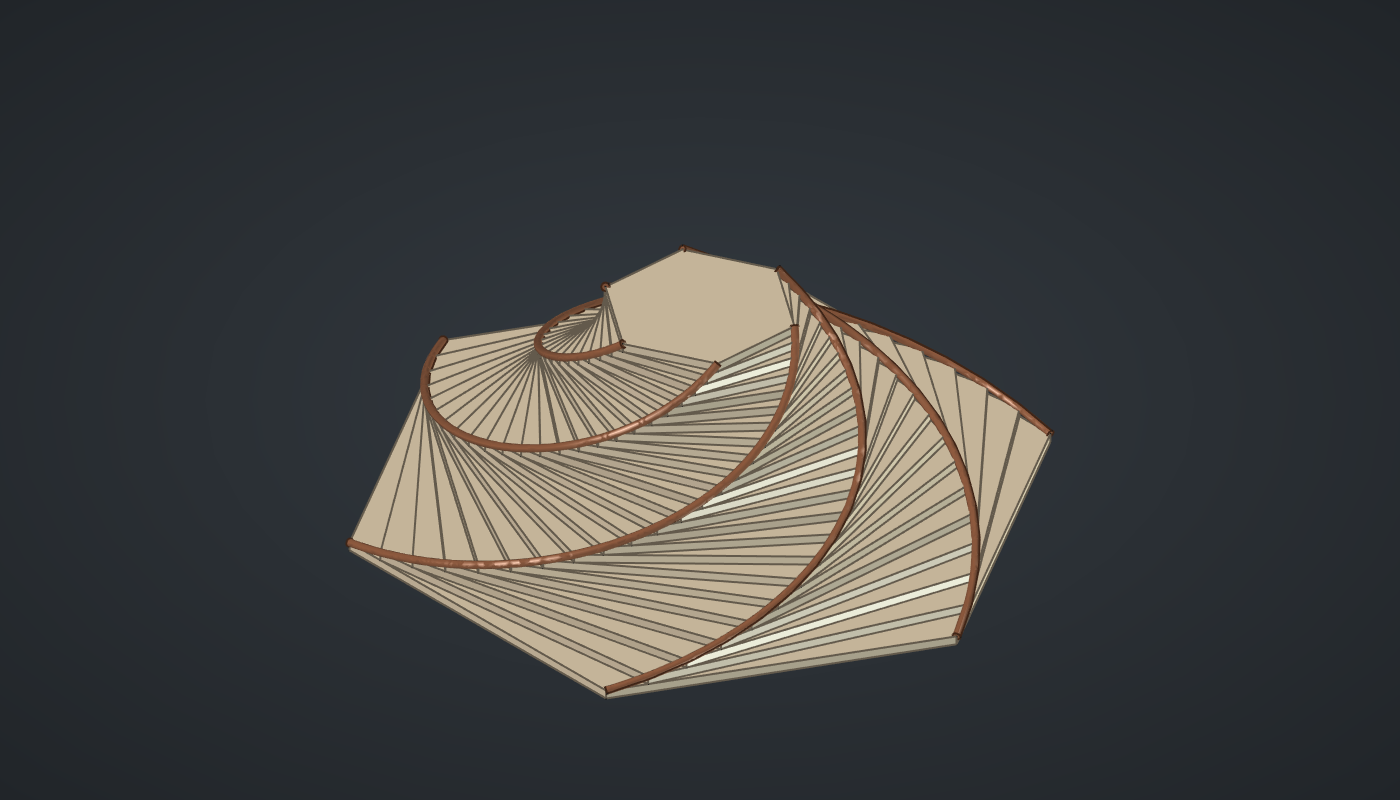
Reference: choose on the canvas toolbar to load the finished definition.
Build it
Turn and shrink per tier
-
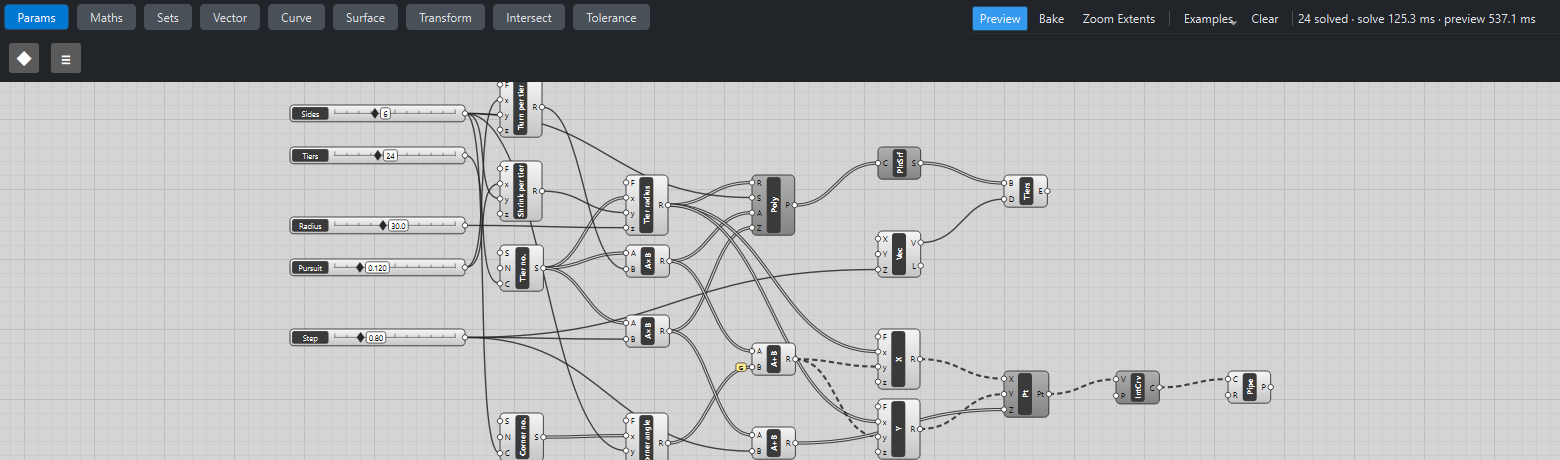
Place five sliders: Sides: 6 (3 – 12) and Tiers: 24 (4 – 60) with Decimals
0, Radius: 30 (10 – 60), Pursuit: 0.12 (0.02 – 0.5) with Decimals3, and Step: 0.8 (0.2 – 3) with Decimals2. -
Place an Expression (Maths), Turn per tier,
degrees(atan2(x*sin(2*pi/y), 1 - x + x*cos(2*pi/y))), and another, Shrink per tier,sqrt1 - x)2 + x2 + 2*x*(1 - x)cos(2*pi/y. Wire *Pursuit → x and Sides → y on both.
Tiers
-
Place a Series (Sets), Tier no., with Tiers → C.
-
Place an Expression, Tier radius,
z*y*x, with *Tier no. → x, Shrink → y and Radius → z; and two Multiplication (Maths) components: Tier no. × Turn (the angle) and Tier no. × Step (the height). -
Place a Regular Polygon (Curve) with the radius, Sides, the angle → A and the height → Z.
-
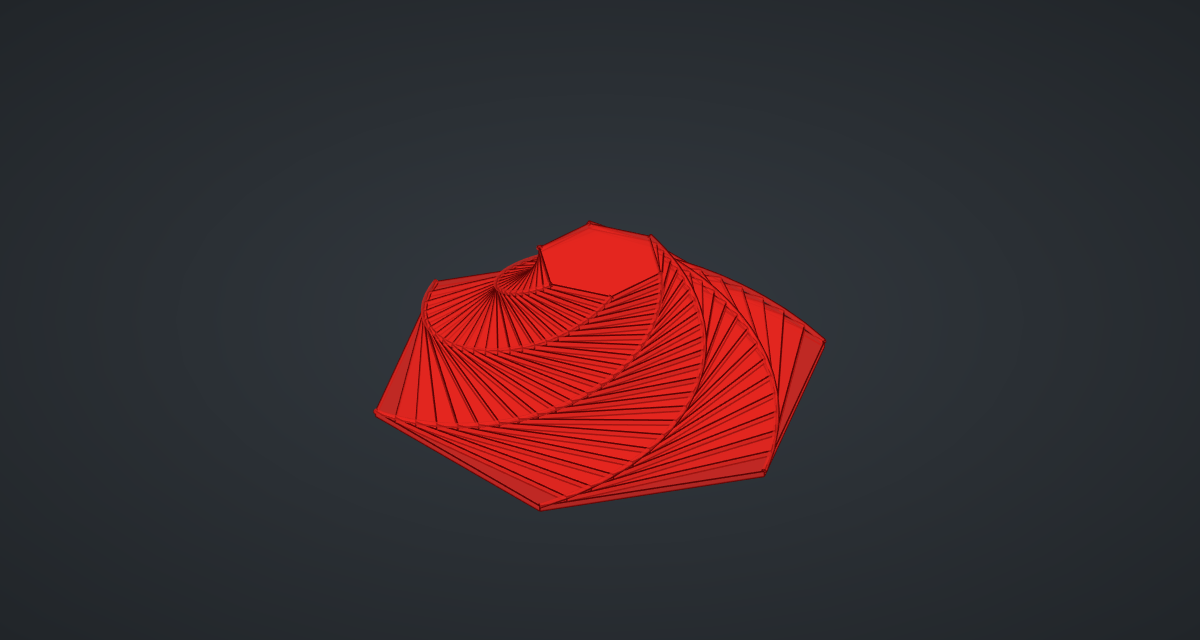
Place a Planar Surface (Surface), a Vector XYZ (Vector) with Step → Z, and an Extrude (Surface), Tiers: one slab per polygon.
Spiral ribs
-
Place a Series, Corner no., with Sides → C, and an Expression,
360*x/y, with Corner no. → x and Sides → y: each corner’s angle on the polygon. -
Place an Addition (Maths) and wire the tier angles → A and the corner angles → B with Graft on B: one branch per corner, the tiers in order.
-
Place two Expression components,
x*cos(radians(y))andx*sin(radians(y)), with Tier radius → x and the Addition → y, and an Addition of the tier heights and Step (the top of each slab). Wire them into a Construct Point (Vector). -
Place an Interpolate (Curve) and a Pipe (Surface) with R
0.35: one spiral rib per corner. -
Turn Preview off on the Polygon, Planar Surface, Construct Point and Interpolate.
What is happening
For a regular polygon, putting the new corners a fraction t along each edge is the same as rotating and scaling the old polygon, by the same amounts every time. The two Expressions compute them exactly from t and the number of sides; tier k is then the base polygon turned k times and shrunk by the k-th power. At t = 0.5 (midpoints) the turn is half the corner angle and the shrink is cos(π/n): 30° and 0.866 for a hexagon. Each corner moves in a fixed direction relative to the centre while shrinking geometrically, which is what makes the ribs logarithmic spirals.
The geometry tests check, for several tiers, that every corner lies exactly t of the way along an edge of the tier below. The ziggurat updates in under a second, most of it drawing the slabs and ribs.
Things to try
-
Set Sides to 4 for the classic four mice chasing round a square.
-
Set Pursuit to 0.5: midpoint polygons, a bold half-corner twist per tier.
-
Lower Pursuit to 0.02 and raise Tiers to 60 with Step 0.3 for a slow, smooth whirl.