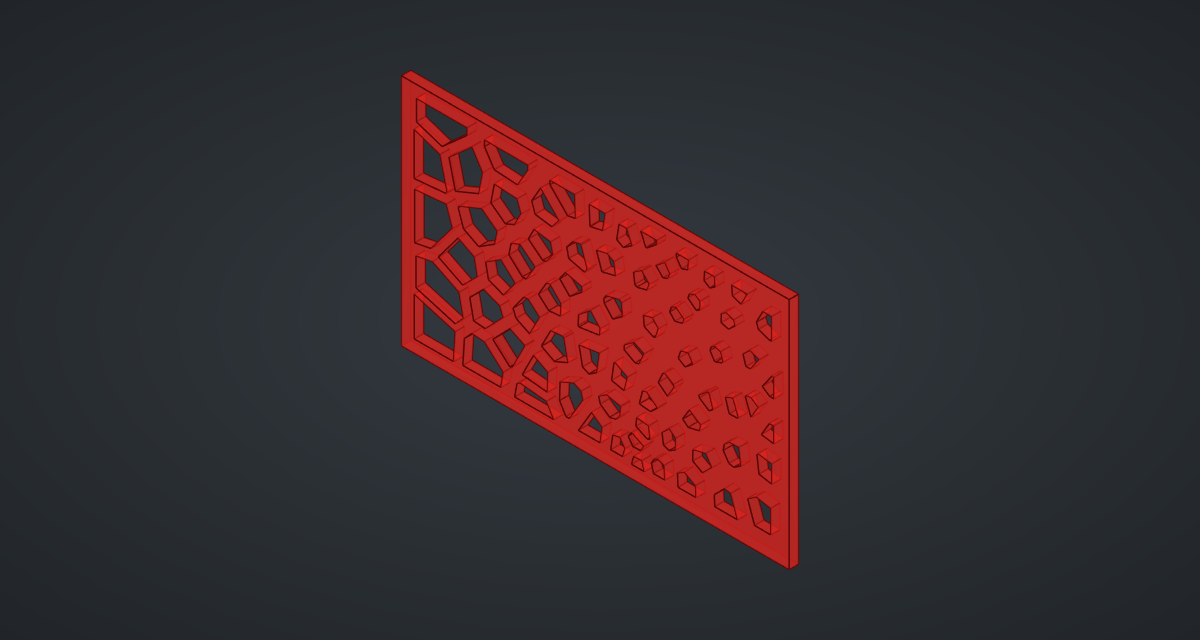
A perforated screen like the ones on building facades: a plate pierced by Voronoi cells, with holes that grow away from an attractor point. You will scatter points, turn them into cells, shrink each cell about its own centre and cut them all through a plate in one go.
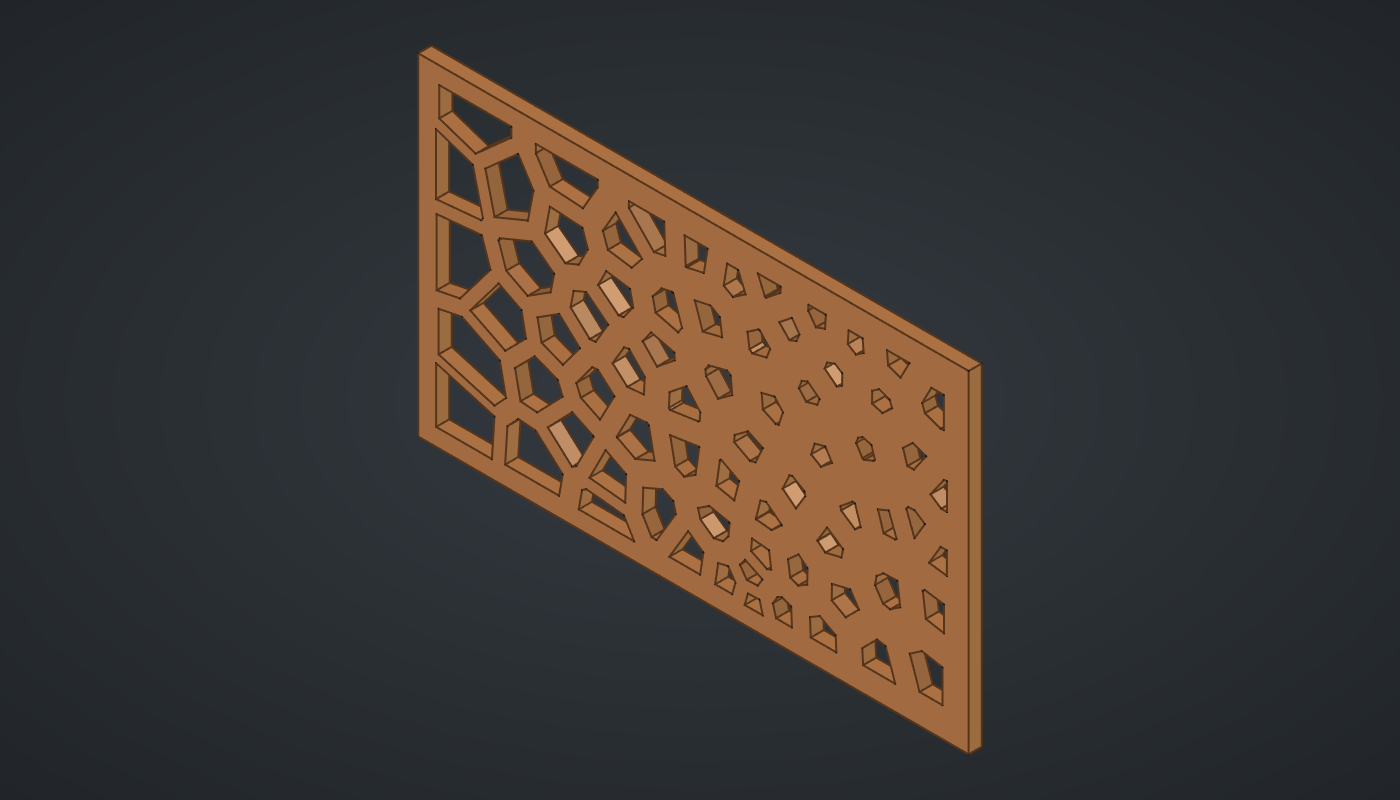
Reference: choose on the canvas toolbar to load the finished definition. It helps to have done the attractor grid first; this tutorial uses the same distance-and-remap idea.
Build it
Points and cells
-
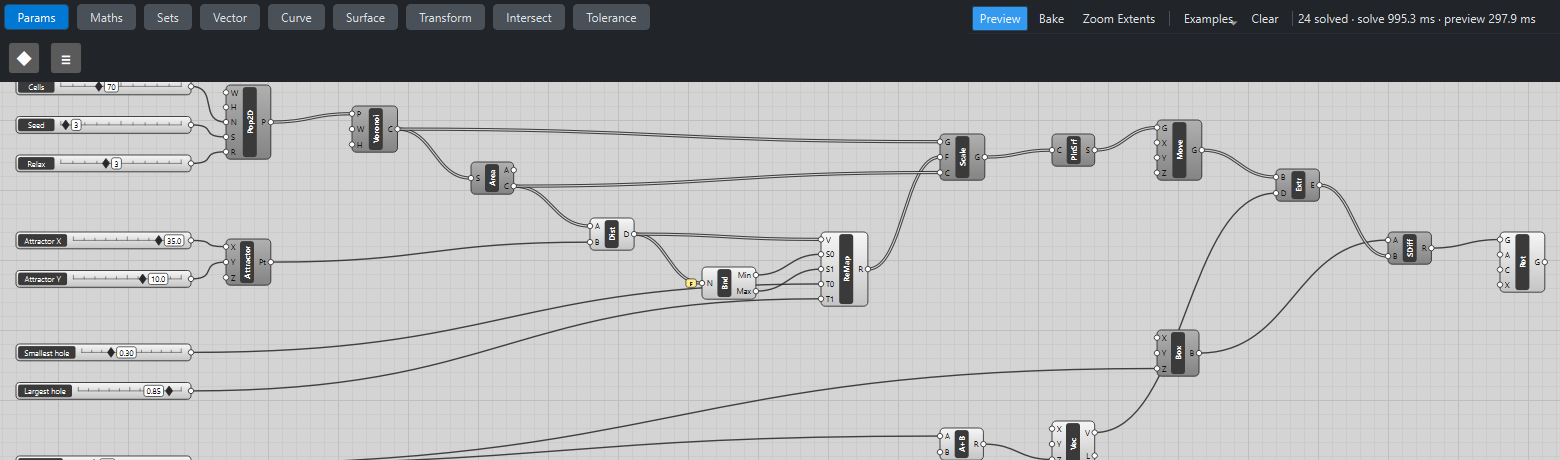
Place three sliders with Decimals
0: Cells: 70 (10 – 200), Seed: 3 (1 – 50) and Relax: 3 (0 – 8). -
Place a Populate 2D (Vector). Set value W to
120and H to70. Wire Cells → N, Seed → S and Relax → R. You get 70 points spread over a 120 × 70 rectangle centred on the origin. -
Place a Voronoi (Curve). Set value W to
120and H to70again, and wire Populate P → P. Every point now owns a closed polygon: the part of the rectangle closer to it than to any other point. -
Place an Area (Surface) and wire Voronoi C → S. Its C output is the centroid of each cell, which is where each hole will shrink towards.
Hole sizes from an attractor
-
Place two sliders, Attractor X: 35 (-60 – 60) and Attractor Y: 10 (-35 – 35), and a Construct Point (Vector). Wire them into its X and Y.
-
Place a Distance (Vector). Wire Area C → A and the attractor Pt → B: one distance per cell.
-
Place a Bounds (Maths), wire Distance D → N and tick Flatten on its N grip.
-
Place two sliders with Decimals
2, Smallest hole: 0.3 (0.05 – 0.9) and Largest hole: 0.85 (0.1 – 0.95), and a Remap Numbers (Maths). Wire Distance D → V, Bounds Min → S0, Bounds Max → S1, Smallest hole → T0 and Largest hole → T1. The cell nearest the attractor gets 0.3, the farthest 0.85.
Holes
-
Place a Scale (Transform). Wire Voronoi C → G, Remap R → F and Area C → C. Each cell shrinks about its own centroid by its own factor: three lists of 70 are matched item by item.
-
Place a Planar Surface (Surface) and wire Scale G → C. The shrunken outlines become flat faces.
-
Place a Move (Transform), set value Z to
-1, and wire Planar Surface S → G. -
Place a slider Thickness: 3 (1 – 10), an Addition (Maths), a Vector XYZ (Vector) and an Extrude (Surface). Set value the Addition’s B to
2. Wire Thickness → Addition A, Addition R → Vector Z, Move G → Extrude B and Vector V → Extrude D. You now have 70 prisms that start 1 mm below the plate and end 1 mm above it, so the cut is clean on both faces.
The plate
-
Place a Center Box (Surface). Set value X to
126and Y to76(3 mm of border on each side) and wire Thickness → Z. -
Place a Solid Difference (Intersect). Wire Box B → A and Extrude E → B. All 70 holes are cut in one operation.
-
Place a Rotate (Transform). Wire Difference R → G and set value its axis X to
1, 0, 0; the angle A is already 90°. The screen now stands upright like a facade panel. -
Turn Preview off on every geometry component except Rotate, so only the finished screen is drawn.
What is happening
Populate 2D scatters the points at random from the seed, then runs Lloyd relaxation: it moves every point to the centroid of its own Voronoi cell and repeats. Each step makes the cells more even, so Relax is a dial from "random" (0) to "almost honeycomb" (8). The same seed always gives the same points, so a design you like can be reproduced.
Voronoi builds each cell by starting from the rectangle and cutting away the half beyond the perpendicular bisector to every other point. That is simple and exact, and quick enough for a few hundred cells.
Scale works on lengths, so a factor of 0.3 leaves a hole with 0.3² = 9 % of its cell’s area. Bounds needs Flatten only when the cells arrive in more than one branch, for example if you feed it several screens; here it is a safe habit.
Things to try
-
Drag Seed: a new random pattern every step.
-
Set Relax to 0 and then to 8, and compare irregular cells with an even, honeycomb-like spread.
-
Drag Attractor X across the plate and watch the small holes follow it.
-
Swap Smallest hole and Largest hole: the screen opens up around the attractor instead.
-
Raise Cells to 200 for a finer screen. The Boolean cut dominates the time, so expect each update to take a few seconds.
-
Select Rotate and click Bake to add the screen to your document; export it as STEP for a laser cutter or CNC router.