FreeCAD NX-Style
OPEN-SOURCE CAD · FAMILIAR WORKFLOWS
Your NX habits.
A FreeCAD foundation.
Sketch, build and document parts with an NX-style ribbon, command names, mouse controls and shortcuts — powered by your unmodified FreeCAD.
FreeCAD 1.0+ · Separate settings profile · Free software
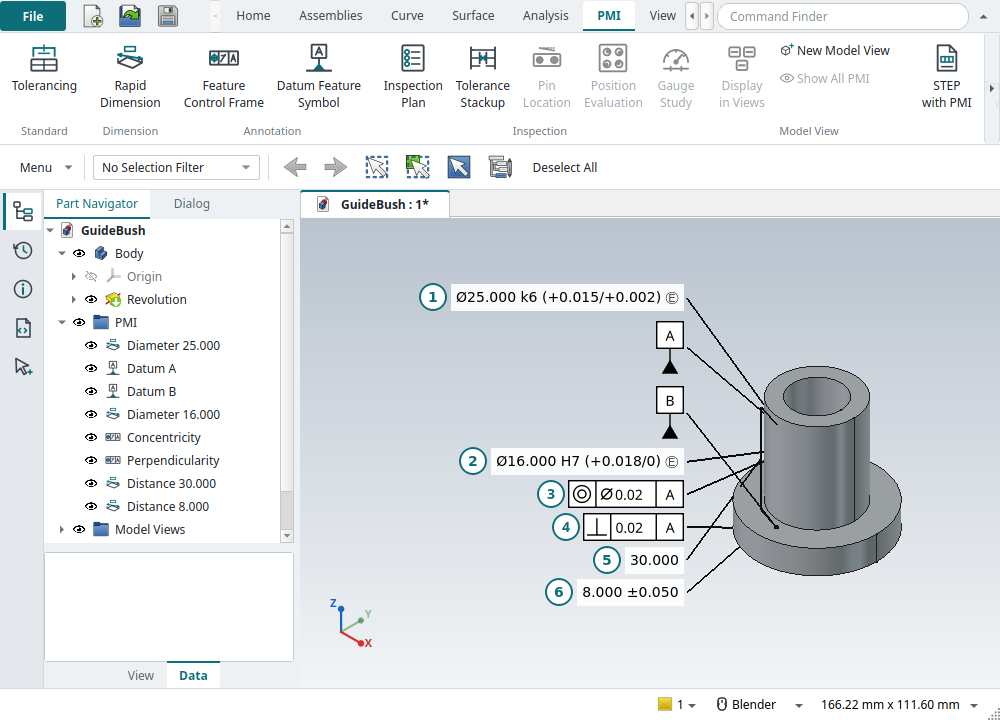
Real parts. Documented intent.
Explore the guide bush and its 3D PMI →
More ways to turn intent into geometry
Recent additions bring feature creation, sketch control and STEP exchange closer to the way you work. See what changed →
-
Pick the curves. Build the feature.
Extrude and Revolve now accept a whole sketch or selected curves from one sketch, with tangent and connected selection rules. Their command boxes bring Boolean choice and validation into the workflow. -
Start with a solid.
Block, Cylinder, Cone and Sphere have NX-style dialogs, point picking, live previews and Boolean operations. Continue with datums, holes and detailed features. -
Exchange more than a shape.
Export and rebuild supported feature history, sketch constraints and parameters. Check incoming STEP files, identify the application protocol and inspect the product structure.
Follow your engineering workflow
From the first sketch to a drawing, an assembly check or a released part. Find the tools for the next step.
-
01 / CREATE
Model with familiar commands
Extrude, revolve, blend, pattern and edit. Use typed sketch coordinates, geometric constraints and curve selection to define the shape.
Sketching · Selection · Algorithmic Modeling -
02 / DOCUMENT
Make design intent visible
Add dimensions, fits, datums and geometric tolerances in 3D. Carry PMI into drawings and prepare an inspection plan.
Drawings & GD&T · Inspection · STEP exchange -
03 / EVALUATE
Understand how parts fit
Build assemblies, inspect interference and reserve space. Explore tolerance stack-ups and the effects of locating parts on pins.
Clearance · Tolerance analysis · Pin location -
04 / DELIVER
Keep track of the design
Use Strata for versions, comparisons and releases. Prepare sheet-metal flat patterns, laser-cut panels and release packages.
Sheet Metal · Laser Cut · Release packages
Learn by making something real
Work through a part, inspect the result and see what differs from NX. Each tutorial pairs the steps with recorded replay outcomes.
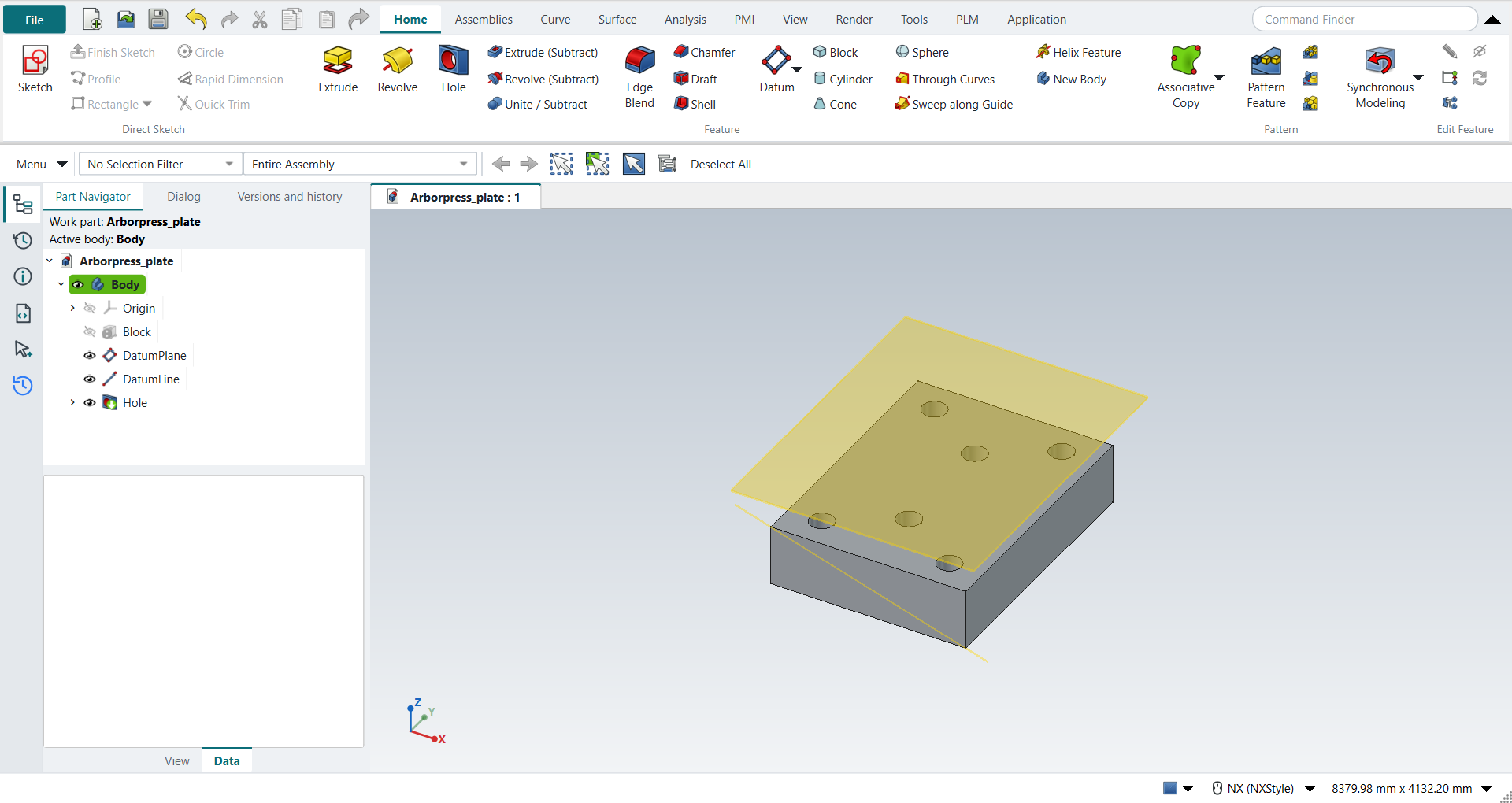
SOLID MODELING / TUTORIAL AN
Start with Block, add a datum plane and axis, then drill six holes.
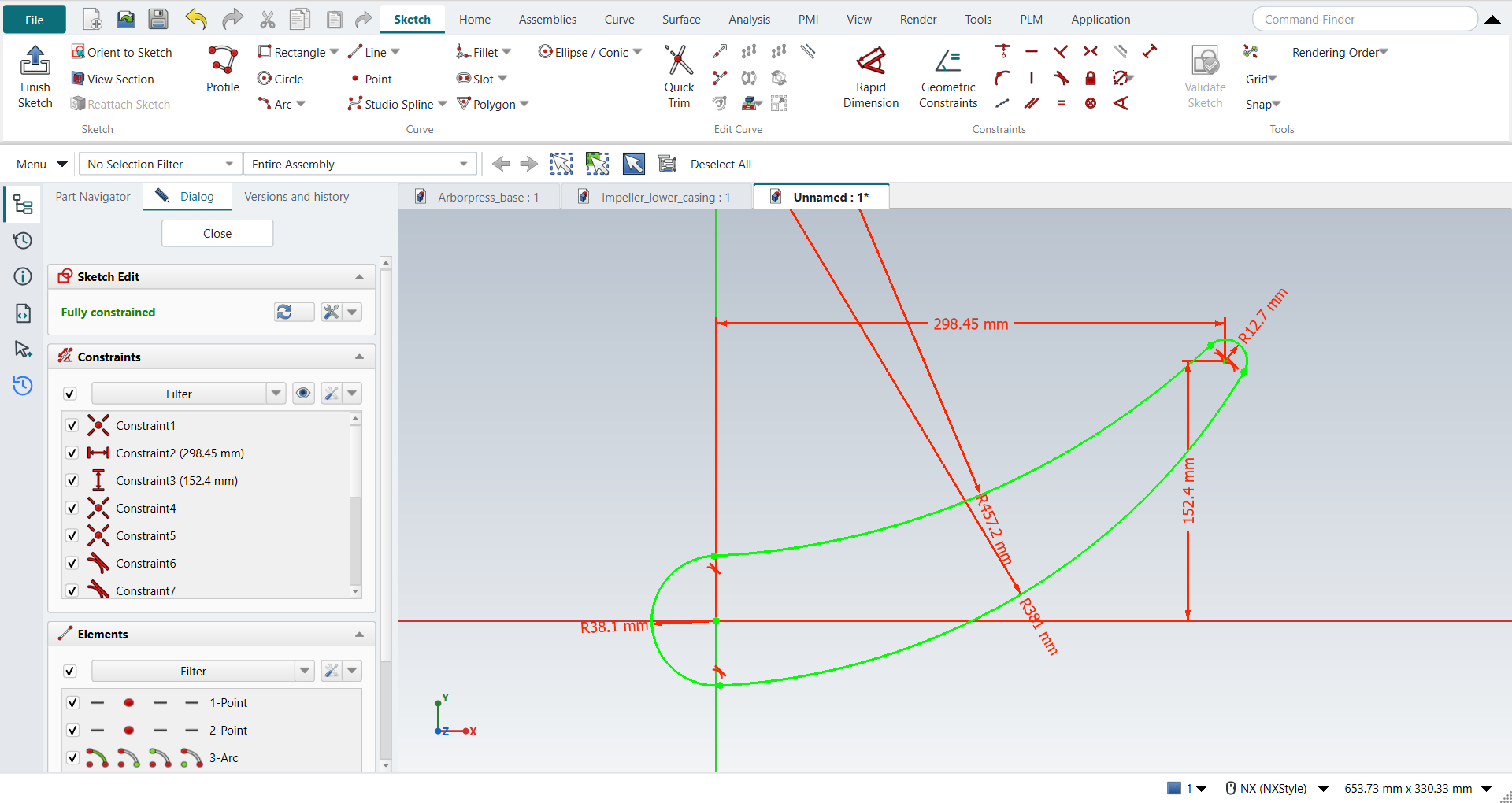
SKETCHING / TUTORIAL AH
Shape four arcs with tangent constraints, fixed geometry and precise radii.
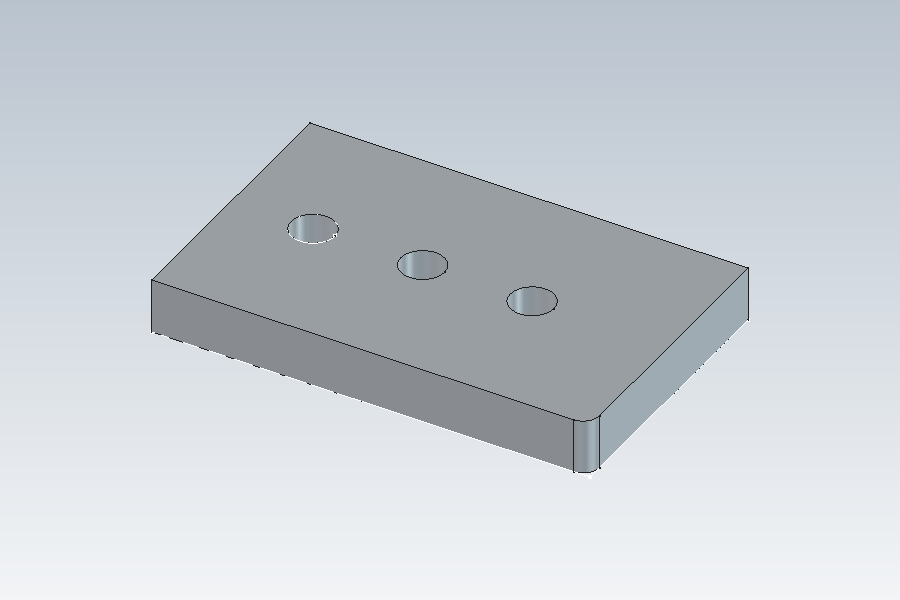
DATA EXCHANGE / TUTORIAL AL
Export a parameter-driven plate, check the file and rebuild its supported history.
Familiar on the surface. FreeCAD at the core.
NX-Style adds the ribbon, navigators, selection tools and command workflows to FreeCAD.
Some commands have NX-style dialogs; others use FreeCAD’s task panels.
Your models remain .FCStd files, and your normal FreeCAD profile stays separate.
It is not Siemens NX or a claim of full NX capability. The guides explain supported options and the differences you will encounter, including limits on selected sections and STEP feature history.
Your next part starts here
-
NEW TO NX-STYLE?
Install and launch
Get FreeCAD, clone with the bundled add-ons and launch the isolated NX profile. -
COMING FROM NX?
Find your bearings
Tour the ribbon and navigators, then check mouse controls, shortcuts and command equivalents. -
READY TO CONTRIBUTE?
Explore how it works
Read the architecture, run the checks and help improve the workflows.
Built on FreeCAD. Open to everyone.
Explore the project on GitHub →