What’s new
The recent work focuses on the path from a sketch to an editable part, and on carrying more of that intent through STEP. This page highlights the additions through 27 October 2026; the commit history has the full record.
Extrude and Revolve from picked curves
Use a whole sketch, a single curve, or tangent and connected chains from one sketch as the section. The collector shows what is selected; an open or invalid section keeps OK unavailable. Extrude and Revolve use command boxes for the section, body, Boolean and command state, alongside FreeCAD’s feature controls. Revolve also supports axis selection.
Read about section selection, Extrude and Revolve. Tutorial AE exercises Extrude creation, editing, errors and cancellation.
| Sections currently come from one sketch, not several sketches or solid edges. Extrude and Revolve do not support the Intersect Boolean; the modeling guide lists the other differences. |
Four primitives, with live previews
Block, Cylinder, Cone and Sphere have NX-style dialogs with dimensions, point picking and a Boolean choice. Preview the result as you type, apply another primitive, or edit an existing one. These primitive commands support None, Unite, Subtract and Intersect.
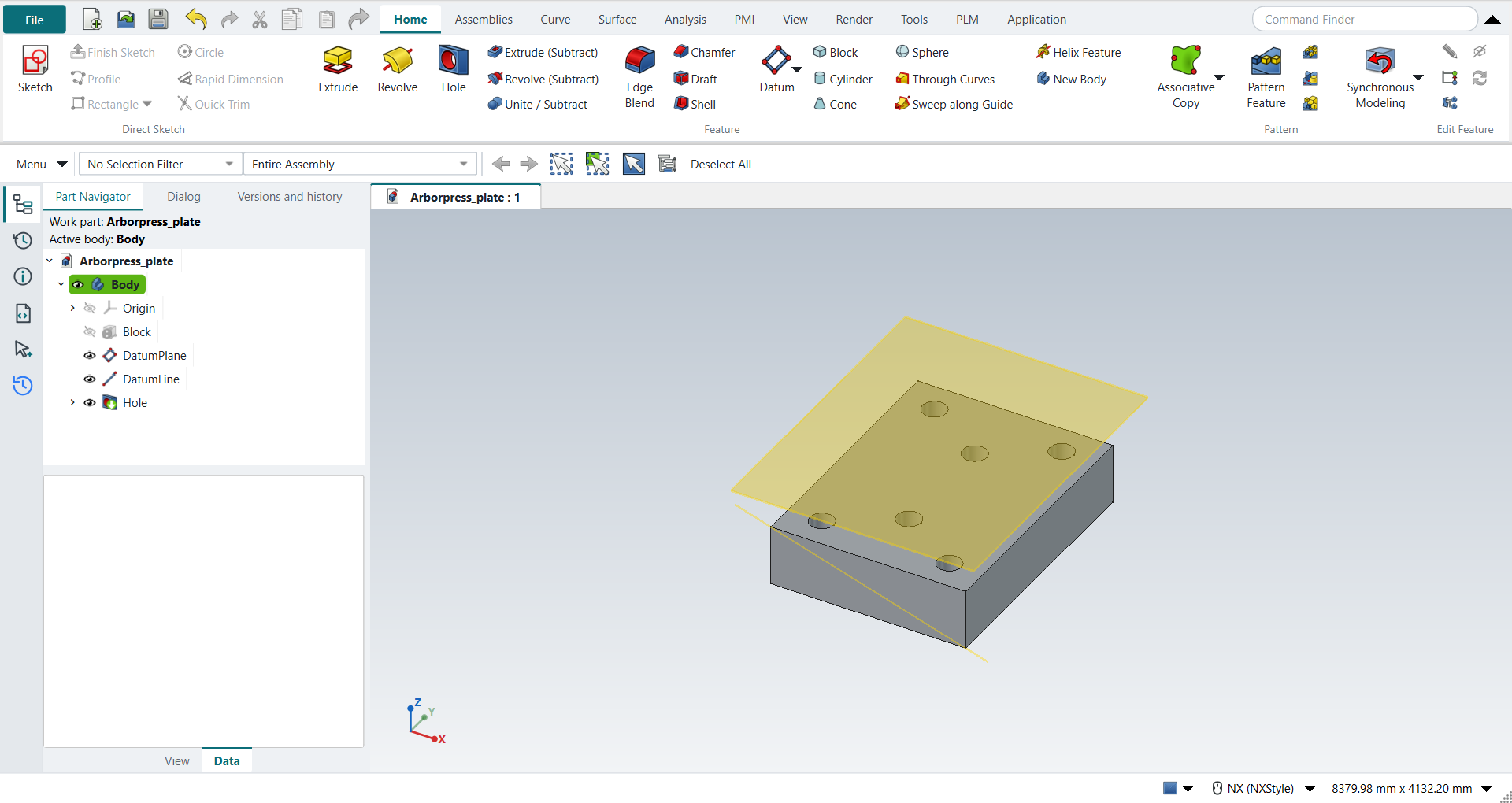
Explore the primitive commands or build the part in Tutorial AN: Arbor Press Plate.
More control while sketching
Type XC and YC coordinates, use the Geometric Constraints gallery, and choose horizontal or vertical linear dimensions. Profile closes when you pick its starting point; MB2 ends the drawing tool. Quick Trim restores the tangencies that FreeCAD’s trim drops. Typed lengths preserve their decimal precision.
Practice with the Arbor Press Base, Impeller Lower Casing, Impeller blade, Circular Base or Holder. The sketching guide covers the controls.
STEP with parameters, and a clearer receiving workflow
STEP with Parameters writes supported feature history, sketch constraints, spreadsheet parameters and expressions alongside the B-rep. Import STEP with Parameters rebuilds that supported data into editable FreeCAD objects. Check STEP reports the application protocol, checks the file against available schemas and reads its product structure and quantities. Optional ISO 10303-112 sketch commands add another exchange path.
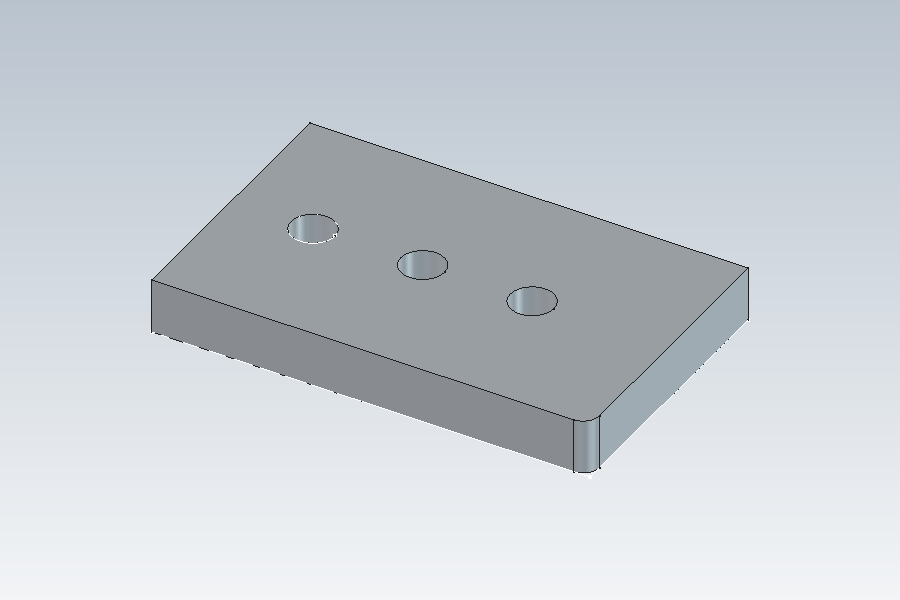
Try Tutorial AL: Design intent through STEP and Tutorial AM: Receiving STEP. The parametric STEP guide lists the supported entities, features and checks.
| Feature history stops at the first unsupported feature; the B-rep still carries the whole part. Part 112 is not included in AP242, and the checker does not evaluate all WHERE rules. These workflows do not establish interoperability with every other CAD system. |
Choose your next step
-
Make your first part if you are new to NX-Style.
-
Browse the tutorials to follow a complete exercise.
-
Review the differences from NX before transferring an established workflow.
-
Update your checkout to get the latest changes.